Structured data explained
How big can a JSON payload be? Practical limits and number accuracy
There’s no universal max JSON size. Implementations set their own limits, and large numbers may lose precision unless you plan for them.
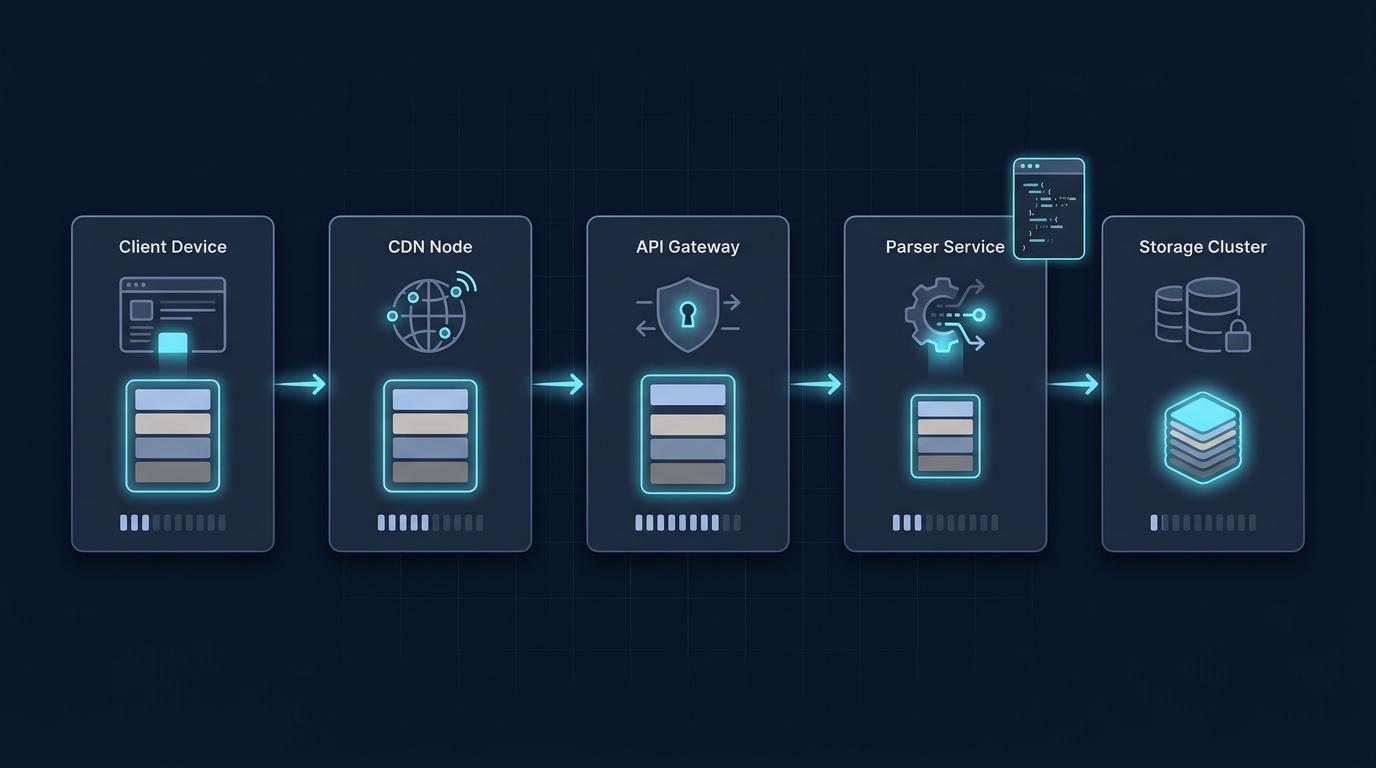
JSON has no single maximum payload size. A valid JSON document can still be too large for the server, proxy, parser or application receiving it. The useful limit is the smallest applicable limit across your actual request path, together with the memory and processing budget you can safely support. RFC 8259 explicitly permits parsers to limit accepted text size and nesting depth.
Separate the file format from the receiving service
JSON defines a data format. It does not promise that every API can accept an arbitrarily large document. A gateway may reject the request before application code runs; an application may impose a smaller body cap; a parser may reject excessive nesting even when the byte count is small. Client libraries and downstream storage can introduce further constraints.
Measure the encoded request body in bytes. A character count is not always a UTF-8 byte count, and an HTTP limit is not necessarily a limit on the number of records in an array. Check whether a particular cap applies to compressed input, decompressed data or both.

What a 413 response tells you
An HTTP 413 Content Too Large response means the request body exceeds what the server is willing or able to process, as the MDN status reference explains. It does not mean the JSON syntax is invalid. Inspect the responding service’s documentation and logs to identify which layer rejected it. There is no universal JSON-size setting to change on every website.
Allow for parsing and concurrency
The wire size is only part of the resource cost. The original text, decoded strings and parsed objects can coexist in memory; their sizes depend on the runtime and the document’s structure. Do not apply a fixed “three times the payload” rule as a guaranteed measurement. In staging, use representative documents and measure peak memory, processing time and behaviour when several requests arrive together.
Deeply nested objects, long individual strings and very large arrays deserve separate cases. A small byte limit does not replace a nesting limit or a processing timeout. Handle rejections deliberately so callers receive a clear error instead of a failed process.

Choose a cap and an alternative delivery pattern
Record each layer’s documented and configured limits, choose a lower application cap with suitable headroom, and test requests just below and above it in a controlled environment. State the unit and whether the limit is per request, per record or for an entire import.
Pagination or smaller batches are often easier to retry than a single giant request. Streaming can reduce buffering when both the parser and the surrounding pipeline actually support it. HTTP compression may reduce transferred bytes, but it does not remove decompressed-size limits or the work of building the parsed object. For file imports, use the service’s supported upload/import mechanism rather than silently bypassing its API limits.
Set a practical JSON payload policy
Does a large numeric value make a large payload?
Numeric precision is a separate issue. A short JSON document can contain a number that a consumer cannot represent exactly. Agree on an appropriate string representation for identifiers or exact values when required; that agreement does not change the request-size limit. Conversely, an array of ordinary small numbers can exceed a body cap simply because it contains many records.
For related syntax checks, see Are JSON keys case-sensitive? and Can you have a trailing comma in JSON?.

A useful next step
For the HTTP transport context behind payload limits, Stack & Method explains what an API payload contains. What is a payload in a REST API?.