Structured data explained
Do spaces matter in JSON?
A concise answer with clear examples: when whitespace matters in JSON objects and arrays, and when it doesn’t.
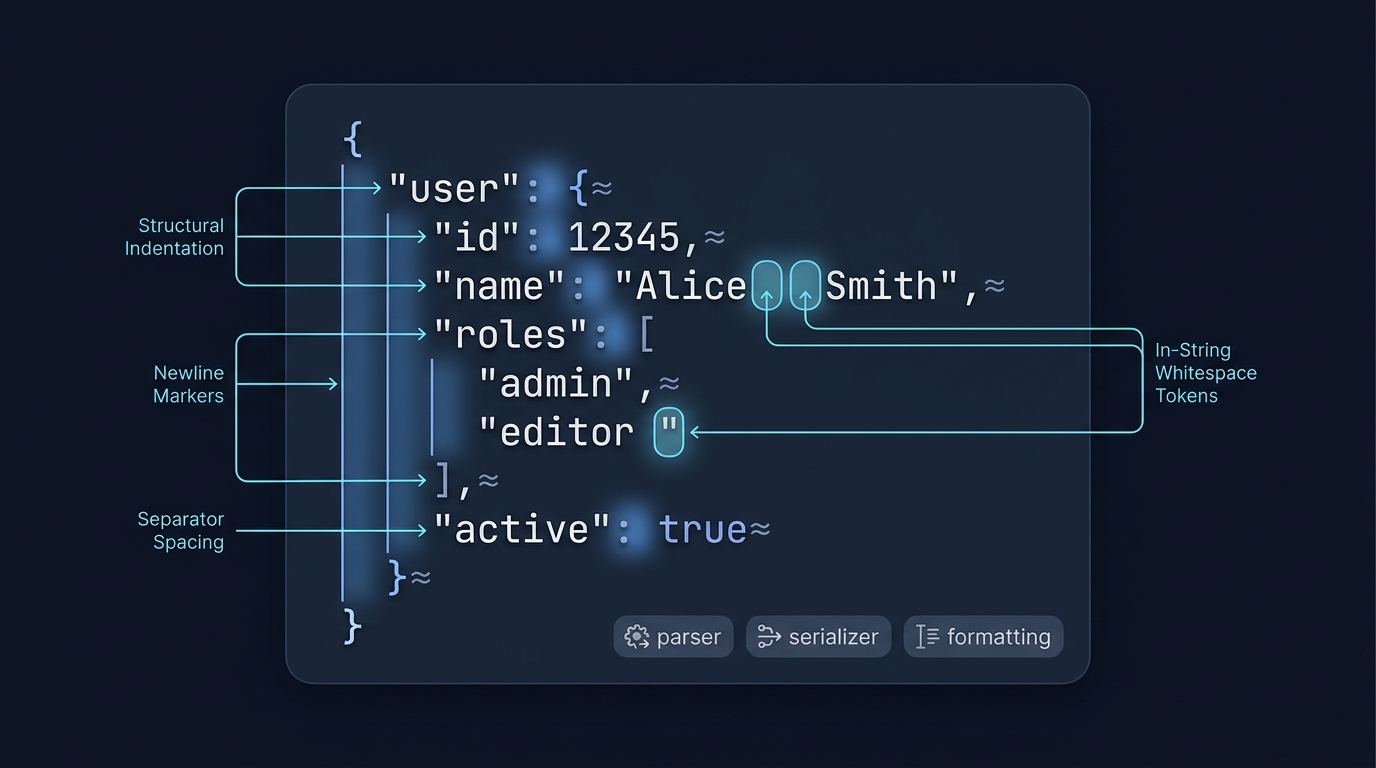
Formatting whitespace between complete JSON tokens does not change their values. Spaces inside a quoted string or member name do change the data. But you cannot insert spaces inside a number, true, false or null, or use a space instead of a required comma. The JSON grammar allows insignificant whitespace before or after structural characters like { } [ ] , : and around values, so parsers read the same data regardless of formatting RFC 8259.
How JSON treats whitespace in objects and arrays
JSON is token-based. Parsers accept optional whitespace between tokens and around elements or members without changing meaning. Whitespace here includes space, horizontal tab, line feed and carriage return; all are allowed between structural characters and values RFC 8259. This is true whether your top-level value is an object or an array.
If you need a quick refresher on how objects and arrays differ, see The difference between {} and [] in JSON.
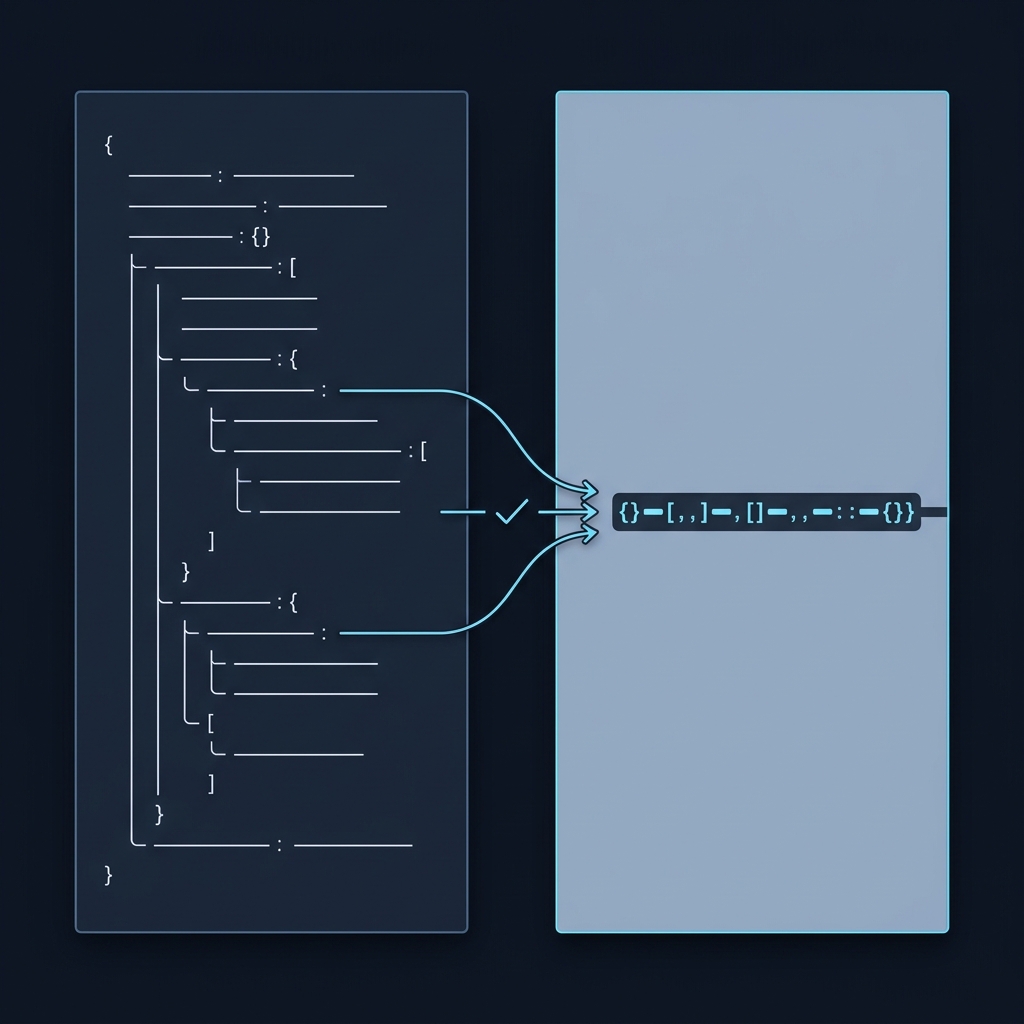
Worked examples: object vs array
Same data, different spacing
These two objects parse to the same result:
{
  "name": "Ada",
  "skills": [ "math", "logic" ]
}
{"name":"Ada","skills":["math","logic"]}
These two arrays also parse to the same result:
[
  1,
  2,
  3
]
[1,2,3]
Why? Because whitespace around commas, colons and brackets is insignificant to the JSON grammar RFC 8259.
Where spaces do change the data
Inside quotes, spaces are part of the value. These are different:
{"label":"A B"}
{"label":"AB"}
Member names are strings too, so spaces in a quoted name are part of the name. This is valid and the name literally includes a space:
{"full name":"Ada"}
Invalid example: the member name is unquoted. A quoted member name may legally contain a space:
{full name:"Ada"}
Do not treat edits inside quotes as formatting. They change the data.

Where whitespace is not a separator
[1 2] is invalid: the numbers need a comma. tr ue and 1 e2 are invalid because a literal or number cannot be split internally. Only the JSON whitespace characters—space, tab, line feed and carriage return—are accepted as formatting whitespace; an invisible non-breaking space outside a string is not a substitute.
Pretty-printed vs minified JSON
Pretty-printing adds indentation and line breaks for readability; minifying removes that insignificant whitespace to reduce size. Both represent the same data model when quotes and content are unchanged RFC 8259. Real-world libraries even let you choose tabs or spaces and the indent size for pretty output, reflecting that indentation is just formatting .NET System.Text.Json indent options.
Be careful not to confuse commas with spaces: commas and colons are required to separate items and names. For details, see Can you have a trailing comma in JSON?
Practical guidance for objects and arrays
The rule of thumb is simple:
- Objects: spaces before/after { } , : and around values don’t matter; spaces inside quoted member names or string values do.
- Arrays: spaces before/after [ ] , and around values don’t matter; spaces in string elements do.
Parsers routinely ignore formatting whitespace and reconstruct the same structure, regardless of whether you used two spaces, four spaces or a tab for indentation RFC 8259. Some formatters may emit trailing spaces before a newline; these remain insignificant to parsers, though teams often strip them for style. Python’s standard library adjusted its default separators to avoid trailing spaces in indented dumps, illustrating this as purely a formatting concern Python issue 16333.
Whitespace-safe editing for JSON objects and arrays
FAQ
Are tabs allowed for indentation in JSON?
Yes. Tabs are valid whitespace, as are spaces, line feeds and carriage returns. All are insignificant outside strings RFC 8259. Many libraries let you choose the indent character and size for pretty output .NET System.Text.Json indent options.
Do extra spaces around commas or colons change object or array values?
No. Parsers ignore whitespace around structural characters. Commas and colons themselves are required; whitespace around them is not RFC 8259.
