Structured data explained
How to escape a backslash in JSON
A clear rule, examples, and validation tips for escaping backslashes in JSON.
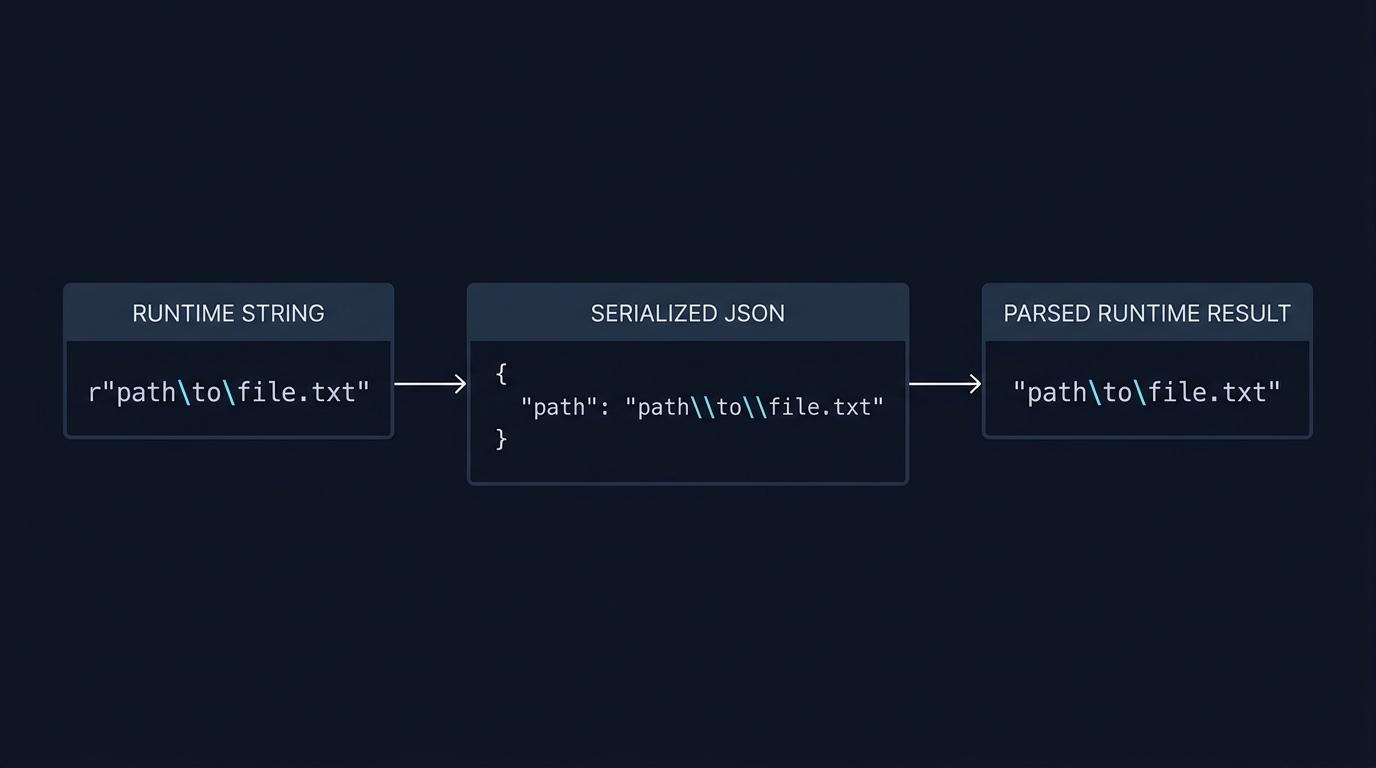
Write a single backslash in JSON string data as two characters: \\ inside the quoted string. A JSON parser will decode \\ back to a single backslash in the resulting value. This is the standard escape for the reverse solidus in the JSON string grammar (RFC 8259 (Strings)).
How JSON escaping works
A JSON string uses double quotes and specific escape sequences. Characters that must be escaped are the quotation mark (") , the reverse solidus (\) and all control characters U+0000 through U+001F. Valid escape sequences include \", \\, \/ (allowed but not required), \b, \f, \n, \r, \t and \uXXXX. The spec also allows any character to be escaped, but only the ones listed above are required to be escaped (RFC 8259 (Strings)).
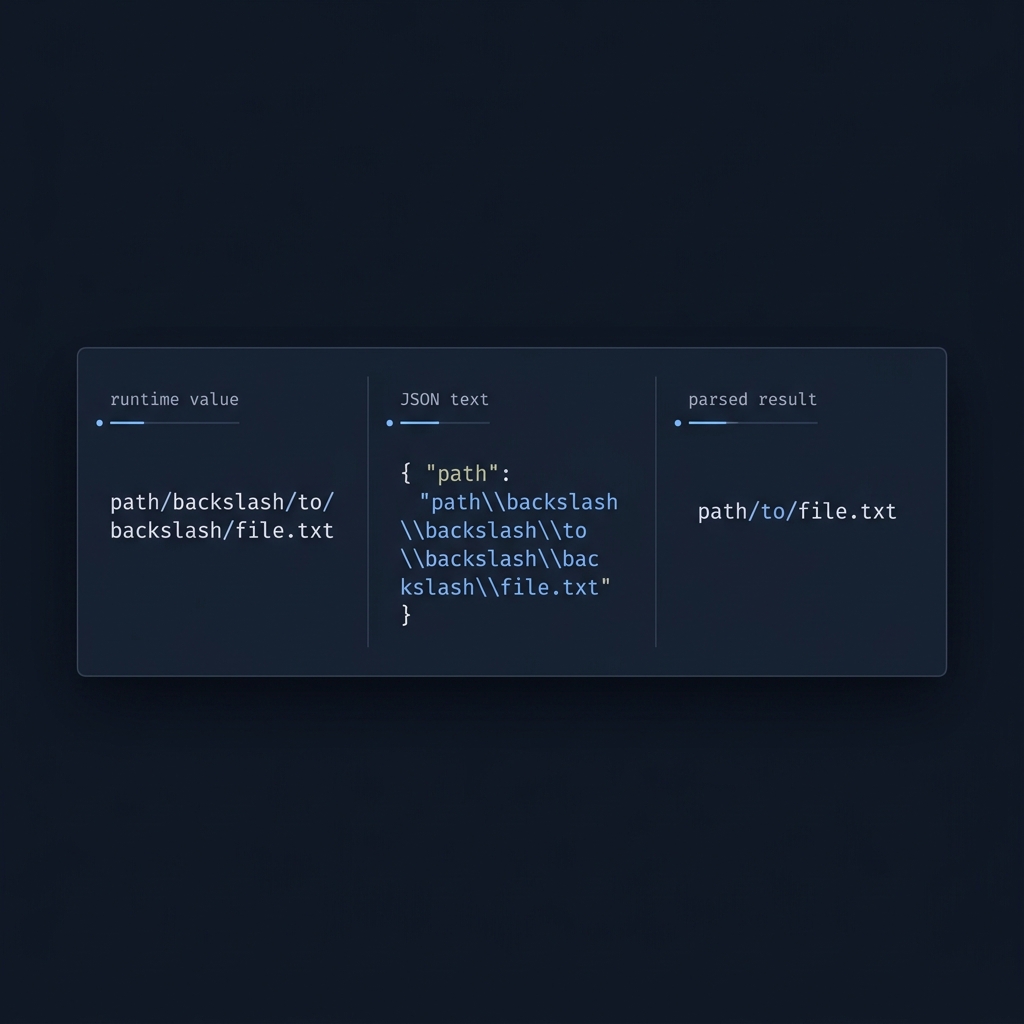
Practical examples
Single backslash in a value
- Desired value: a single backslash \
- JSON text: "\\"
- Parsed result: \
RFC 8259 notes a reverse solidus may appear as "\\" or as a Unicode escape like "\u005C" in JSON text (RFC 8259 (Strings)).
Windows path
- Desired value: C:\Users
- JSON text: "C:\\Users"
- Parsed result: C:\Users
Each literal backslash in the value is doubled in the JSON text so the parser can reconstruct the original string (RFC 8259 (Strings)).
Control characters
- Desired value: first line then newline then second line
- JSON text: "first line\nsecond line"
- Parsed result: a string with an actual newline between the lines
Control characters must be escaped in JSON strings; literal raw newlines or tabs inside the quotes make the JSON invalid (RFC 8259 (Strings)).
Producing escaped backslashes safely
Use your language's JSON serializer instead of hand-escaping. For example, JSON.stringify in JavaScript or json.dumps in Python will emit the correct escapes for you. If you need only the escaped form of a single string value, many tools can escape it for insertion into JSON (JSONLint: JSON Escape).
If you embed JSON text inside a programming language string literal, remember that the language's own escaping rules apply before the JSON is even parsed. In those cases, you may need to double-escape backslashes so that the resulting source string contains the JSON text with \\ for each backslash (Microsoft Q&A: backslash in JSON).
Common pitfalls to avoid
- Forgetting to double the backslash. Inside JSON strings, write \\ for each desired \ in the value (RFC 8259 (Strings)).
- Leaving raw control characters inside strings. Use \n, \t, \r, etc.; unescaped control characters make the JSON invalid (RFC 8259 (Strings)).
- Over-escaping forward slashes. Escaping the solidus is optional; both / and \/ are valid in JSON strings (RFC 8259 (Strings); see also JSONLint: JSON Escape).
- Double-escaping across layers. When templating or nesting JSON inside a language string, serialize the desired value as JSON first, then encode that JSON text for the host language. Prefer passing serialized data directly over manually nesting strings (Microsoft Q&A: backslash in JSON).

Validate backslashes and special characters in JSON
Quick answers
Is escaping the forward slash required?
No. The solidus can be escaped as \/ but it is not required. Both forms are valid (RFC 8259 (Strings)).
Can I use single quotes for JSON strings?
No. JSON strings must use double quotes; the quotation mark character is U+0022 per the grammar (RFC 8259 (Strings)).
Related reading on CheckMySchema
- How to validate schema markup: a practical checklist
- Can you provide an example of JSON-LD data? A practical Article JSON-LD guide
