Structured data explained
How to validate schema markup: a practical checklist
Check JSON-LD syntax, Schema.org vocabulary and Google rich-result eligibility, then verify the deployed page and monitor Search Console.
Quick answer and what this guide covers
Short answer: verifying your markup needs two kinds of checks, schema syntax validation and Google eligibility testing, and you should treat them as separate steps in a single workflow.
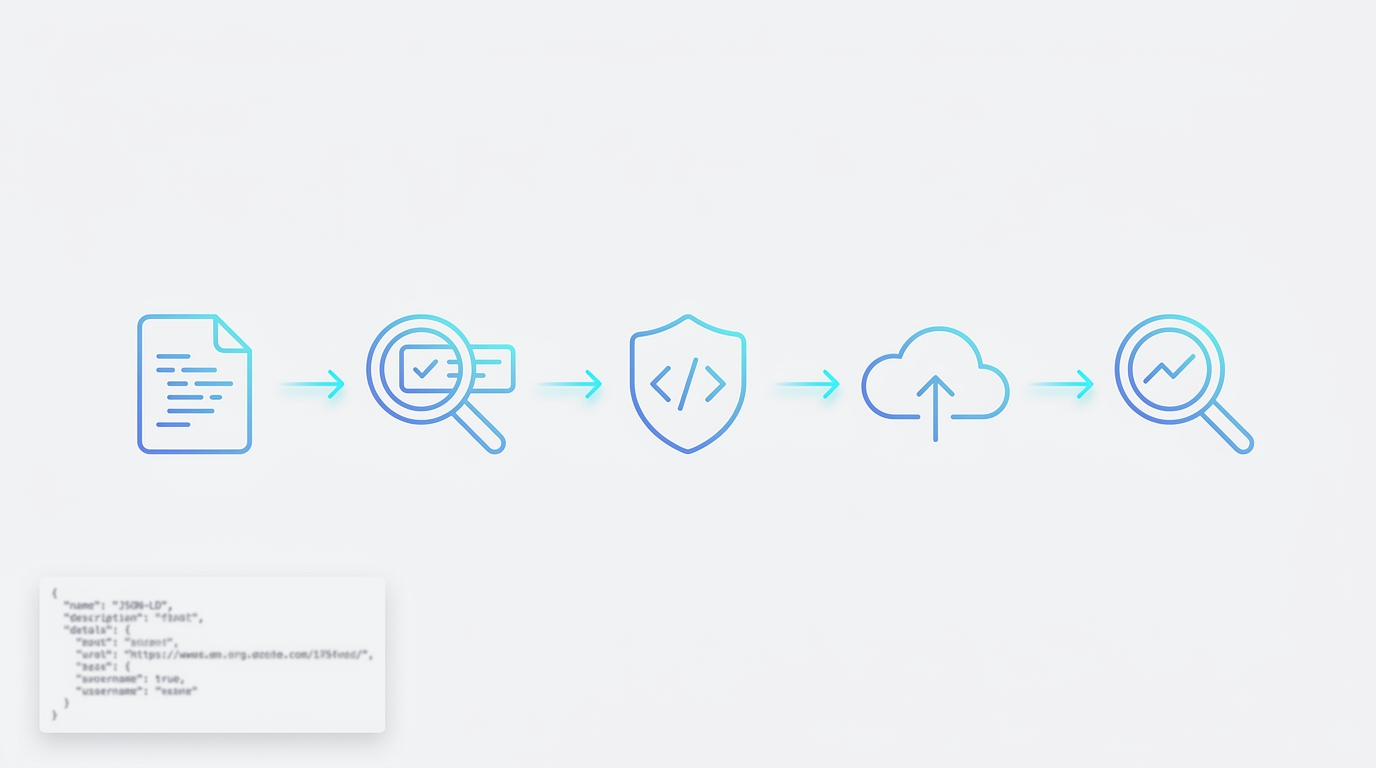
This article walks through a practical workflow you can follow now: lint JSON-LD for valid JSON-LD syntax, run the Rich Results Test to confirm Google-supported enhancements, validate Schema.org conformance with the Schema Markup Validator, then deploy and monitor results in Google Search Console. The workflow separates correctness from eligibility so you fix the root problems first and then confirm search appearance prospects.
Tools covered include JSON-LD linters for syntax, the Rich Results Test for Google eligibility, and the Schema Markup Validator for Schema.org conformance, plus Search Console for post-deploy monitoring.
Start by running a JSON-LD linter on your code now, then continue with the Rich Results Test to check Google-specific enhancements.
Who this is for
This guide is written for web developers, SEO specialists, and site owners who add structured data to pages and need a repeatable way to confirm correctness and search eligibility.
What you will be able to do after reading
After reading you will be able to run a quick syntax lint, interpret Rich Results Test output, validate Schema.org conformance, and set up a monitoring routine in Search Console to confirm fixes after indexing.
Why schema markup needs more than one test
What validation means: syntax versus eligibility
Validation is two related but distinct checks. The first is syntax, meaning your JSON-LD is valid according to W3C JSON-LD 1.1 rules so parsers can read it. The second is eligibility, meaning whether search engines like Google will use that structured data to enable enhancements or rich results on search pages. Syntax problems prevent both kinds of testing from working reliably, while eligibility depends on policy, visible content, and the specific types supported by the engine.
Google documents that eligibility for rich results requires accurate structured data, consistency with the visible page content, and compliance with policies, which is separate from whether the markup is well formed as JSON-LD Google structured data guidelines.
Why visible content and policy compliance matter
Even perfectly formed Schema.org markup can be ineligible if it does not reflect content visible to users or if it violates search engine policies. That is why checking both Schema.org conformance and Google eligibility is essential; one ensures correctness for any consumer, the other determines whether Google will consider the markup for supported enhancements.
Step 1: Lint your JSON-LD for valid syntax
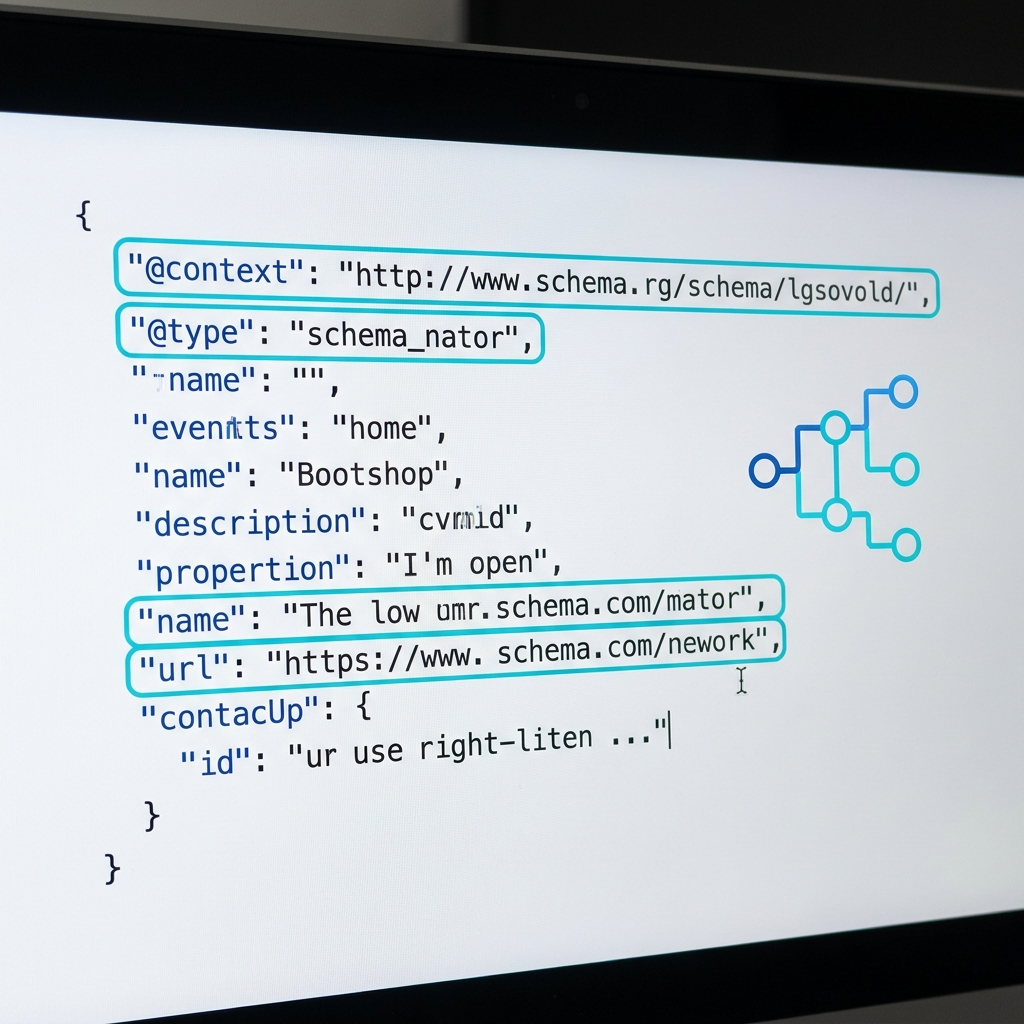
Start by ensuring your JSON-LD is valid JSON and follows the W3C JSON-LD 1.1 syntax specification. Common syntax faults include trailing commas, mismatched quotes, or unescaped line breaks that make the JSON parser fail.
Typical JSON-LD issues to check include incorrect @context scope, malformed arrays, and improper @type or @id formatting, all of which are specifically covered by the JSON-LD syntax rules and can prevent validators from reading your markup correctly W3C JSON-LD 1.1.
How can I verify that my schema markup is both correct and eligible for Google enhancements?
Lint your JSON-LD for valid W3C JSON-LD 1.1 syntax, run the Rich Results Test to check Google-supported enhancements, validate Schema.org conformance with the Schema Markup Validator, deploy, then use Search Console reports and URL Inspection to confirm detection and eligibility after indexing.
Practical lint steps: run a JSON linter or the validator built into your code editor, confirm the file parses as JSON, then validate the JSON-LD context and types. After fixing syntax errors, you can proceed to eligibility checks.
Recommended local checks include using a strict JSON parser, checking for correct @context values, and checking the requirements and recommendations for the Google search feature you are targeting. Linting first matters because invalid JSON prevents both the Rich Results Test and Schema Markup Validator from reliably evaluating your markup.
Common JSON-LD syntax issues to check
Look for trailing commas, missing commas between fields, unquoted keys or string values, and objects accidentally nested as arrays or vice versa. Also verify that @context uses an accepted schema reference and that @type values match expected Schema.org types.
Fixing these issues locally before running public tests saves time and avoids false negatives during eligibility checks.
Recommended linters and local checks
Use a strict JSON linter in your editor or CI pipeline that reports parse errors, and include a JSON-LD aware check that flags incorrect @context or @type usage. Running these checks as part of pre-deploy tests reduces the chance of shipping malformed markup.
Step 2: Use the Rich Results Test to check Google eligibility
What the Rich Results Test verifies and what it does not
The Rich Results Test evaluates whether your structured data matches types and properties that Google uses for rich results, and it shows detected enhancements, errors, and warnings specific to Google-supported features; it is not a general Schema.org validator Use the Rich Results Test. Google lists supported result types in its search gallery search gallery.
Because the Rich Results Test focuses on Google-supported result types, it may not flag issues that a Schema.org validator would, so use it to prioritize fixes that affect search appearance and combine it with Schema.org checks for completeness.
How to interpret results: errors, warnings, and previewed enhancements
When you run the test (by entering a live URL or pasted code), the tool lists detected enhancements and highlights errors that block eligibility and warnings that may limit enhanced display. Treat errors as high priority because they typically prevent the enhancement from appearing.
Treat any preview as an illustration of a possible appearance, not a promise that Google will show it, and prioritize fixes that convert errors into warnings or no-issue states.
Step 3: Validate Schema.org conformance with the Schema Markup Validator
When to use the Schema Markup Validator
The Schema Markup Validator checks conformance to Schema.org across JSON-LD, Microdata, and RDFa, helping you confirm correctness beyond Google-specific eligibility checks Schema Markup Validator.
Use this validator when you need to ensure that your structured data follows Schema.org rules for broader consumers, or when you want to catch issues that the Rich Results Test may not report.
What to do with validator findings
Read the validator's compliance messages as indications of Schema.org conformance problems, then fix definitions, property usage, or type mismatches it reports. Items the validator flags may be guidance rather than strict errors, so prioritize fixes based on whether they affect downstream consumers or your search goals.
Because the Schema Markup Validator examines conformance for multiple syntaxes, it can reveal microdata or RDFa issues that a JSON-LD focused workflow might miss. Use its output to harden your markup for any consumer that relies on Schema.org.
Step 4: Deploy and monitor with Google Search Console
How Search Console reports structured data after crawling
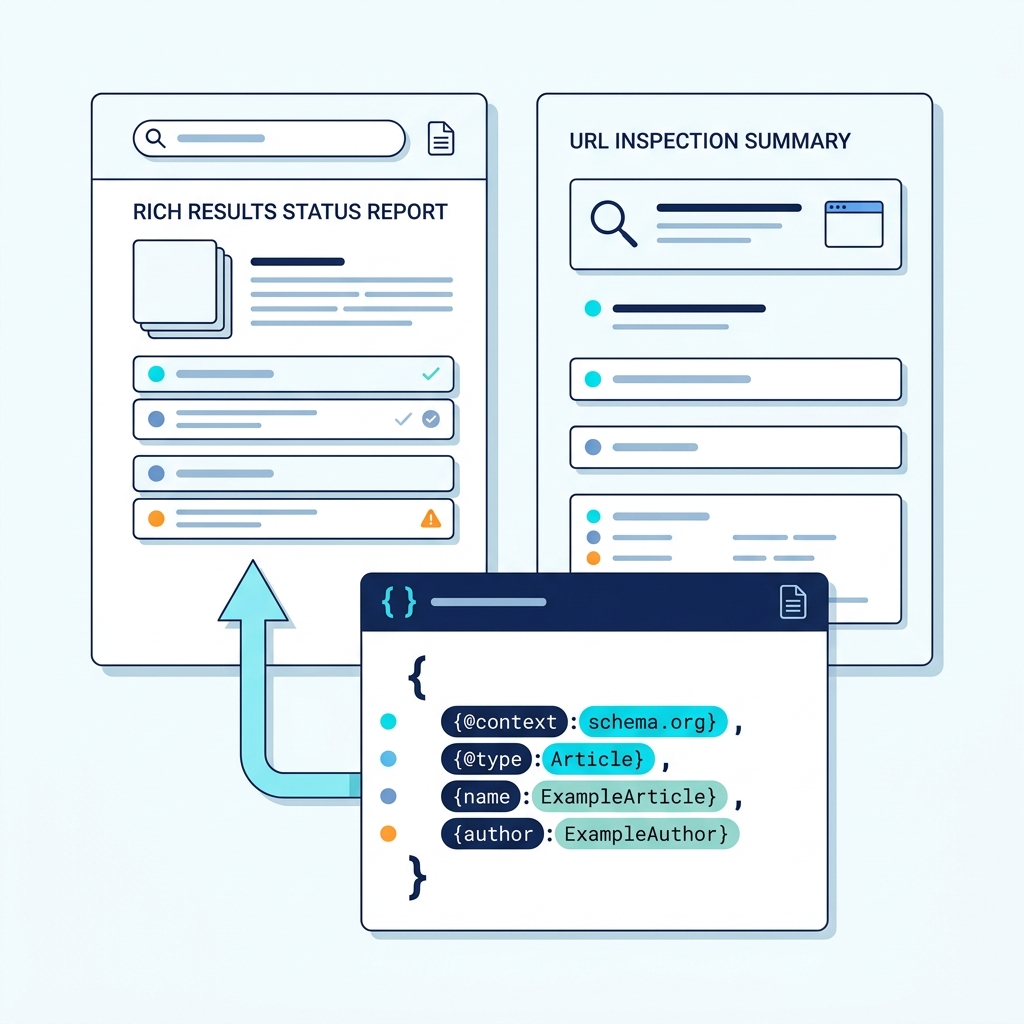
After you deploy fixes, Google Search Console provides rich results status reports that show which structured data Google detected on crawled pages, and it lists errors and warnings observed after indexing Rich results status reports.
These reports are populated after Google crawls and indexes your pages, so results may take some time to appear depending on crawl frequency and indexing timing.
Using the URL Inspection tool to confirm fixes
When you have a corrected page, use the URL Inspection tool to request indexing and to view the structured data Google detected for that URL. The tool shows whether the markup was read, and it surfaces errors and enhancement eligibility after a fresh crawl Inspect a URL in Search Console.
Request reindexing for priority pages after fixes, then monitor the rich results coverage and enhancement trends in Search Console over several days and weeks to confirm that changes took effect.
Common mistakes and how to avoid them
A short list of frequent issues includes malformed JSON, mismatched or absent visible content, using unsupported properties for Google enhancements, missing required fields for a type, and incorrect use of @id values that should be stable identifiers.
Each mistake either breaks syntax or causes eligibility failures. For example, malformed JSON prevents any validator from parsing the markup, while mismatched visible content may pass syntax but be ineligible under Google policy because it does not accurately reflect the page.
Fix genuine vocabulary errors and fields required by the search feature you are targeting. Do not remove a valid Schema.org property solely because Google does not use it for a rich result. Keep markup aligned with the visible page content. Prevent problems by running linting in CI, testing on staging, and documenting schema changes in release notes.
Top 7 recurring issues
Seven common pitfalls to watch for are trailing commas and other JSON syntax errors, incorrect @context URIs, using nonstandard property names, omitting required fields, mismatches with visible content, forgetting to update @id values when content moves, and assuming every Schema.org property will produce a rich result in Google.
Avoid these by validating syntax, checking Schema.org conformance, and confirming Google eligibility specifically for the enhancement you expect.
Quick fixes and prevention tips
Add schema tests to CI, use staging environments for final checks, document all schema changes, and train content editors to ensure visible page content matches the structured data. These measures greatly reduce repeated validation failures.
Deciding which test to run: a short framework
Goals-first decision checklist
Ask what you aim to achieve: if you want a page to show a Google enhancement, verify syntax first and then run the Rich Results Test. If your goal is correctness for third party consumers or data interchange, run the Schema Markup Validator after syntax checks to confirm Schema.org conformance.
When both goals matter, follow the full workflow: lint, Rich Results Test, Schema Markup Validator, deploy, then monitor Search Console. This order minimizes wasted work and helps you prioritize fixes that affect search appearance.
When to prioritize Schema.org conformance vs Google eligibility
Prioritize Schema.org validation when your markup is consumed by multiple systems or when strict conformance is essential. Prioritize Google eligibility when the immediate aim is improved search appearance and you need to know whether Google supports the fields you used.
Either way, lint JSON-LD first to remove syntax errors that would otherwise block both paths.
Practical examples and a reusable validation checklist
Example 1: Product page JSON-LD
Walkthrough: lint the JSON-LD locally to ensure it parses, run the Rich Results Test to see whether Google recognizes product enhancements, then validate with the Schema Markup Validator to confirm Schema.org property usage. After deploying fixes, request indexing and monitor Search Console for enhancement status changes and errors Google structured data guidelines.
Interpretation: if the Rich Results Test shows errors, fix those first if your priority is search appearance. If the Schema Markup Validator flags additional conformance issues, address them depending on whether third party consumers rely on your schema.
Example 2: Article page JSON-LD
For an article, verify that the headline, author, dates and image describe the published page. Google currently lists recommended Article properties rather than mandatory ones. Include accurate applicable details; do not invent missing author credentials, dates or images to satisfy a checklist. Google’s Article documentation.
A copyable checklist to run before and after deploy
Pre-deploy checklist: 1) run JSON linter and fix parse errors, 2) confirm correct @context and @type, 3) run the Rich Results Test and resolve blocking errors, 4) run Schema Markup Validator for conformance, 5) add tests to CI that validate JSON parsing and key required fields, 6) stage the page and re-run both tests.
Post-deploy checklist: 1) request indexing for priority pages via URL Inspection, 2) monitor the Search Console rich results status report and enhancement coverage, 3) log any new errors and re-run validators after fixes, 4) document the change and retention period for future audits.
A copyable checklist to run before and after deploy
Conclusion and next steps
Recap: run a JSON-LD lint first, use the Rich Results Test to check Google eligibility, validate Schema.org conformance with the Schema Markup Validator, deploy, and then monitor Search Console reports and URL Inspection for detection and coverage changes Rich results status reports.
Expect indexing delays and plan to recheck reports over several days or weeks. Use the reusable checklist in your CI and staging workflow to avoid repeated issues and ensure both correctness and eligibility for your structured data.
Frequently asked questions
How quickly will Search Console show my structured data changes?
Timing varies; Search Console reports update after Google crawls and indexes your page, which can take days to weeks depending on crawl frequency.
Can the Rich Results Test replace Schema.org validation?
No, the Rich Results Test only evaluates Google-supported enhancements; use the Schema Markup Validator for Schema.org conformance.
What is the first thing I should check when structured data fails?
Run a JSON-LD linter to catch parse errors and malformed JSON before running eligibility or conformance tests.
Take the reusable checklist and add it to your development pipeline to catch issues before they reach production. Start with linting, then test for eligibility and conformance, deploy, request indexing, and monitor Search Console to confirm results over time.
References
- https://checkmyschema.com/learn/jsonld-graphs
- https://developers.google.com/search/docs/appearance/structured-data
- https://www.w3.org/TR/json-ld11/
- https://support.google.com/webmasters/answer/7445569?hl=en
- https://developers.google.com/search/docs/appearance/structured-data/search-gallery
- https://search.google.com/test/rich-results
- https://validator.schema.org/
- https://checkmyschema.com/learn/google-rich-results
- https://support.google.com/webmasters/answer/7552505
- https://support.google.com/webmasters/answer/9012289
- https://checkmyschema.com/learn/product-snippets
- https://developers.google.com/search/docs/appearance/structured-data/sd-policies