Structured data explained
When to use JSONL?
Use JSONL for independent, line-oriented records and streaming workflows. Validate every line, surface rejected records and follow the receiving system’s expected format.
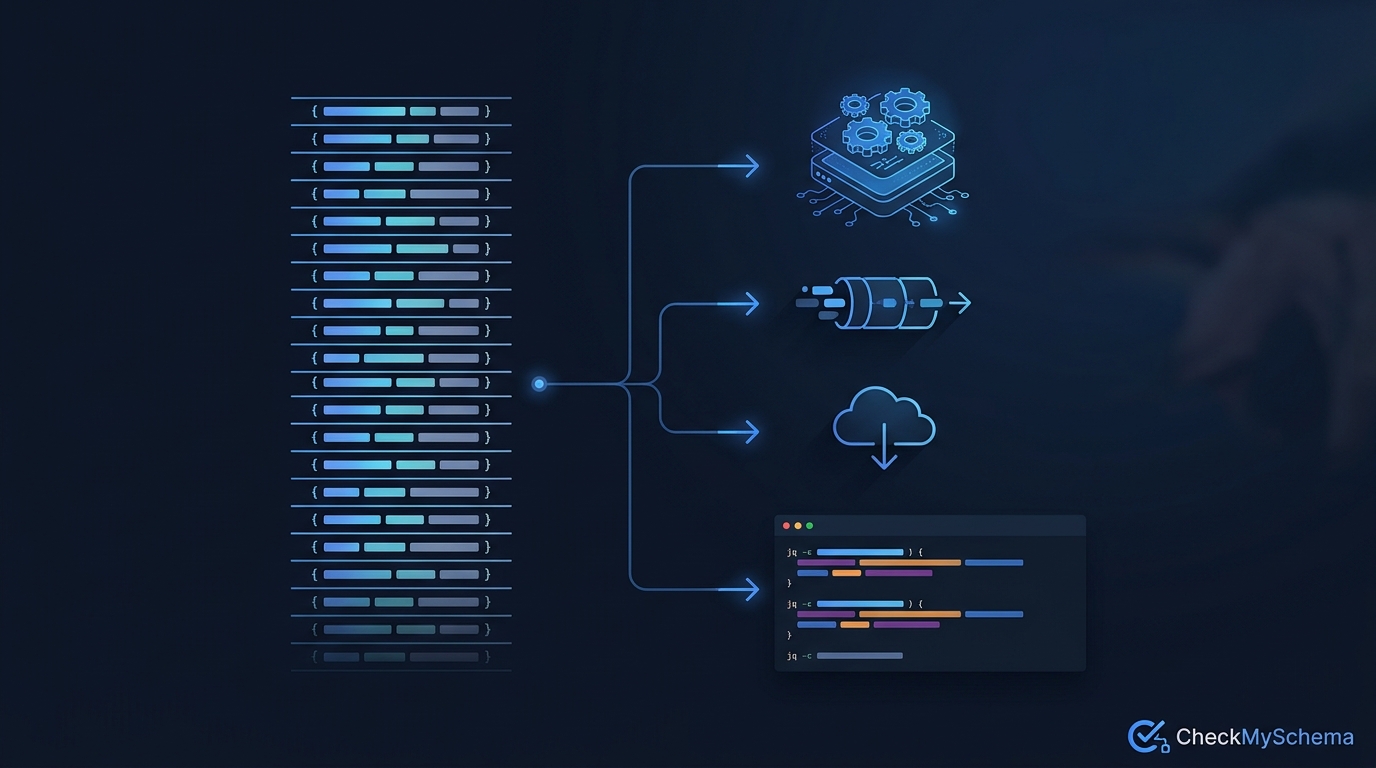
Use JSONL when your data consists of independent records that you want to write, read or process one at a time. Logs, event exports and batch-processing inputs are common fits. Choose an ordinary JSON object or array when the receiving system expects one complete JSON document instead. The consumer’s accepted format decides which choice works.
Recognise a JSON Lines record
The JSON Lines format uses UTF-8 and requires a valid JSON value on each line. A record is often an object, but a number, string, array or null can also be a valid line. Blank lines are not valid JSON values. A final newline is recommended and makes joining compatible files easier.
{"id":1,"event":"view","path":"/articles/"}
{"id":2,"event":"view","path":"/articles/breadcrumb-basics/"}
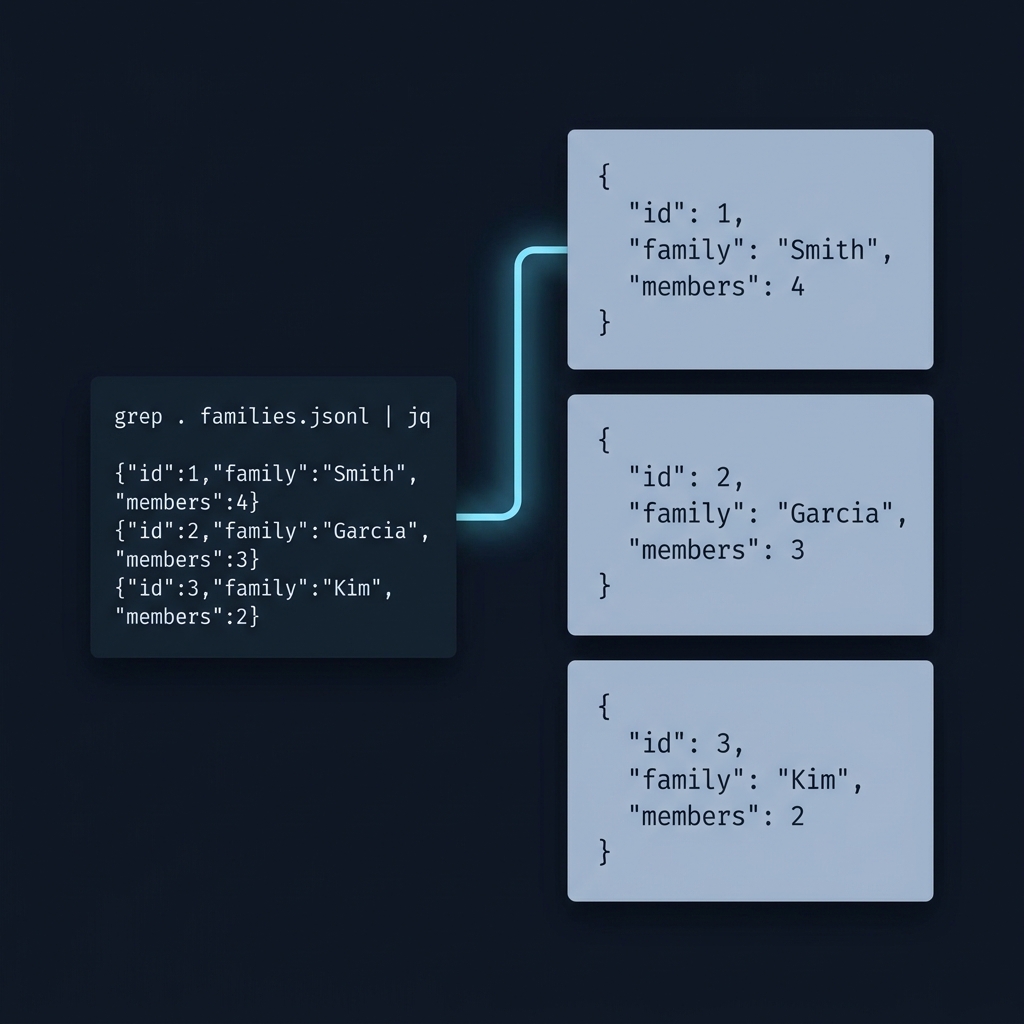
Each line above parses independently. Taken together, the two objects are not one JSON array: a parser expecting one complete JSON value should not accept the entire file as ordinary JSON. Do not pretty-print one record across several physical lines when the consumer expects JSONL.
Choose it for record-oriented work
JSONL is useful when a producer appends records and a consumer handles them sequentially. A reader can process an initial record before loading the rest of a large file. This can reduce memory use compared with loading an entire collection, although a single oversized record can still be expensive.
It also makes it straightforward to associate a parsing error with a line number. That does not mean malformed lines are silently safe to ignore. Decide whether a failed record should stop the job or enter an explicit rejection workflow. Keep a count and reason for rejected records so a partly processed export is not mistaken for a complete result.
Read without hiding errors
This small Python example deliberately stops at the first invalid line. It demonstrates parsing, not application-specific record validation. A production import should also check the expected fields and impose suitable record and file-size limits.
import json

with open("events.jsonl", encoding="utf-8") as source:
    for line_number, line in enumerate(source, start=1):
        try:
            record = json.loads(line)
        except json.JSONDecodeError as exc:
            raise ValueError(f"Invalid JSON on line {line_number}") from exc
        print(record)
An empty line will raise an error here, consistently with the format. JSON syntax alone does not require every record to have the same fields. Apply a JSON Schema or another explicit contract if your downstream task depends on that structure.
Know when another format is better
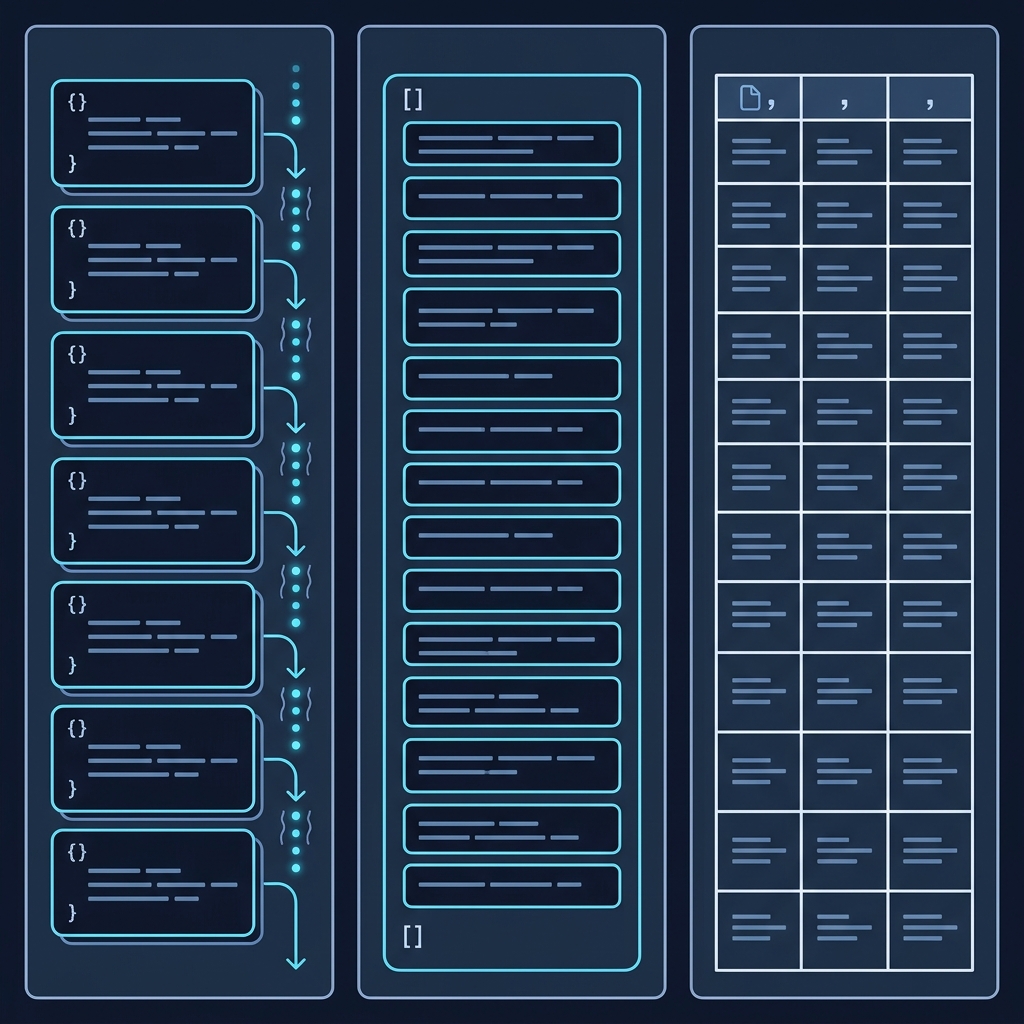
Use a JSON array for an API that expects one collection value. CSV may suit a deliberately flat table. JSONL is better suited to independent records with nested values, provided your tools support it. Do not rename an array file to .jsonl without transforming and checking its contents.
For website structured data, publish valid JSON-LD documents in the supported page markup, rather than concatenating objects inside one script. JSON-LD 1.1 builds on JSON; JSONL is a record transport format, not an alternative website schema vocabulary. A pipeline may store records as JSONL and then render the appropriate structured data for each page.
Put this into practice
Test one valid record, two consecutive valid records and an invalid line with the real consumer. Keep rejected-line counts visible so a partly processed file cannot be reported as a complete import.
Check before publishing
Related guides
- What is the recommended format for schema markup?
- What is the schema for a breadcrumb list? A practical guide

For a business example of record processing, Orvus explains product-feed management. Confirm the receiving platform’s format instead of assuming it accepts JSONL. What is product feed management?.