Structured data explained
Validate JSON against a schema in Java
Two practical ways to validate a JSON document against a JSON Schema in Java, with current draft support, format handling and complete examples.
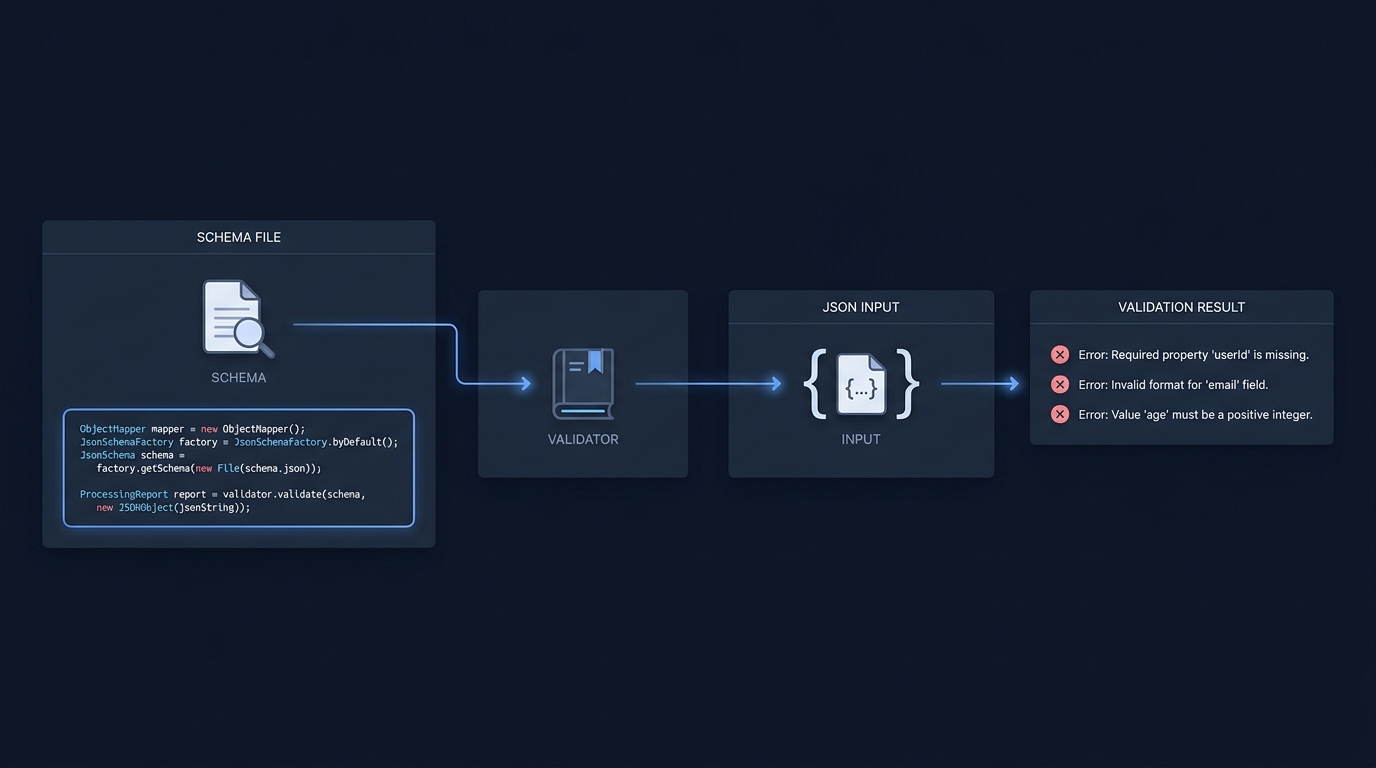
You can validate a JSON document against a JSON Schema in Java either by using a dedicated validator library in your application code or by asserting API responses with a test DSL. The NetworkNT json-schema-validator provides direct programmatic validation for drafts 4, 6, 7, 2019‑09 and 2020‑12, and REST Assured’s json-schema-validator module lets you assert that HTTP responses conform to a schema in tests. Both approaches are current and widely used.
Option 1: Programmatic validation with NetworkNT json-schema-validator
NetworkNT supports JSON Schema drafts v4, v6, v7, 2019‑09 and 2020‑12. It publishes two compatible lines: 2.x for Java 8+ (Jackson 2) and 3.x for Java 17+ (Jackson 3) (NetworkNT README). Since draft 2019‑09, the format keyword is an annotation by default; you can enable assertions for it in the execution config (NetworkNT README).
<!-- Maven: choose one -->
<dependency>
  <groupId>com.networknt</groupId>
  <artifactId>json-schema-validator</artifactId>
  <version>2.0.4</version> <!-- Java 8+ / Jackson 2 -->
</dependency>

<dependency>
  <groupId>com.networknt</groupId>
  <artifactId>json-schema-validator</artifactId>
  <version>3.0.8</version> <!-- Java 17+ / Jackson 3 -->
</dependency>
import com.networknt.schema.Error;
import com.networknt.schema.InputFormat;
import com.networknt.schema.Schema;
import com.networknt.schema.SchemaRegistry;
import com.networknt.schema.SpecificationVersion;
import java.util.List;
public class ValidateWithNetworkNT {
public static void main(String[] args) {
// A 2020-12 schema that requires an email and validates its format
String schemaData = "{" +
"\"$schema\":\"https://json-schema.org/draft/2020-12/schema\"," +
"\"type\":\"object\"," +
"\"properties\":{\"email\":{\"type\":\"string\",\"format\":\"email\"}}," +
"\"required\":[\"email\"]" +
"}";
String invalidInput = "{\"email\":\"not-an-email\"}";
// Build a registry that defaults to draft 2020-12 when $schema is omitted.
SchemaRegistry registry = SchemaRegistry.withDefaultDialect(SpecificationVersion.DRAFT_2020_12);
// Load schema text as JSON (no network fetch needed here)
Schema schema = registry.getSchema(schemaData, InputFormat.JSON);
// Validate with format assertions enabled (since 2019-09+ treats format as annotation by default)
List<Error> errors = schema.validate(invalidInput, InputFormat.JSON, exec ->
exec.executionConfig(cfg -> cfg.formatAssertionsEnabled(true))
);
if (errors.isEmpty()) {
System.out.println("Valid");
} else {
errors.forEach(e -> System.out.println(e.getMessage()));
}
}
}Key points:
- Draft selection: use
$schemain your schema or set a default dialect on theSchemaRegistry(NetworkNT README). - Format behavior: in 2019‑09 and 2020‑12,
formatis an annotation; enable assertions withformatAssertionsEnabled(true)if you want actual validation (NetworkNT README).
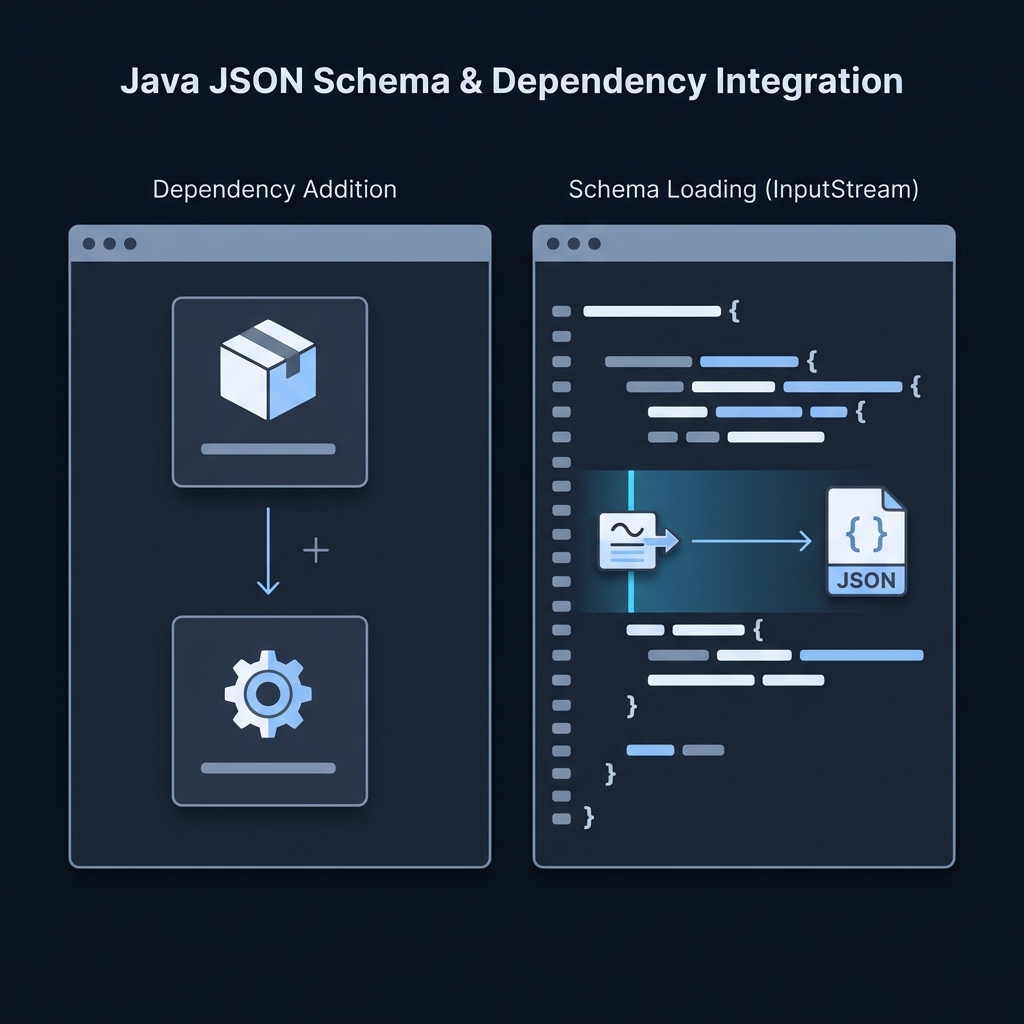
Option 2: Validate HTTP responses with REST Assured’s JSON Schema Validator
REST Assured’s json-schema-validator module can assert that an API response matches a schema you keep on the classpath. It supports drafts 03/04 and, from 6.1.0, also draft‑06, draft‑07, 2019‑09 and 2020‑12. The matcher reads $schema from your schema, or you can specify a draft when the schema omits it (REST Assured Usage). For 2019‑09/2020‑12, format is treated as an annotation and is not validated, per the specifications (REST Assured Usage).
<dependency>
  <groupId>io.rest-assured</groupId>
  <artifactId>json-schema-validator</artifactId>
  <version>6.3.0</version>
</dependency>
<!-- Also add the HTTP testing core; keep versions aligned. -->
<dependency>
  <groupId>io.rest-assured</groupId>
  <artifactId>rest-assured</artifactId>
  <version>6.3.0</version>
  <scope>test</scope>
</dependency>
import static io.restassured.RestAssured.*;
import static io.restassured.module.jsv.JsonSchemaValidator.*;
import io.restassured.module.jsv.JsonSchemaVersion;
// Validate that /products matches products-schema.json on the classpath
get("/products")
.then()
.assertThat()
.body(matchesJsonSchemaInClasspath("products-schema.json"));
// If your schema lacks $schema, choose a draft explicitly
get("/accounts/1")
.then()
.body(matchesJsonSchemaInClasspath("account-schema.json")
.using(JsonSchemaVersion.DRAFT_2020_12));The REST Assured block shows statements for an existing test method, not a second complete Java class. Configure your test server’s base URI and keep the referenced schema files under src/test/resources. The first complete class above demonstrates the NetworkNT 3.0.8 line; use the documented API for the library version selected in your project.
Notes:
- Add the REST Assured matcher dependency, then use
matchesJsonSchemaInClasspathin your assertions (REST Assured Usage). - For newer drafts,
formatis not asserted; if you must fail on invalid formats, use an appropriate format-specific check or validate the payload with NetworkNT andformatAssertionsEnabled(true)(REST Assured Usage), (NetworkNT README).
Choosing a draft and resolving references
- Use $schema in your schema files to declare the draft; both tools will pick it up automatically. Schemas without
$schemause module defaults, or you can set the version explicitly as shown above (REST Assured Usage), (NetworkNT README). - Reference resolution: when you split schemas, ensure
$idand$refresolve to retrievable IRIs. NetworkNT lets you map$idprefixes toclasspath:or other locations in the registry builder (NetworkNT README).
Handling validation errors
- NetworkNT returns a
List<Error>with details including keyword, instance location and schema location. You can also request hierarchical output when needed (NetworkNT README). - REST Assured’s matcher integrates with Hamcrest; failing assertions print messages from the underlying validator in the test output (REST Assured Usage).
Put this into practice
Pin a compatible Java, Jackson and validator combination before copying an example. Check a known invalid document as well as a valid one, including the intended format behaviour, rather than accepting a parse-only success.
Pre-validation checklist for Java projects
Related reading on CheckMySchema
FAQ
Is Everit still a valid choice? Everit’s JSON Schema library is in maintenance mode and supports drafts 4, 6 and 7. It remains usable for those drafts and shows a concise quickstart if that’s all you need (Everit README).

Parsing and schema validation are different steps. Stack & Method explains what a JSON parser does before validation starts. What do JSON parsers do?.