Structured data explained
What are the JSON Schema types?
A practical answer to the JSON Schema types, how the type keyword works, and how const relates to types.
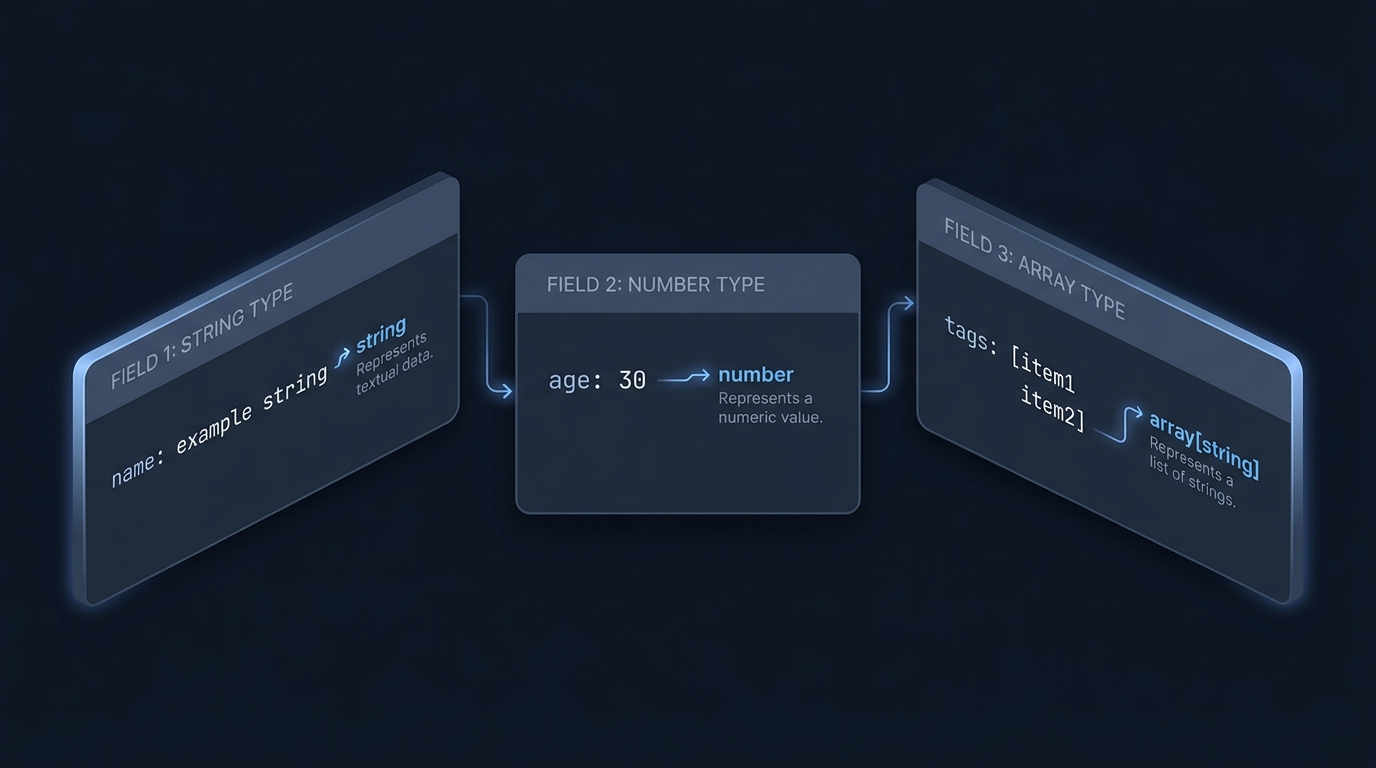
The JSON Schema types are string, number, integer, boolean, null, object and array. You declare them with the type keyword, which can be a single string or an array of strings to allow multiple types JSON Schema type keyword Numeric types.
How the type keyword works
Use type as a single string to require exactly one kind of instance (for example, "type": "object"). Use an array of strings to allow more than one possibility (for example, ["string", "null"]). This is the standard way to permit nullable fields without changing your core type JSON Schema type keyword.
{
  "type": ["string", "null"]
}

Integer vs number
JSON Schema distinguishes integer (whole-number values) and number (includes integral and fractional values). Both numeric types share the same validators, including minimum, maximum, exclusiveMinimum, exclusiveMaximum and multipleOf Numeric types.
- An instance like 1.0 is considered an integer value by JSON Schema, so it satisfies type: "integer" Numeric types.
- Numbers expressed as strings (e.g., "42") do not satisfy numeric types Numeric types.
{
  "type": "integer",
  "minimum": 0,
  "multipleOf": 1
}
Common per-type validators you will actually use
- string: minLength, maxLength, pattern, format
- number/integer: minimum, maximum, exclusiveMinimum, exclusiveMaximum, multipleOf
- object: properties, required, additionalProperties, patternProperties
- array: items, minItems, maxItems, uniqueItems
These validators are defined for their respective types in the reference docs JSON Schema type keyword Numeric types.
How const relates to types
The const keyword restricts a value to exactly one value. That single value includes its type: validation compares using JSON Schema’s notion of instance equality. So const: 1 matches only the JSON number 1, not the string "1"; const: "US" matches only that exact string Constant values Draft 2020-12 core: instance equality.
{
  "type": ["string", "null"],
  "const": "US"
}
In this example, the instance must be the exact string "US". Although type also allows null, both constraints apply together, leaving only that exact value. This is not a keyword-precedence rule. Remove const if you truly need both "US" and null.
Solid examples
Single type
{
  "$schema": "https://json-schema.org/draft/2020-12/schema",
  "type": "object",
  "properties": {
    "id": { "type": "integer", "minimum": 1 },
    "name": { "type": "string", "minLength": 1 }
  },
  "required": ["id", "name"],
  "additionalProperties": false
}
Multiple allowed types (nullable)
{
  "$schema": "https://json-schema.org/draft/2020-12/schema",
  "type": "object",
  "properties": {
    "nickname": { "type": ["string", "null"], "maxLength": 30 }
  }
}
const fixes a value (and its type)
{
  "$schema": "https://json-schema.org/draft/2020-12/schema",
  "type": "object",
  "properties": {
    "country": { "type": "string", "const": "United States of America" },
    "version": { "type": "number", "const": 1 }
  }
}
Allowing null does not make a property required. The nullable nickname example also accepts an absent nickname because it has no required list. Likewise, do not assume format always rejects invalid strings: assertion depends on the chosen draft, vocabulary and validator configuration. It is commonly annotation-only by default.
Practical tips and pitfalls
- Be explicit: pick integer when you will reject fractional input; pick number if decimals are valid Numeric types.
- Allow nulls intentionally using type arrays, not by overloading "" (empty string). For a quick refresher on null vs empty, see Is null an empty string?
- Choose object vs array based on whether you need named keys or ordered items. See a primer on {} vs []: The difference between {} and [] in JSON.
- If you add const, remember it narrows your allowance to one exact instance value. Remove or adjust it if you need a small set of options; use enum for a list of allowed values Enumerated and constant values.
Quick checklist: getting type and const right
FAQ
Is integer a separate JSON data type? In the JSON data model there is a single number type, but JSON Schema’s validation vocabulary defines both number and integer for practical constraints. JSON Schema treats values like 1 and 1.0 as the same mathematical value; integer accepts such values when they are integral, and both numeric types share the same validators Numeric types Draft 2020-12 core: instance model.
