Structured data explained
How can I check if my JSON Schema is valid?
A practical process to validate your JSON Schema against its meta-schema, then test JSON instances separately, with a complete draft‑2020‑12 example and Ajv usage.
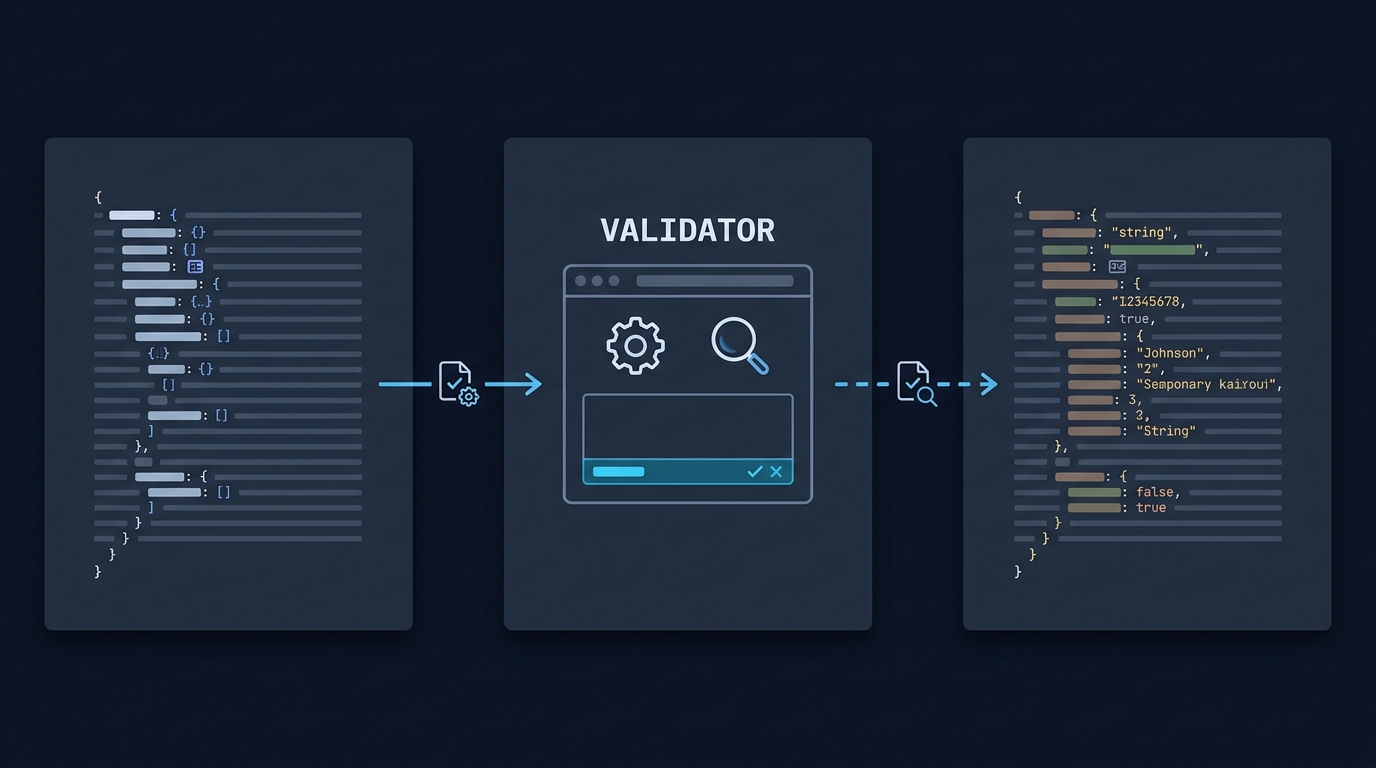
Use a JSON Schema validator to do two separate checks: first parse the schema document as JSON and check it against its declared meta-schema, then compile it with a compatible validator and test representative data instances. Declaring the draft with $schema helps tools pick the right rules (see JSON Schema 2020-12 core and glossary: meta-schema, dialect).
(References: JSON Schema 2020-12 core; JSON Schema glossary)
What you are actually checking
1) Is my JSON Schema document itself valid?
A validator can check your schema against the appropriate meta-schema. In 2020-12 and related drafts, a schema must be a JSON object or a boolean, and keywords have defined roles. Declaring "$schema": "https://json-schema.org/draft/2020-12/schema" identifies the dialect and the expected vocabularies so a tool can validate the schema’s syntax and keyword usage. (Sources: JSON Schema 2020-12 core; JSON Schema glossary)
2) Do my JSON data instances conform to that valid schema?
Instance validation is separate: once the schema passes the relevant checks and compiles, validate representative JSON documents to see where they fail (e.g., missing required properties, wrong types). The specification distinguishes the schema itself from the instances it describes. (Source: JSON Schema 2020-12 core)

Quick, reliable ways to validate
Validator behavior to look for
- Schema validation against the declared meta-schema via $schema.
- Clear error reporting with instancePath/schemaPath so you can pinpoint fixes.
- Explicit draft support (e.g., draft-07, 2019-09, 2020-12) to avoid mismatches.
Ajv example (local/CI-friendly)
Consult the Ajv dialect guide for the right validator class and strict-mode documentation for ignored-keyword checks.
Ajv validates schemas against a meta-schema by default and exposes ajv.validateSchema(schema) and data validation methods. If $schema is present, Ajv uses that ID to validate the schema. (Source: Ajv API reference)
Fast checklist: validate a schema, then test data
Worked example (draft-2020-12)
1) The schema
This small schema expects an object with an integer id and a string name; name must be at least 1 character. It disallows extra properties.
{
  "$schema": "https://json-schema.org/draft/2020-12/schema",
  "$id": "https://example.com/schemas/user.json",
  "title": "User",
  "type": "object",
  "properties": {
    "id": { "type": "integer" },
    "name": { "type": "string", "minLength": 1 }
  },
  "required": ["id", "name"],
  "additionalProperties": false
}
Expected outcome when validating this schema against the 2020-12 meta-schema: valid. (Sources: JSON Schema 2020-12 core; JSON Schema glossary)
2) Instances to test
{"id": 1, "name": "Ada"}
Expected result: valid instance.
{"id": "1", "name": ""}
Expected result: invalid instance, because id is a string (should be integer) and name fails minLength.
3) Ajv usage (Node.js CommonJS and Ajv 8)
Install Ajv 8 in an isolated example folder and run this as a .cjs file. Draft 2020-12 needs Ajv’s 2020 class; the default Ajv class uses draft-07. The allErrors option is set so the invalid instance below reports both failing fields. Nothing in this example fetches example.com: $id identifies the schema.
const Ajv2020 = require("ajv/dist/2020").default
const ajv = new Ajv2020({ allErrors: true, strict: true })

const schema = {
  "$schema": "https://json-schema.org/draft/2020-12/schema",
  "$id": "https://example.com/schemas/user.json",
  "type": "object",
  "properties": {
    "id": { "type": "integer" },
    "name": { "type": "string", "minLength": 1 }
  },
  "required": ["id", "name"],
  "additionalProperties": false
}

// 1) Validate the schema itself
const schemaOk = ajv.validateSchema(schema)
console.log(schemaOk) // expect: true

// 2) Validate instances
const validate = ajv.compile(schema)
console.log(validate({ id: 1, name: "Ada" }))   // expect: true
console.log(validate({ id: "1", name: "" }))   // expect: false
console.log(validate.errors)                     // expect: array with paths for /id and /name
(Source: Ajv API reference)
Test that the schema expresses the intended rule
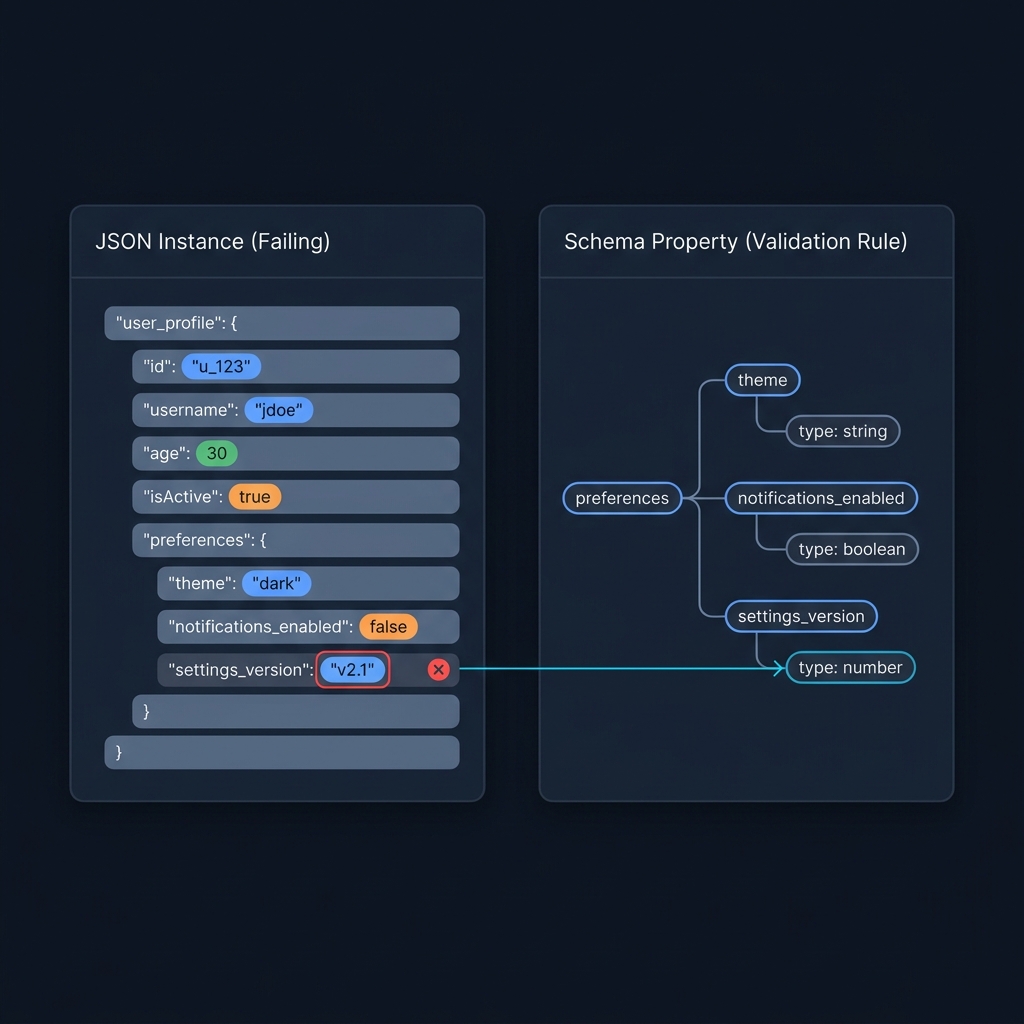
A meta-schema-valid document can still contain an unintended rule or a misspelled custom keyword that a permissive tool ignores. Keep positive and negative test cases: missing required fields, wrong types, boundary values and unwanted extra properties. In this example, an extra role property must fail because additionalProperties is false.
Ajv’s strict mode helps catch ignored or unknown keywords. If a keyword is deliberately supplied by an extension, register and document that extension rather than disabling checks indiscriminately. Also confirm format behavior: a schema-valid format annotation does not by itself guarantee that every validator enforces email or date formats.
Troubleshooting: compile errors vs instance errors
- A meta-schema check catches invalid keyword values such as a misspelled type name. Compilation can also fail because of an unresolved reference, unsupported dialect or an unknown keyword in strict mode; those are not all the same as malformed JSON. Fix the actual reported cause before testing data. (Source: JSON Schema 2020-12 core)
- Instance errors come from applying a valid schema to data. Focus on type mismatches, missing required properties, constraints like minLength, and structural issues such as additionalProperties.
- Keep edits small: re-run the same minimal instance to confirm each fix.
Related but different: Schema.org markup vs JSON Schema
Schema.org structured data (often JSON-LD) helps search engines understand pages; JSON Schema validates JSON data structures. They solve different problems and are checked with different tools. If you’re here from a rich results or markup workflow, validate your data contract with JSON Schema as shown above, and use separate tools for Schema.org checks. (Source: Schema.org home)
Where to go next

A useful next step
A valid schema document still needs to be applied to realistic API requests and responses. How to validate an API.