Structured data explained
What is an example of schema markup? Practical JSON-LD @id examples
schema markup id property explained with JSON-LD @id examples, best practices for stability, and validation steps using recommended tools.
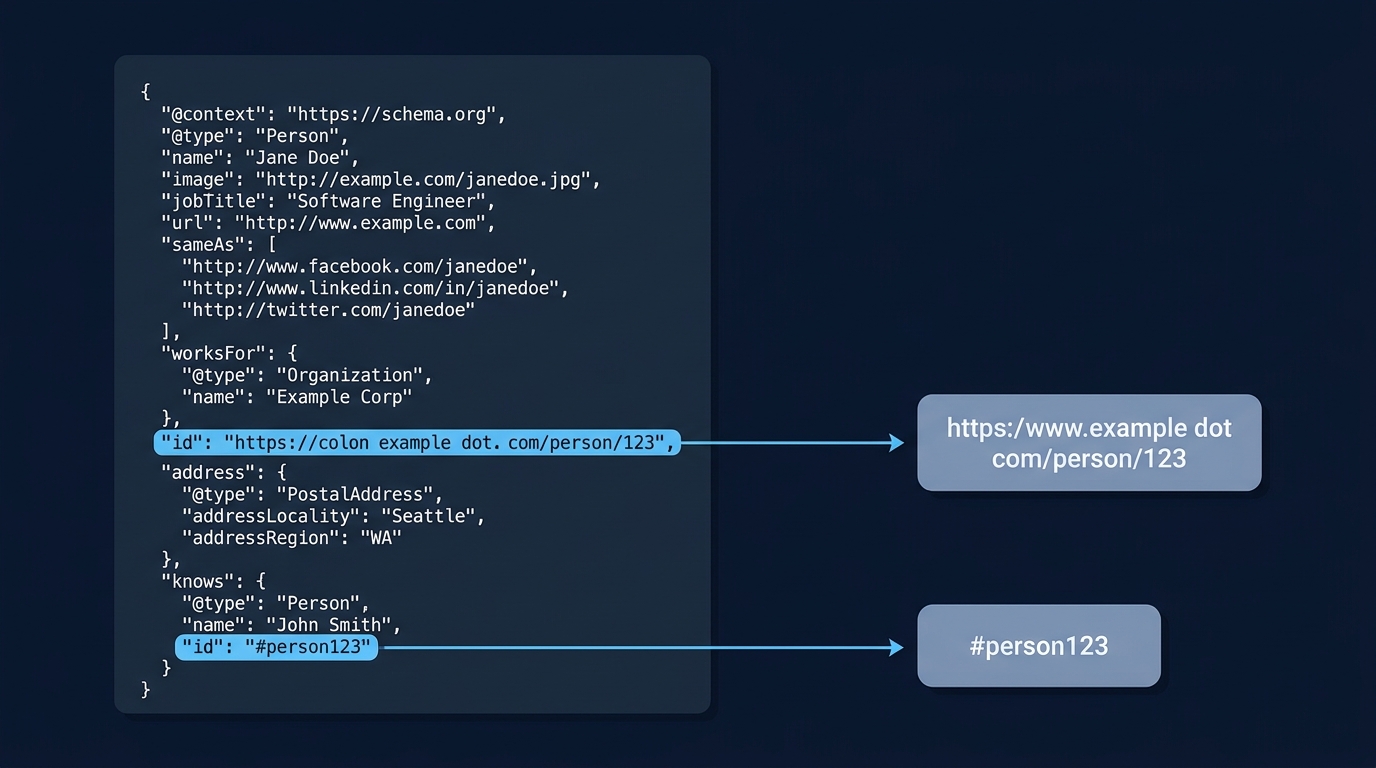
What @id means in JSON-LD and why it matters
Quick definition
@id is the JSON-LD 1.1 keyword used to assign an IRI or URL to a node in a JSON-LD graph so that that node can be referenced and linked from other data blocks. This JSON-LD behavior is defined in the official specification and describes how a node gets a global identifier that processors can use to merge or link information across pages or scripts, JSON-LD 1.1 specification.
How @id relates to graph nodes and IRIs
In a JSON-LD graph, each object can include an @id value that acts as the node identity; when two nodes share the same @id the graph processor treats them as the same entity, which is how you link a recipe node to a related video node without repeating every property in full, JSON-LD 1.1 specification.
@id is a JSON-LD keyword, not a schema.org property; for representing real-world identifiers such as ISBNs or business registration numbers you should use schema.org's identifier property alongside @id so both the web graph and external ID namespaces are clear, schema.org identifier property.
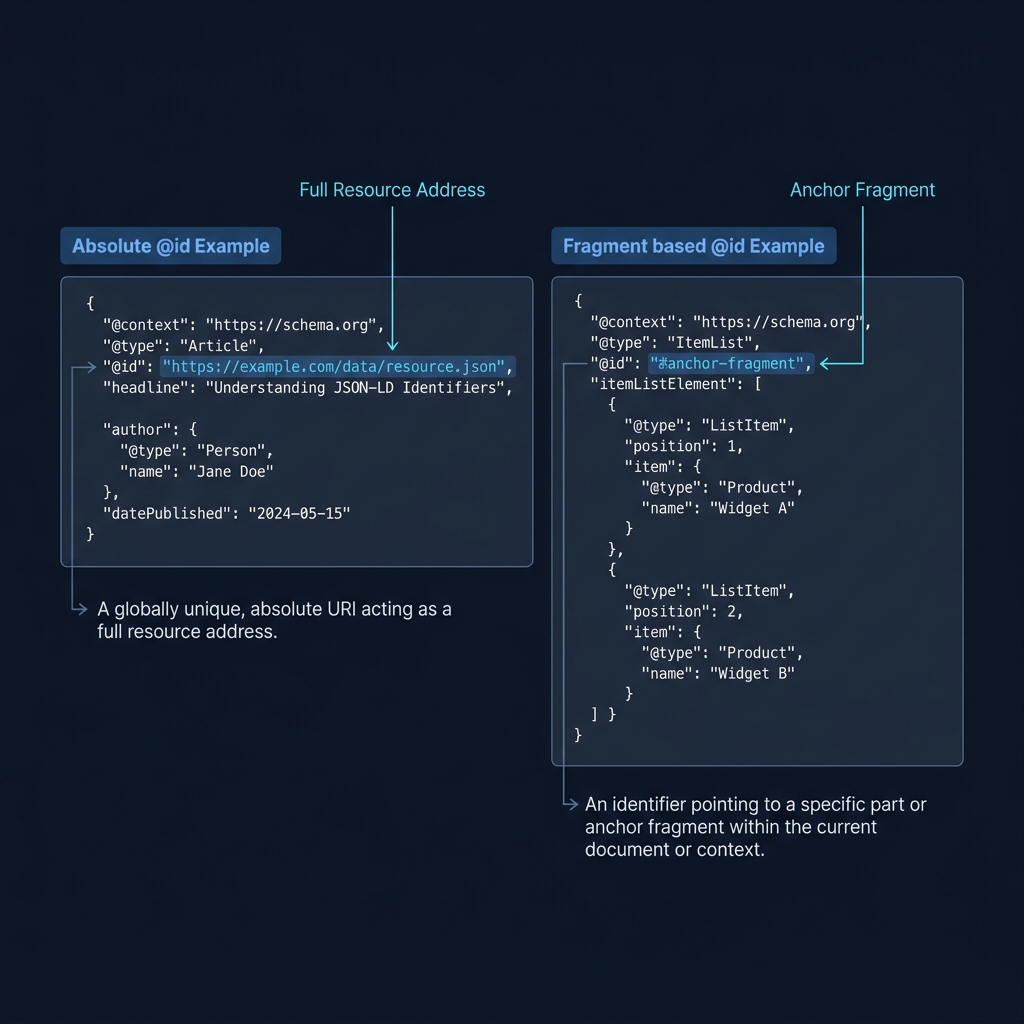
Both absolute URLs and fragment identifiers are valid @id values in JSON-LD, and the spec leaves either option open; pick the form that matches your publishing and canonicalisation approach so the identifier stays stable over time, JSON-LD 1.1 specification.
A concrete JSON-LD example using @id
Minimal working example
Below is a minimal, copy-paste JSON-LD snippet that shows a Thing node with an absolute @id value. Paste this inside a script type="application/ld+json" block on the page that represents the canonical URL for the item.
Absolute URL example
{
  "@context": "https://schema.org",
  "@type": "Recipe",
  "@id": "https://example.com/recipes/gingerbread-1",
  "name": "Simple Gingerbread",
  "author": {"@type": "Person", "name": "A. Baker"}
}
This snippet shows an explicit @id using a full URL so any other page or data block that uses the same @id is linked to this canonical node, which helps processors merge information for the same entity, JSON-LD 1.1 specification.
Fragment identifier variant
{
  "@context": "https://schema.org",
  "@type": "Recipe",
  "@id": "https://example.com/recipes/gingerbread#recipe",
  "name": "Simple Gingerbread",
  "video": {"@type": "VideoObject", "@id": "https://example.com/recipes/gingerbread#video", "name": "How to make gingerbread"}
}
Using a fragment keeps the nodes on the same canonical page but gives each node a distinct IRI-like identifier; fragments are convenient when multiple related nodes live on one HTML page, and they remain valid identifiers so long as you keep the page canonical stable, Google structured data guidelines.
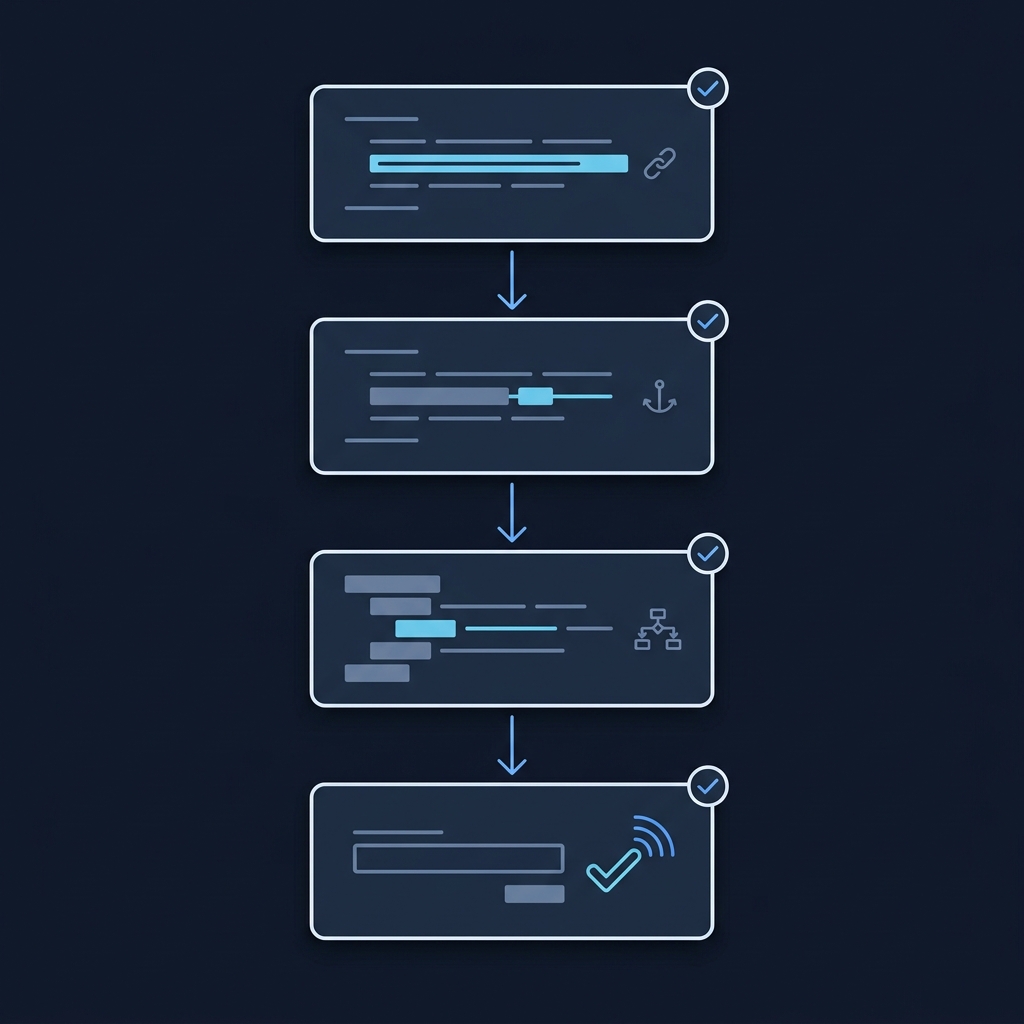
To test whether your JSON-LD is syntactically valid and structured as intended, run the canonical page through a validator and review the structured-data outputs before deploying changes; Google documents using @id to link related items in JSON-LD and encourages consistent identifiers, Google introduction to structured data.
Best practices for choosing and reusing @id
When to reuse the same @id across pages
Rule of thumb: reuse a single stable @id whenever the content represents the same entity across pages or versions; consistent use of the same @id helps processors and search engines treat repeated items as one entity instead of many slightly different copies, Google structured data guidelines.
Prefer the canonical URL for the entity as the @id when you can control canonicalisation; if you rely on fragments, make the fragment anchored to a canonical page that will not change between deployments, JSON-LD 1.1 specification.
How do I set and reuse @id in JSON-LD so Search recognises the same entity?
Assign a stable canonical URL or a stable fragment as @id and reuse that same value wherever the same entity appears; include schema.org identifier for external IDs and validate with the recommended tools.
When your publishing workflow creates multiple variants of a page, plan for a stable mapping from each variant to a single canonical @id and document that mapping so content engineers and CMS templates all emit the same value for the same entity, Google structured data guidelines.

When the entity has a real-world identifier such as an ISBN, business registration number, or a product SKU, include schema.org's identifier property in the node in addition to @id to represent that external ID explicitly, schema.org identifier property.
When to use absolute URLs, fragments, and the schema.org identifier
Trade-offs and decision checklist
Absolute URL: globally resolvable and clear across sites and contexts; use this when entities are expected to be referenced from many pages or domains, and you can maintain the canonical URL long term, JSON-LD 1.1 specification.
Fragment identifier: convenient for multiple related nodes hosted on a single canonical page, for example a recipe and its video; fragments keep the identifier local to that page but still act as a stable IRI if the canonical URL is stable, Google structured data guidelines.
Run two validators and review the JSON-LD 1.1 spec
Decision checklist: prioritise stability, canonicalisation, and ease of generation. If you can guarantee a stable canonical URL pick an absolute @id. If the node is purely a page-local construct and you publish multiple nodes on one HTML page, a fragment may be simpler, JSON-LD 1.1 specification.
Include schema.org identifier when you need to express a real-world ID that external consumers recognise; the identifier property complements @id rather than replaces it, schema.org identifier property.
Common mistakes with @id and how to avoid them
Inconsistent IDs across pages
A frequent error is emitting slightly different @id values for the same entity across pages, which stops graph merging and causes duplicated entity records. To fix this, map every page variant to the canonical @id during rendering and add automated tests that assert identical @id values where expected, Google structured data guidelines.
Another mistake is treating @id as if it were a schema.org property; @id is a JSON-LD keyword used for graph identity while schema.org's identifier is the right place to put ISBNs, national business numbers, or other external IDs, schema.org identifier property.
Troubleshooting steps: check the canonical tags and server-side routes that emit the canonical URL, run the page through Google’s Rich Results Test to see Search-eligibility notices, and validate syntax with the JSON-LD spec in mind, Rich Results Test guidance.
If staging or preview environments add prefixes or expose non-canonical hostnames, ensure templates switch to the canonical domain when rendering @id values, and add CI checks that flag non-canonical identifiers before deployment, JSON-LD 1.1 specification.
Quick checklist, examples, and next steps
One-page checklist: pick a stable @id, prefer a canonical URL or stable fragment, reuse the same @id everywhere the same entity appears, add schema.org identifier for real-world IDs, and validate with the recommended tools, JSON-LD 1.1 specification.
Deploy changes safely by rolling them to a small set of pages, testing those pages with Google’s Rich Results Test for Search-eligibility and with syntax checks, then monitor for unexpected differences in entity consolidation, Rich Results Test guidance.
Next steps: if your content includes external real-world IDs, add the schema.org identifier property to each node and keep @id stable across pages. For deeper reading, consult the JSON-LD 1.1 specification and Google’s structured data documentation to align implementation with authoritative guidance, Schema.org data model.
Frequently asked questions
What does @id do in JSON-LD?
@id assigns an IRI or URL to a node so processors can identify and link that node across data blocks.
Should I use an absolute URL or a fragment for @id?
Both are valid; choose an absolute URL when the entity needs a global resolvable identifier and a fragment when multiple related nodes live on one stable canonical page.
Do I need schema.org identifier as well as @id?
Yes for real-world IDs such as ISBNs or business numbers; use schema.org identifier to express external identifiers alongside @id.
Implement @id consistently and prefer a canonical stable identifier for any entity that appears in multiple places. Use schema.org identifier for external IDs and validate with the official checks before wider rollout. If you follow the examples and checklist here, you can reduce duplicated entities and make your structured data easier for processors and search systems to interpret.