Structured data explained
What is schema in URL? Understanding schema org id
schema org id explained: learn what @id does in JSON-LD, why stable canonical URLs matter, and how to validate structured data.
What is schema org id in a URL? A concise definition
In JSON-LD, the term @id assigns a node identifier, typically an IRI or absolute URL, that names an entity so it can be referenced or merged across graphs; this lets different pieces of markup point to the same item consistently, as described in the W3C JSON-LD 1.1 node identifier specification W3C JSON-LD 1.1 node identifiers.
What is a schema org id in a URL and why does it matter?
A schema org id is an @id value in JSON-LD, typically an absolute URL that uniquely names an entity so different structured-data fragments can be linked or merged; using a stable canonical URL for @id helps search engines consolidate entity signals.
Put simply, a schema org id is the URL you use inside JSON-LD to tell parsers and crawlers, this piece of structured data refers to a specific real world entity. That URL can be any IRI you control, but best practice is to use an absolute, stable form so the identifier does not change over time.
To avoid confusion, note that an @id URL is not the same thing as the URL scheme such as http or https; the scheme is the protocol component of a URI under the URI generic syntax rules, and those rules are defined in RFC 3986 RFC 3986.
Definition in plain English
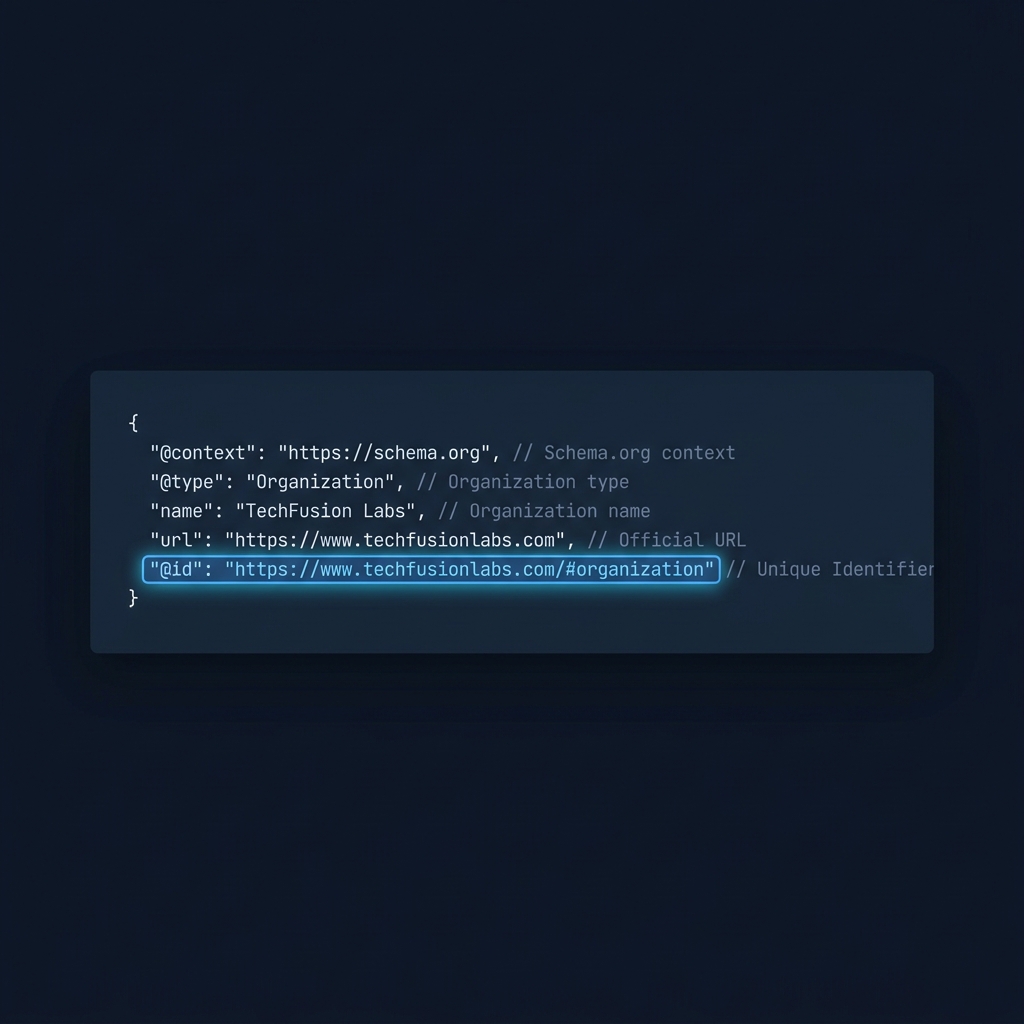
Think of a schema org id as a name card attached to an entity inside your JSON-LD. When you give an entity an @id, you give it a stable name other parts of your site or other sites can use to say, I mean the same thing. This is the practical sense of a node identifier in JSON-LD and why using a canonical form matters for later consolidation.
How @id relates to a URL and to URI scheme
The @id value is normally written as an absolute URL so it can be dereferenced and clearly identified (see schema.org identifier), but the protocol portion at the start of that URL, the scheme, is just the transport prefix and not part of schema.org semantics; practical implementers should treat the scheme as the normal URL component to manage when canonicalizing or redirecting URLs.
How @id is used by search engines and why it matters for consolidation
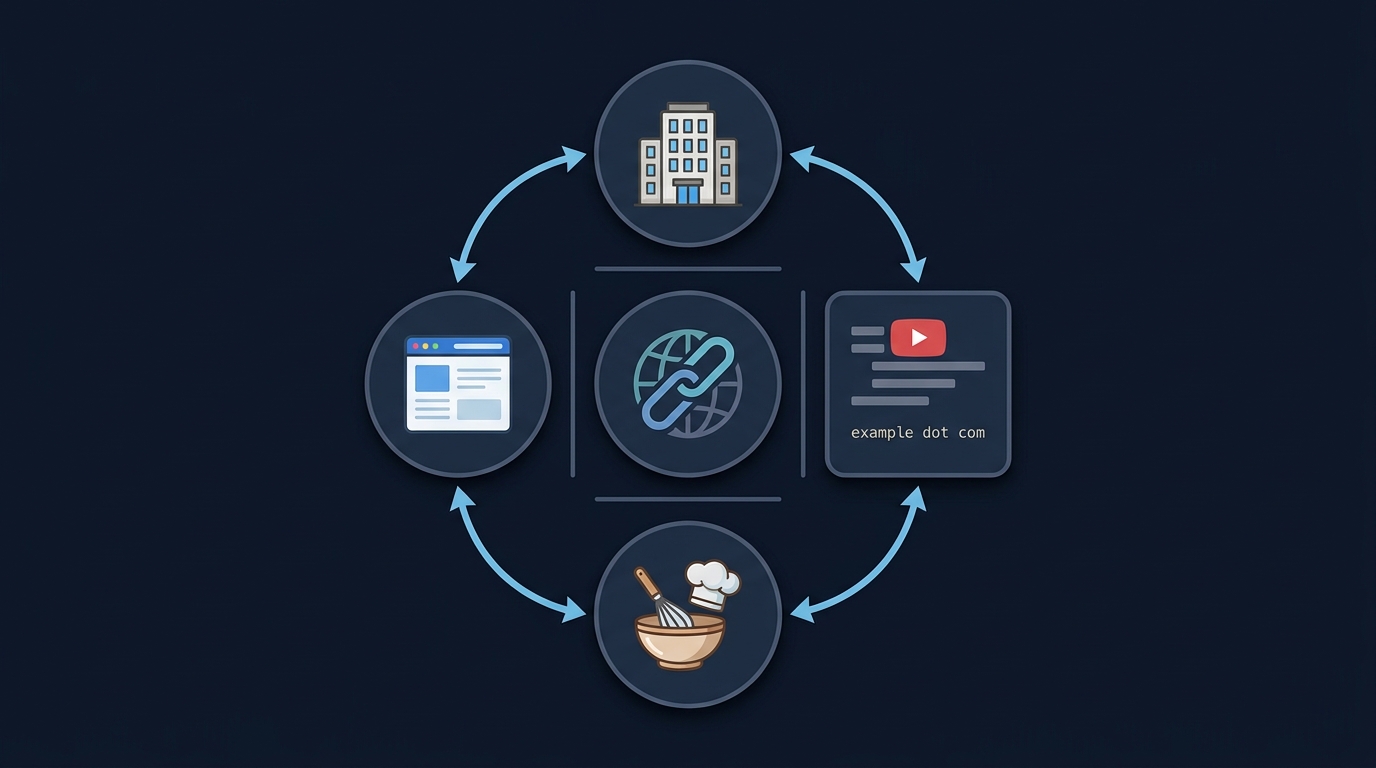
Search engines use @id values to link related items inside structured data and to recognize when different markup fragments refer to the same entity, for example connecting an Organization entry to its logo or joining a Recipe to an associated Video, according to Google’s guidance on structured data usage Google structured data guidelines.
When the same @id appears repeatedly for an Organization, WebPage or media item across a site, search engine parsers have a clearer signal that those fragments describe the same underlying entity, which helps with entity consolidation and reduces ambiguity when pages refer to shared resources.
For example, an Organization object that uses a single @id for the company and references that same @id from page level JSON-LD lets automated systems see that the company on the homepage and the company mentioned in a press release are one and the same. This pattern of reuse is the operational way to link entity signals without relying on page-level heuristics alone.

It is important to be realistic about outcomes: using @id consistently is a signal that helps consolidation but does not guarantee a particular search feature or rich result. Structured-data signals are one input among many when search systems decide how to display information. (see Schema App for more)
Examples of linking related items
Common linking patterns include an Organization node that includes an @id and a separate Logo node whose contentUrl or url is the same @id, or a Recipe node that references a Video node via @id when the video and recipe are related. Google documents the logo example explicitly in its Logo structured data guidance Logo structured data.
How consistent @id helps combine entity signals
By reusing the same @id across pages and types, you reduce mismatch risk that comes from slightly different names or structural variations. Reuse lets parsers merge statements about the entity instead of treating them as separate objects, which is especially helpful when your site has many pages that mention the same organization or media assets.
Best practices: choosing and reusing a stable @id URL
Choose an @id that is a stable, absolute, canonical URL you control. A reliable option is a dedicated, human readable entity URL under your primary domain, for example a canonical company page or a stable resource path that you maintain long term; this approach is consistent with implementation advice seen in Google’s structured data guidance Google structured data guidelines.
Good @id candidates include the canonical URL for a specific entity page, a permanent resource in a content hub, or a short, descriptive path that you commit to keep stable. Avoid sessionized, query heavy or temporary URLs because frequent changes force you to update many markup instances and reduce the identifier’s usefulness.
Decide on a naming convention before you roll out many @id values: pick whether the @id is the canonical page URL, a dedicated entity path like /entities/company-name, or an organizational resource that groups related entities. Each choice has tradeoffs: using the canonical page is simple, a dedicated entity URL gives clearer semantics, and a hub approach centralizes multiple IDs but requires maintenance.
Once you mint an @id, reuse it across all relevant JSON-LD objects on your site for that entity. If you present the same organization on product pages, blog posts and a press center, reference the same @id from each JSON-LD fragment so automated systems see the shared identity.
Keep in mind that the @id can be used for different types that describe the same real world entity, for example an Organization and a WebPage that represents that organization; consistent reuse across types is a practical step toward cleaner entity graphs.
Common errors and pitfalls when using @id
One frequent mistake is using relative or noncanonical @id values. Relative URLs can cause ambiguous interpretation across contexts, and noncanonical forms may split signals. The JSON-LD specification recommends clear node identifiers to avoid these problems, and implementers should prefer absolute IRIs where possible W3C JSON-LD 1.1 node identifiers.
Another pitfall is assigning different @id values to the same real world entity on different pages. When the same entity has multiple identifiers, search engines may treat the statements as belonging to different objects and lose the benefit of consolidated signals. A simple audit to check for duplicate or variant @id strings will catch many of these errors.
Avoid using sessionized, language-specific or parameterized URLs as @id. These transient identifiers break stability and require ongoing mapping or redirects. If legacy URLs exist, plan a migration so you do not end up with long lived duplicates that confuse consolidation.
Finally, some teams overuse @id to identify things that are intentionally ephemeral or not real world entities. Use @id where the entity has persistent identity and cross-page relevance; for isolated, single-page facts you may not need a stable @id at all.
Practical examples and copyable JSON-LD patterns
The following short JSON-LD snippets show common patterns. First, an Organization with a stable @id and a Logo object that is referenced from the Organization entry.
Example 1: Organization with logo using @id
{"@context":"https://schema.org","@type":"Organization","@id":"https://example.com/company/acme","name":"Acme Inc.","logo":{"@type":"ImageObject","url":"https://example.com/assets/acme-logo.png"}}
In this example the @id is an absolute, canonical URL that names the company. Use this exact @id elsewhere on the site when you want to reference the same Organization entity from other JSON-LD fragments. Validators and parsers expect an IRI or URL in the @id position and treat it as the node identifier according to the JSON-LD 1.1 spec W3C JSON-LD 1.1 node identifiers.
Example 2: A WebPage that references an Organization by @id
{"@context":"https://schema.org","@type":"WebPage","@id":"https://example.com/page/contact","name":"Contact Acme","mainEntity":{"@id":"https://example.com/company/acme"}}
This WebPage snippet uses mainEntity with an @id that points to the Organization's canonical identifier. That pattern tells parsers the page is associated with the same company entity and avoids re-declaring full Organization details on every page.
Example 3: Recipe linking to a Video by @id
{"@context":"https://schema.org","@type":"Recipe","@id":"https://example.com/recipe/roast-chicken","name":"Roast Chicken","video":{"@type":"VideoObject","@id":"https://example.com/video/roast-chicken-demo","name":"Roast Chicken demo"}}
When recipe and video share @id references, search systems can associate the media with the recipe without needing duplicate descriptive text. Google shows examples of using @id to link related items in its structured data guidance Google structured data guidelines.
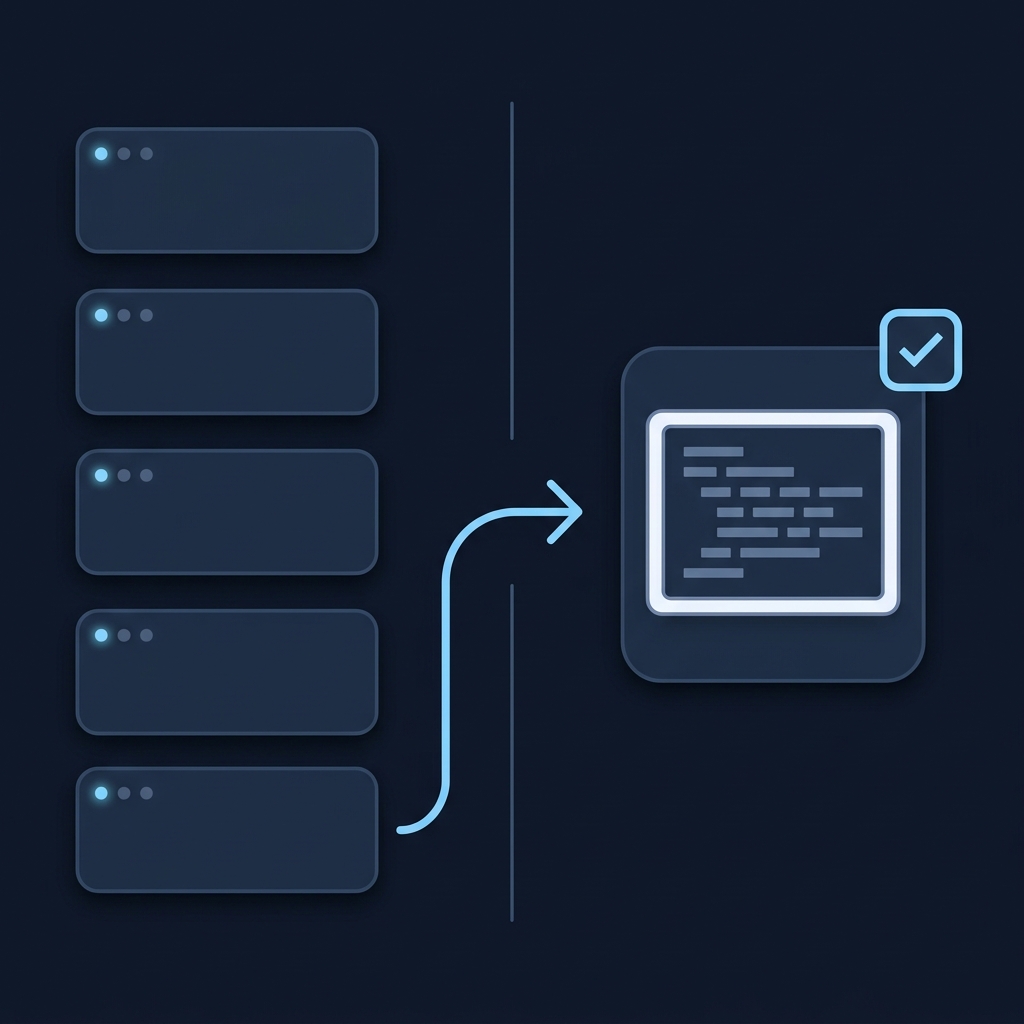
Validation tip: after adding or changing @id values, run a syntax and eligibility check with the Schema Markup Validator for standards parsing and the Google Rich Results Test for Search eligibility; these are the recommended validators to confirm both conformance and potential Search features Validate structured data.
Migrating legacy IDs and versioning your @id strategy
When you have legacy IDs in the wild, decide whether to reuse, redirect or mint new @id values based on stability and permanence. If the legacy URL is canonical and stable, reusing it avoids churn. If it is a short lived or parameterized link, plan a redirect or create a new canonical entity URL.
A lightweight migration plan looks like this: inventory current @id usage across templates, choose canonical forms for each entity type, implement redirects or URL mappings where necessary, and roll out updates incrementally while validating at each stage. This stepwise approach reduces the risk of losing consolidated signals during the migration.
Map files or a small redirect table can help teams maintain history and ensure old links still resolve to the correct entity. Where practical, prefer HTTP 301 redirects from deprecated entity URLs to the chosen canonical @id URL so HTTP-level signals and human access continue to resolve cleanly.
In all migration work, test changes in staging and validate markup before broad deployment. Use validators to confirm that new @id values parse correctly and that referenced objects are recognized together by tooling.
Checklist and quick next steps
Use this one page checklist as your minimum implementation review: choose a stable canonical URL for each persistent entity, use absolute @id values in JSON-LD, reuse the same @id across relevant pages and types, and validate markup after changes.
Recommended validators to run now include the Google Rich Results Test for eligibility and the Schema Markup Validator for syntax and standards conformance; run both on representative pages and record results for future audits Validate structured data.
Keep a simple inventory of all @id values and the pages that reference them. That list is your baseline for audits and for any future migrations or merges of identifiers.
Run two validators to check structured-data syntax and Search eligibility
Finally, schedule periodic checks of a sample of pages to ensure that @id reuse remains consistent as the site grows. Maintaining a short operational playbook around @id decisions reduces future fragmentation.
Frequently asked questions
Do I need a unique @id for each real world entity on my site?
Yes. Use a unique, stable @id for each persistent real world entity you want to identify across pages so parsers can consolidate statements about that entity.
Can I use relative URLs for @id values?
Prefer absolute IRIs; relative URLs can be ambiguous in different contexts and may split entity signals, so absolute canonical URLs are recommended.
Which tools should I run to check @id usage?
Run a standards check with the Schema Markup Validator and a Search eligibility check with the Google Rich Results Test, and record the results for audits.
Consistent use of a stable @id across JSON-LD fragments reduces ambiguity and helps automated systems recognize a single entity. Treat @id values as canonical names you control, validate changes before deployment, and keep a compact inventory to support future audits. If you follow the checklist and validate with the recommended tools, you will reduce fragmentation and make entity signals clearer without changing how your content appears to users.
References
- https://www.w3.org/TR/json-ld11/#node-identifiers
- https://www.rfc-editor.org/rfc/rfc3986
- https://developers.google.com/search/docs/appearance/structured-data/sd-policies
- https://developers.google.com/search/docs/appearance/structured-data/logo
- https://checkmyschema.com/
- https://checkmyschema.com/learn/jsonld-graphs
- https://schema.org/identifier
- https://www.schemaapp.com/schema-markup/what-is-an-id-in-structured-data/
- https://json-ld.org/
- https://search.google.com/test/rich-results
- https://checkmyschema.com/learn/schema-org-foundations
- https://checkmyschema.com/articles/schema-markup-validation-verify