Structured data explained
What is JSON parse error “unexpected character”?
A clear explanation of the JSON.parse unexpected character error, how to spot the real cause quickly, and practical client/server fixes.
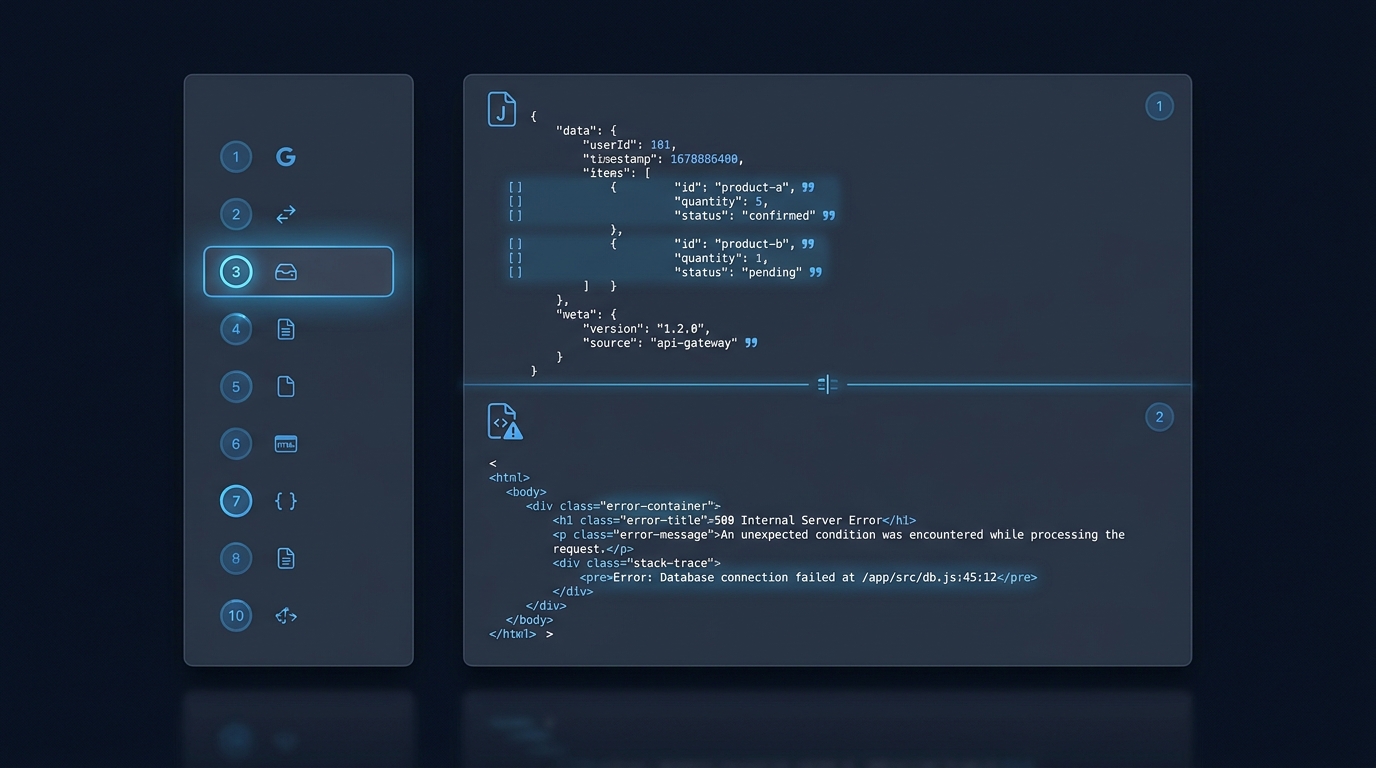
It means the JSON parser hit a character that is not valid at that point in strict JSON and stopped. You’ll often see this when you try to parse non‑JSON (for example an HTML error page that starts with “<”). Browsers may report it as “SyntaxError: JSON.parse: unexpected character” or “Unexpected token < in JSON at position 0.” See the MDN error reference and a common “position 0” pattern here: MDN: JSON.parse errors, MDN: JSON.parse errors.
Recognize it fast and confirm the cause
Check the raw response and the first character
Open your Network panel, find the failing request, and inspect the raw body. If it begins with “{” or “[”, it might be JSON; if it begins with “<”, it is not a valid JSON value and may be HTML, XML or other text, which leads to the classic “Unexpected token < … at position 0.” MDN: JSON.parse errors
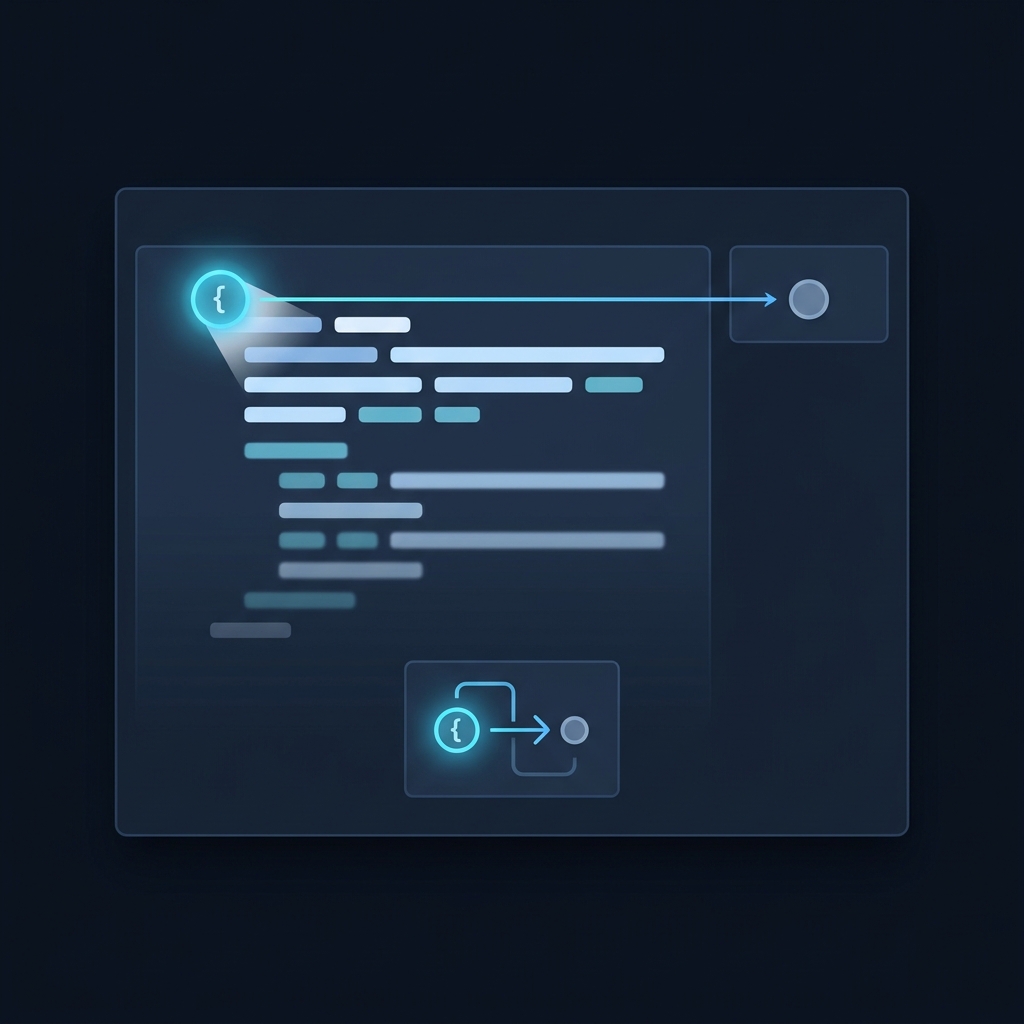
Also look at the reported position or line/column in the error. That offset points to the character where parsing failed. MDN documents the “unexpected character” family of JSON.parse errors and shows examples, such as failures caused by trailing commas or single-quoted property names. MDN: JSON.parse errors
Verify the Content-Type
The registered media type for JSON is application/json. If your response advertises another type (or is missing a type), treat that as a strong hint that the body may not be JSON. RFC 8259: application/json
Small, concrete examples
HTML instead of JSON (intentional invalid example)
Parsing an HTML error page will fail immediately at position 0:
// Intentional invalid example: HTML, not JSON
JSON.parse("<html>Service error</html>");
// Typically throws a SyntaxError (e.g. “Unexpected token < in JSON at position 0”)
Fix: ensure the server returns JSON and parse that:
JSON.parse('{"status":"ok","data":[]}'); // parses successfullyTrailing comma (intentional invalid example)
Trailing commas are not allowed in JSON and cause an “unexpected character” error. MDN: JSON.parse errors
// Intentional invalid example
JSON.parse('[1, 2, 3, ]'); // error: unexpected character near the closing bracket
Corrected:
JSON.parse('[1, 2, 3]'); // OKWhat usually causes it
Server returned non‑JSON (very common)
An upstream service often returns HTML (like a login page, error template, or redirect), which then gets fed to JSON.parse and fails on the first “<”. An HTML response is one reproducible example of input that cannot be parsed as JSON. MDN: JSON.parse errors, MDN: JSON.parse errors
Strict-JSON syntax mistakes
- Trailing commas in arrays or objects. MDN: JSON.parse errors
- Single quotes for property names or strings; JSON requires double quotes. MDN: JSON.parse errors
- Numbers with leading zeros or incomplete decimals. MDN: JSON.parse errors, RFC 8259: numbers
About the “position” or “line/column” in the error
Engines report where parsing stopped. Error wording and offsets vary by engine. A JavaScript string position is not a universal UTF-8 byte offset; non-ASCII characters and line breaks can make manual counting misleading. Inspect the reported neighborhood in the exact text passed to the parser, using the engine’s line/column or position convention. MDN: JSON.parse errors, MDN: JSON.parse errors
Before you call JSON.parse
Safer client and server patterns
Client guards
Response.ok identifies successful 200–299 statuses; it does not establish that the response body contains valid JSON.
This GET helper checks HTTP success, handles documented empty-response statuses, accepts application/json and application/*+json media types, and lets the parser validate the entire text. It does not reject a valid primitive simply because it starts with something other than a brace. If an API promises JSON but sends a different type, fix that contract rather than silently interpreting every HTML page as data.
async function fetchJson(url) {
  const res = await fetch(url);
  if (!res.ok) throw new Error(`HTTP ${res.status}`);
  // This helper represents an empty successful response as null.
  if (res.status === 204 || res.status === 205) return null;
  const mediaType = (res.headers.get("content-type") || "")
    .split(";", 1)[0].trim().toLowerCase();
  const isJson = mediaType === "application/json" ||
    (mediaType.startsWith("application/") && mediaType.endsWith("+json"));
  if (!isJson) throw new Error("Expected a JSON response media type");
  const text = await res.text();
  return JSON.parse(text); // May throw SyntaxError for malformed JSON.
}
Do not use eval to parse JSON; it is a security risk. RFC 8259: Security Considerations
The helper deliberately does not log response bodies. A payload can contain private data, access tokens or account details. Inspect a failing response locally and share only a minimal redacted example. Network failures and parse errors still need handling by the caller; successful JSON parsing alone does not validate the application’s data schema.
Server hygiene
- Return valid JSON that follows the grammar: values are objects, arrays, numbers, strings, true, false, or null. RFC 8259: JSON grammar
- Set Content-Type: application/json for JSON responses. RFC 8259: application/json
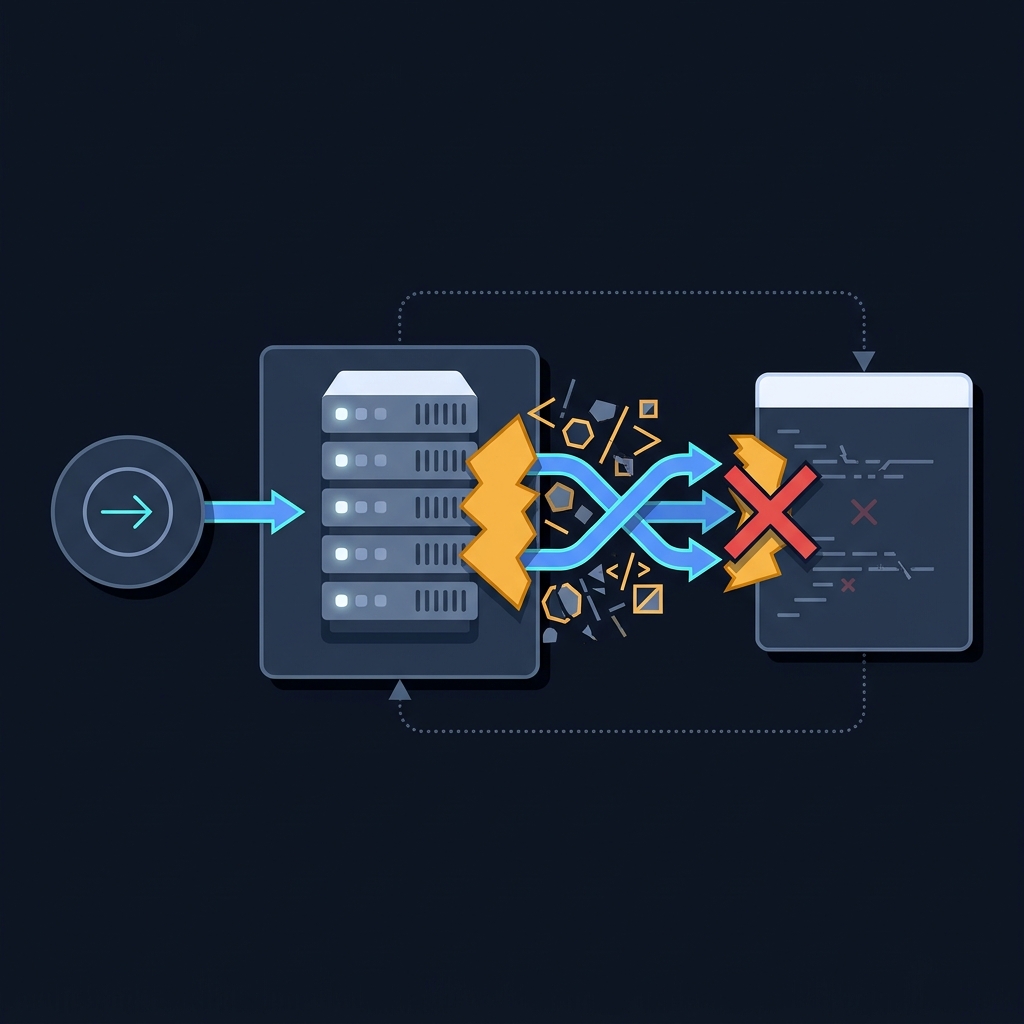
- Avoid sending HTML templates for API errors; return a JSON error body instead so clients can handle it predictably.
Related reading on CheckMySchema

FAQ
Is this a bug in JSON.parse?
No. JSON.parse throws when the input string is not valid JSON. The fix is to correct the payload or your assumptions about it. MDN: JSON.parse errors