Structured data explained
Product variant vs SKU: modelling product families in JSON-LD
Distinguish a product variation from its merchant identifier, connect ProductGroup and Product correctly, and test markup against the actual product page.
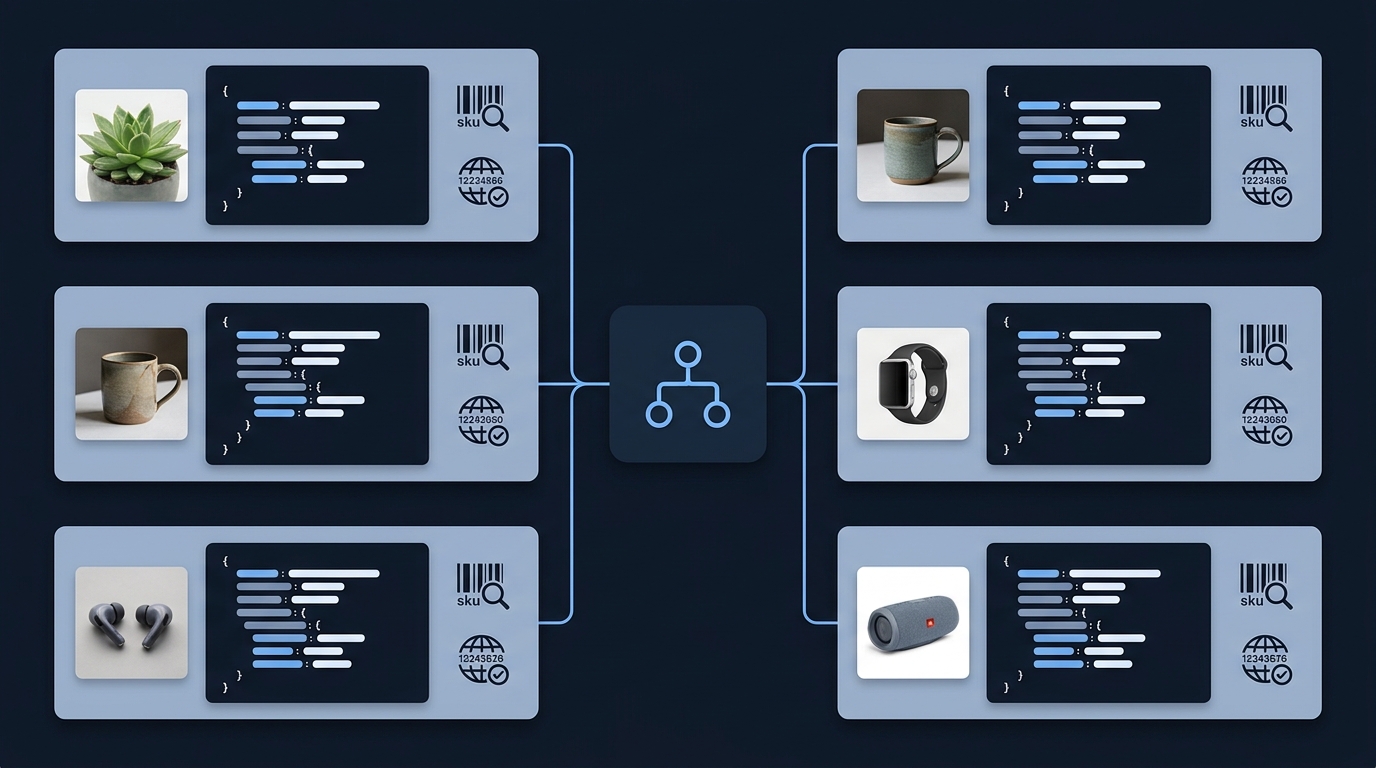
Key takeaways
- A variant is a particular version of a product. A SKU is a merchant's identifier, not the relationship between versions.
- ProductGroup describes the family; Product describes an individual variant.
- Valid JSON, valid vocabulary and Google feature eligibility are separate checks.
What is the difference between a variant and an SKU?
A product variant is a version distinguished by an option such as size, colour or material. A SKU is an identifier assigned by a merchant to track a product or service. Schema.org defines sku as merchant-specific; it is not a globally issued product identifier and does not, by itself, tell a crawler which products belong together.
For a fictional example, a blue shirt in size S and the same blue shirt in size M are two variants. A shop might assign each its own SKU. The family relationship still needs to be described separately. Two different merchants can use different SKUs for the same manufactured item.
Give the family and the variants different jobs
ProductGroup represents products that vary in specified ways. Use productGroupID for the group's textual identifier, variesBy to describe the variation dimensions, and hasVariant to connect individual Product entries. A group is not itself the particular purchasable variant.
isVariantOf provides the relationship from a Product back to its ProductGroup. Stable entity IDs help references point to the intended group rather than creating several unrelated copies with the same name.
Keep variation properties on the appropriate variant. If the family includes several sizes, do not claim that the family has one size while silently using a different size for the displayed selection.

A small illustrative graph
The following is fictional teaching data on example.com. It shows the relationship only. It is not a real offer, a complete merchant-listing implementation or markup to paste unchanged into a shop. It deliberately contains no invented prices, stock, reviews or GTINs.
{
  "@context": "https://schema.org",
  "@type": "ProductGroup",
  "@id": "https://example.com/example-shirt#group",
  "name": "Example shirt",
  "productGroupID": "EXAMPLE-SHIRT",
  "variesBy": ["https://schema.org/size"],
  "hasVariant": [
    {
      "@type": "Product",
      "@id": "https://example.com/example-shirt-small#product",
      "name": "Example shirt, small",
      "size": "S",
      "sku": "EXAMPLE-S",
      "isVariantOf": {"@id": "https://example.com/example-shirt#group"}
    },
    {
      "@type": "Product",
      "@id": "https://example.com/example-shirt-medium#product",
      "name": "Example shirt, medium",
      "size": "M",
      "sku": "EXAMPLE-M",
      "isVariantOf": {"@id": "https://example.com/example-shirt#group"}
    }
  ]
}
Notice that the two variant entities have separate IDs and SKUs but share one group. The URL-shaped entity IDs identify graph nodes; they are not a complete specification of product-page navigation, canonical URLs or checkout selection.
Match the markup to the actual page setup
Google's product-variant documentation covers single-page and multi-page implementations and their requirements. Choose the pattern that matches your real site. Do not combine examples from both approaches without checking how variants are selected, linked and represented on each URL.
Open the page as a customer would. Record the selected options, visible identifiers, available choices and URL behaviour. Then compare the emitted structured data with that observation. If several scripts describe the same product, check whether their IDs and properties agree rather than assuming one valid block cancels a conflicting one.

Validate in three passes
- Syntax: parse each emitted JSON-LD block. A trailing comma or broken string can prevent interpretation.
- Vocabulary and relationships: check the types, expected property values and references. Confirm that the Product entries point to the intended group.
- Feature requirements and page agreement: compare with Google's current documentation and Rich Results Test, then verify the data describes what the page actually presents.
Passing a vocabulary check does not guarantee a Google rich result, indexing or a citation in an answer engine. Likewise, a deliberately incomplete teaching graph can explain a relationship while still lacking properties needed for a particular merchant feature.
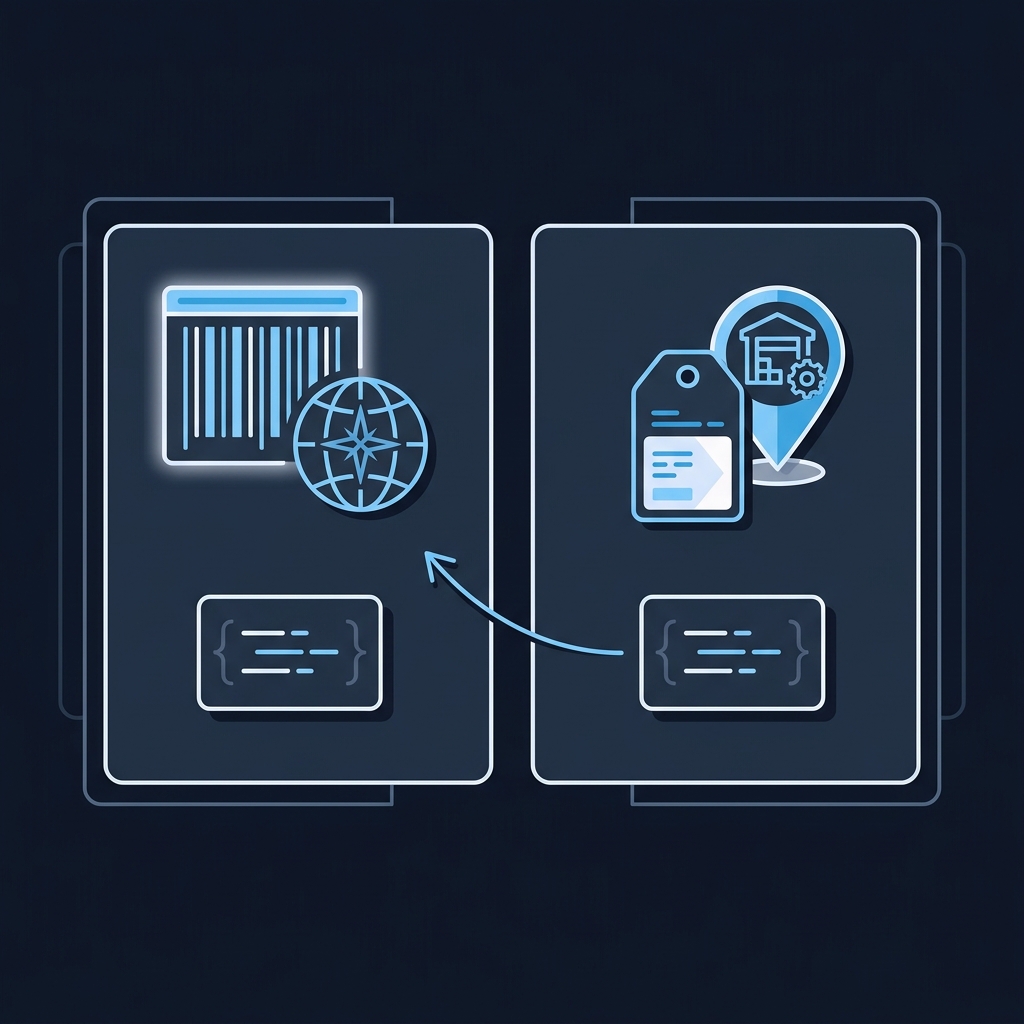
Variant markup review
This checklist is a review aid, not an automated certification. Use CheckMySchema to inspect the emitted markup, and the knowledge library to investigate individual findings. For ongoing visibility measurement, use a separate repeatable search-visibility baseline.
Common questions
Does every different SKU define a new product family?
No. A SKU identifies a merchant's item. Model the family according to the real product relationship and its variation dimensions.
Can I use a SKU as a GTIN?
Do not substitute a merchant's internal code for a genuine global identifier. Only publish identifiers you actually hold for the item.
Will adding ProductGroup guarantee rich results?
No. Follow the current feature requirements, validate the actual page and avoid promising a particular search appearance.