Structured data explained
JSON vs JSON-LD: the key difference
A clear, practical explanation of how JSON and JSON-LD differ, and when to use each.
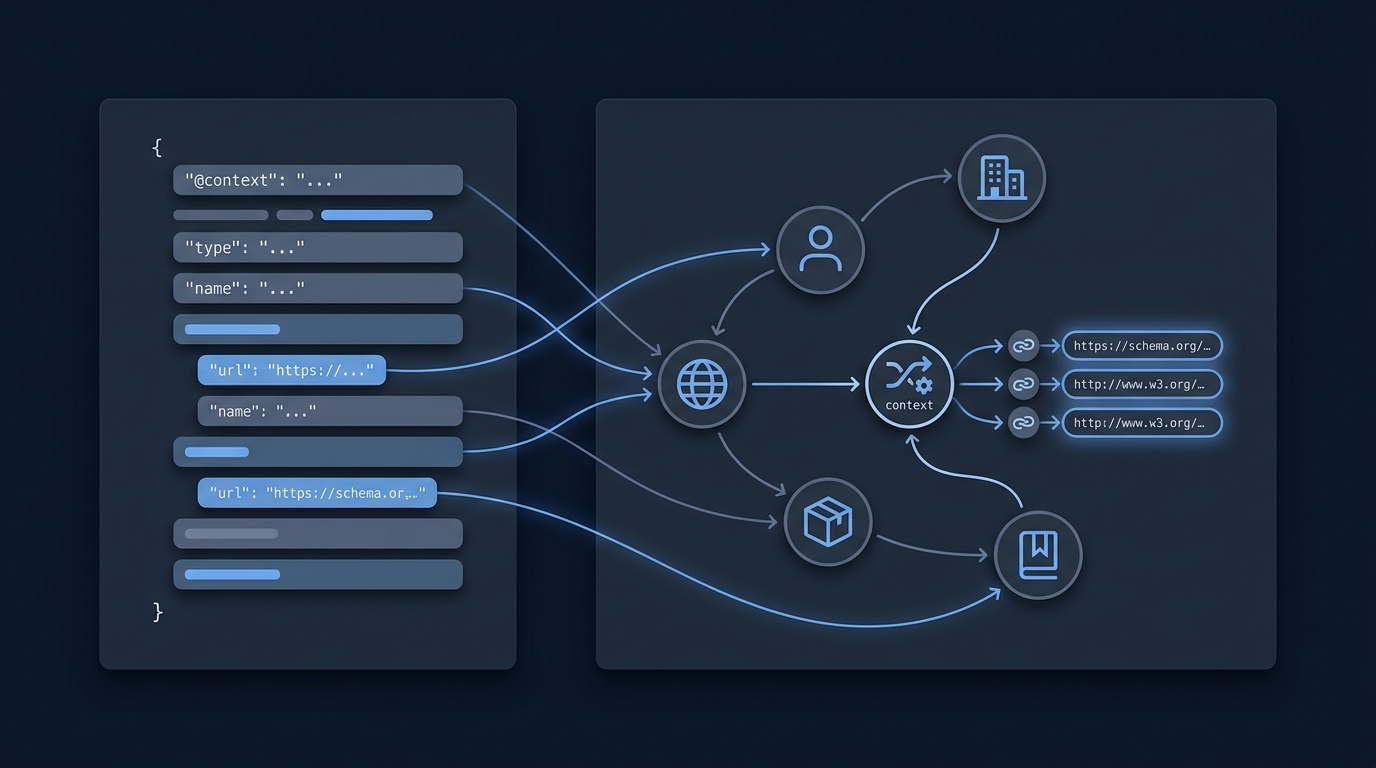
Short answer: JSON is a general data format for structuring values, while JSON-LD is JSON that adds Linked Data meaning using a context, identifiers and types so different systems can interpret and link the same concepts. JSON-LD remains valid JSON but introduces features like @context, @id and @type to map terms to IRIs and describe a graph of entities (see JSON-LD 1.1).
What each one is
JSON
JSON is a lightweight data-interchange syntax used to represent objects, arrays and values. It is widely used for API payloads and application data. By itself, it does not define shared, global meanings for keys across different systems.
JSON-LD
JSON-LD is a JSON-based serialization for Linked Data. It keeps documents 100% compatible with JSON while adding: a context that maps terms to IRIs, unique identifiers for things via @id, explicit types with @type, and the ability to represent one or more graphs (JSON-LD 1.1). A context lets short keys like name or image expand to well-defined URLs, making the same data unambiguous across systems. Best-practice guidance shows how to map to well-known identifiers, assign types, and choose how contexts are resolved or cached (JSON-LD Best Practices).
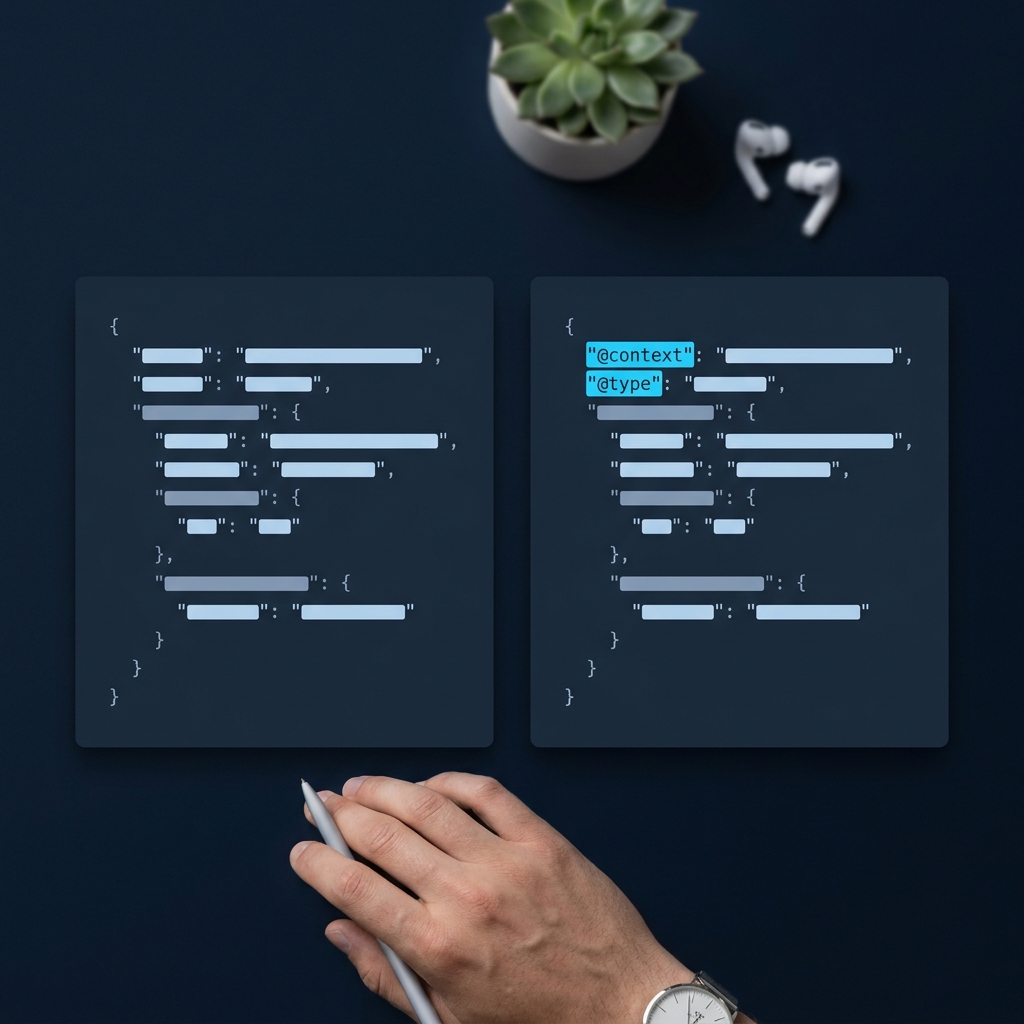
How JSON-LD changes what JSON can do
Context gives shared meaning
In JSON-LD, @context maps your keys to IRIs so different publishers mean the same thing by the same term. For example, mapping name to an IRI from a shared vocabulary lets machines interpret it consistently (JSON-LD 1.1).
Identity and types enable linking and graphs
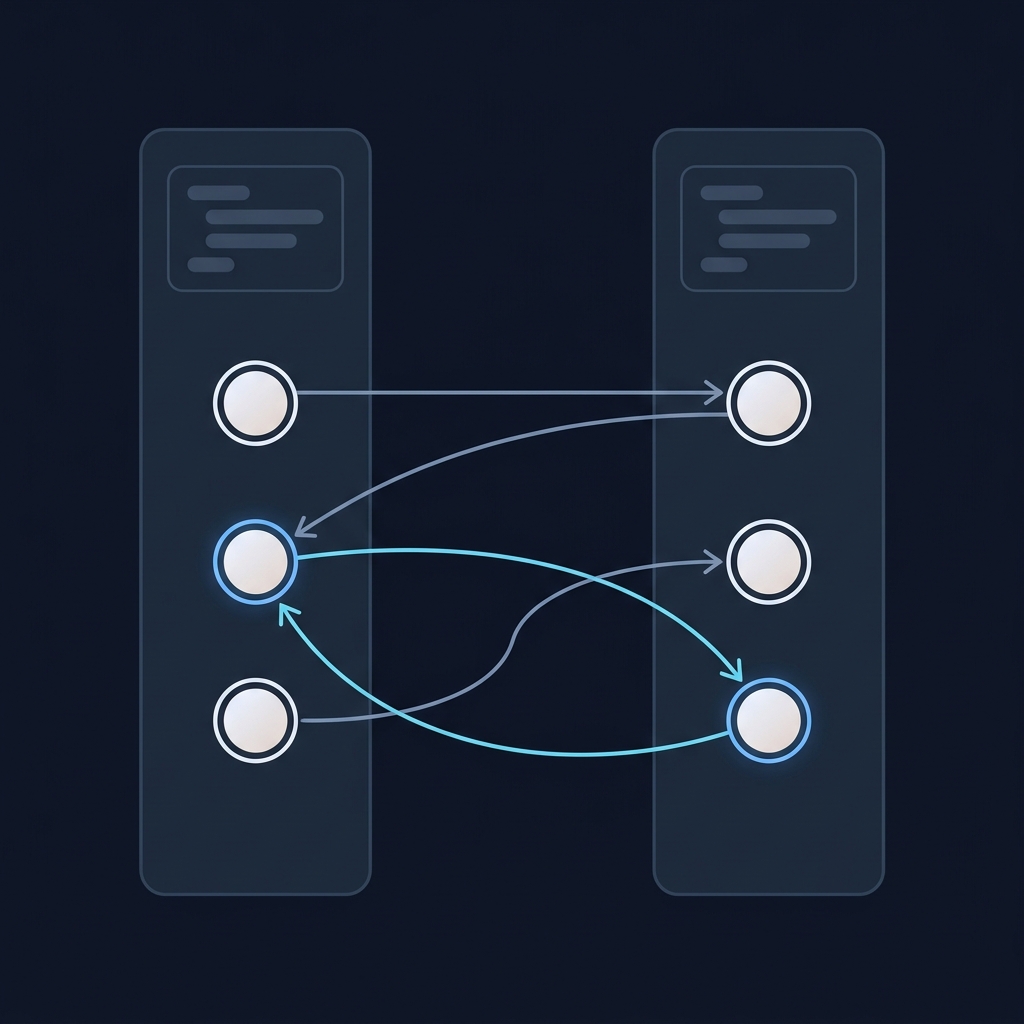
@id assigns a unique identifier (an IRI) to an entity so separate documents can refer to the same thing, and @type declares what the thing is (for example, a Person). These are core to linking data and representing directed graphs within a single JSON document (JSON-LD 1.1).
Processors can expand or compact for different uses
JSON-LD processors support transformations such as expansion and compaction to switch between human-friendly and machine-normalized forms, keeping the information the same while reshaping the document (JSON-LD 1.1).
A small example
These examples describe a fictional person. Plain JSON can carry a name:
{
  "name": "Alex"
}
JSON-LD adds an explicit meaning for that key, an entity identifier and a type:
{
  "@context": {
    "name": "https://schema.org/name"
  },
  "@id": "https://example.com/people/alex",
  "@type": "https://schema.org/Person",
  "name": "Alex"
}
Both blocks are valid JSON. A regular JSON parser reads their keys and values; interpreting the linked graph requires JSON-LD processing. Adding this vocabulary does not itself guarantee a search feature or an AI citation (W3C JSON-LD 1.1 Recommendation).
When to use plain JSON vs JSON-LD
Choose JSON-LD when you need interoperability
- You want terms that map to well-known identifiers so other systems can understand them without custom code (JSON-LD Best Practices).
- You need stable identifiers (@id) to link the same entity across documents or sites (JSON-LD 1.1).
- You plan to merge or query data from multiple sources where keys may differ but concepts align via IRIs (JSON-LD Best Practices).
Prefer plain JSON when scope is limited
- Your data is internal, both producer and consumer already agree on field meanings, and you don’t need cross-document identifiers.
- You want the simplest possible payload and have no need for contexts, IRIs, or graph semantics.
Processing and tooling implications
Any JSON parser can read JSON-LD because it is valid JSON. To interpret its graph semantics, use a JSON-LD processor that understands @context, @id, @type and can perform expansion/compaction as needed (JSON-LD 1.1).
Decide JSON vs JSON-LD: quick checks
Practical setup tips
Keep contexts stable and cacheable
When referencing a context by URL, make it reliable and cacheable; clients may cache contexts to improve resilience and performance (JSON-LD Best Practices).
Embed a context when offline or tightly coupled
You can embed the @context directly in a document, which is useful when processing must work without network access (JSON-LD 1.1).
Use a default vocabulary where appropriate
Setting @vocab lets unmapped terms expand consistently to a chosen vocabulary, reducing repetition and ambiguity (JSON-LD 1.1).
Related reading on CheckMySchema
FAQ
Is JSON-LD valid JSON?
Yes. JSON-LD documents are 100% compatible with JSON, so existing JSON parsers can consume them; JSON-LD processors add the graph semantics (JSON-LD 1.1).
Do I have to host a context file?
No. You can reference a context by URL or embed it inline. If you reference URLs, consider caching or vetted local contexts depending on your environment (JSON-LD Best Practices).
