Structured data explained
What is the Google Rich Results Test?
A clear explanation of Google’s Rich Results Test, how to run it on a URL or code, what its results mean, and how it differs from the Schema Markup Validator.

The Google Rich Results Test is Google’s official tool that checks supported structured-data requirements on a page or in pasted code for rich results in Google Search. You can run it on a public URL or code, choose a smartphone or desktop user agent, see detected items with errors and warnings, and preview some appearances; eligibility is not a guarantee of display in Search Rich Results Test help, Test your structured data | Google.
What the tool does (and doesn’t)
- Checks structured data for Google-supported features and shows which rich result types it found on the page Rich Results Test help.
- Supports JSON-LD, RDFa and Microdata formats Rich Results Test help.
- Uses the rendered source of the page and can preview how some result types might appear; Google does not guarantee that your page will appear exactly as shown, or that any rich result will be shown Rich Results Test help.
- It’s different from the Schema Markup Validator, which checks generic schema.org syntax without Google feature-specific validation Test your structured data | Google.
How to run a Rich Results Test
Test a live URL
- Open the Rich Results Test and enter the full public URL you want to test.
- Choose the user agent (smartphone is the default) and run the test. The tool accesses the page as Google-InspectionTool and requires that page resources are accessible to anonymous users and not blocked by robots.txt Rich Results Test help.
- Review detected items, errors and warnings. Click into an item to jump to the rendered source location Rich Results Test help.
Test pasted code
- Switch the tool to Code, paste your HTML or JSON-LD snippet, and run the test.
- You can modify the code and rerun repeatedly to iterate quickly before deployment Rich Results Test help.
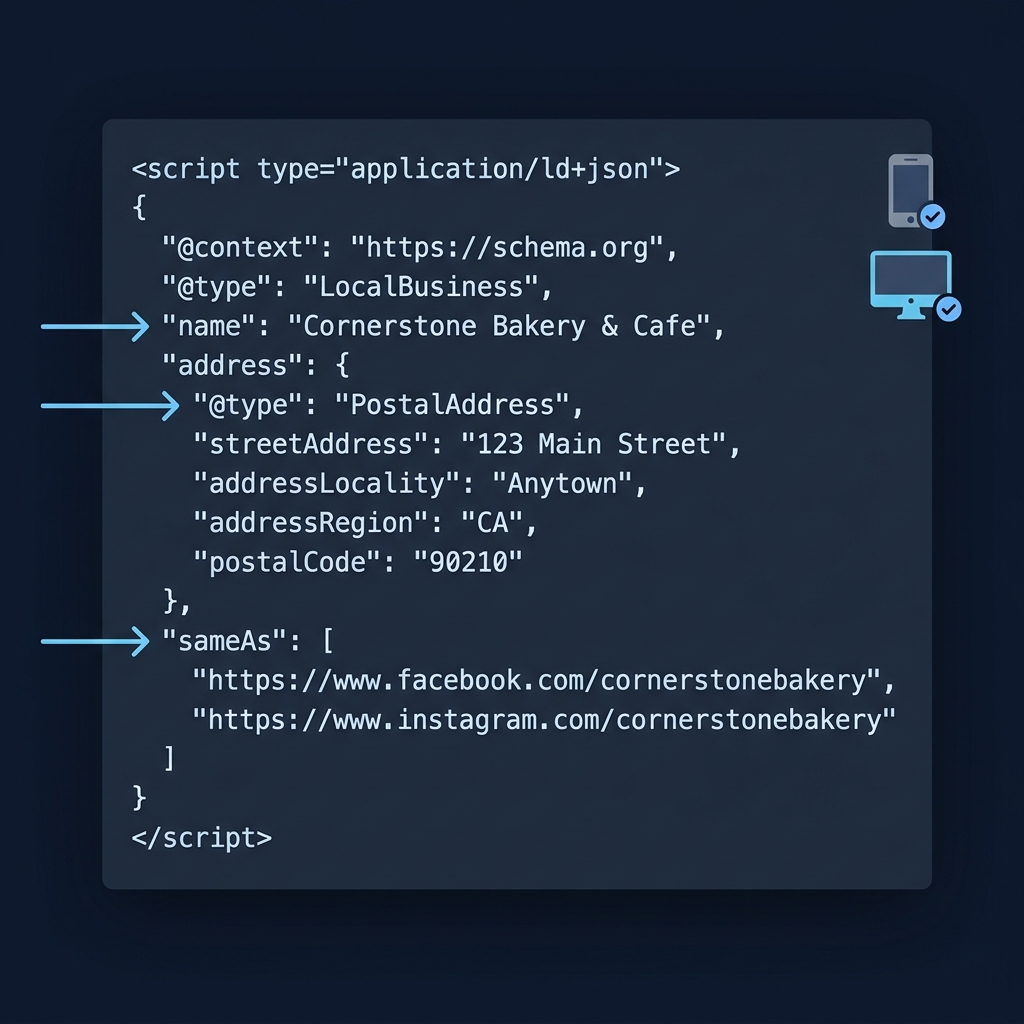
Pick smartphone or desktop
Use the user-agent selector to test with a smartphone or desktop crawler. The tool’s default is smartphone. Differences can reveal rendering or serving issues between versions Rich Results Test help.
Reading the results
The test is not a complete on-site SEO audit or a guarantee that every content-quality, policy and indexing requirement has been met. A green result applies to the supported checks and detected items. No detected item can mean an unsupported vocabulary type rather than malformed JSON.
- Status summaries include values such as valid items, items with warnings, invalid items, no items, cannot crawl, or syntax errors. Expand items to see issue details and the code location in rendered source Rich Results Test help.
- Errors typically block eligibility for that feature; warnings are suggestions that don’t necessarily block eligibility Rich Results Test help.
- For supported features, you may see a visual preview; Google does not guarantee that any specific layout will appear in Search Rich Results Test help.
Worked example: test breadcrumb code
Use the Code tab to test a complete HTML snippet containing JSON-LD. This example describes CheckMySchema’s real Home > Articles hierarchy. On a live page, the hierarchy must match the visible breadcrumb navigation for that page.
<script type="application/ld+json">
{
  "@context": "https://schema.org",
  "@type": "BreadcrumbList",
  "itemListElement": [
    {
      "@type": "ListItem",
      "position": 1,
      "name": "Home",
      "item": "https://checkmyschema.com/"
    },
    {
      "@type": "ListItem",
      "position": 2,
      "name": "Articles",
      "item": "https://checkmyschema.com/articles/"
    }
  ]
}
</script>
Inspect whether a BreadcrumbList is detected and read the actual errors or recommendations. A pasted-code test cannot prove that a deployed page is crawlable or that the markup matches visible content. After implementation, test the public URL as well. Do not add a made-up recipe, price, rating or person simply to make a test detect an item.
Rich Results Test vs Schema Markup Validator
- Use Rich Results Test to see which Google rich results can be generated from your page and to get Google feature-specific validations and previews.
- Use Schema Markup Validator for generic schema.org validation when you want to check markup beyond what Google Search supports Test your structured data | Google.
After testing: monitor and re-test
After deployment, use Search Console’s rich result status reports to monitor validity trends sitewide and catch regressions from templating or serving issues. Re-test individual pages in the Rich Results Test after fixes Intro to structured data | Google.
When Google changes feature documentation or policies, review your markup and re-test. For example, Google’s review snippet update added constraints and made the name property required for certain items Review snippets update.

Related explainers on CheckMySchema
Run and read a Rich Results Test like a pro
FAQ
Does the test guarantee a rich result will appear?
No. The test reports eligibility and can preview some layouts, but Google does not guarantee display or exact appearance in Search Rich Results Test help.
Can I test a page behind a login or firewall?
No. The tool accesses pages as an anonymous Google-InspectionTool user; all required resources must be publicly accessible. For an unpublished component, use Code mode first. A URL test requires an intentionally public, accessible test page; do not expose private development systems merely to run it Rich Results Test help.
How long do shared test links last?
Shared result links and saved code history typically remain available for about 90 days Rich Results Test help.
