Structured data explained
What are schema errors? A practical explainer
A clear definition of schema errors, how validators surface them, why they matter, and a step‑by‑step workflow to find, fix, and re‑validate your structured data.
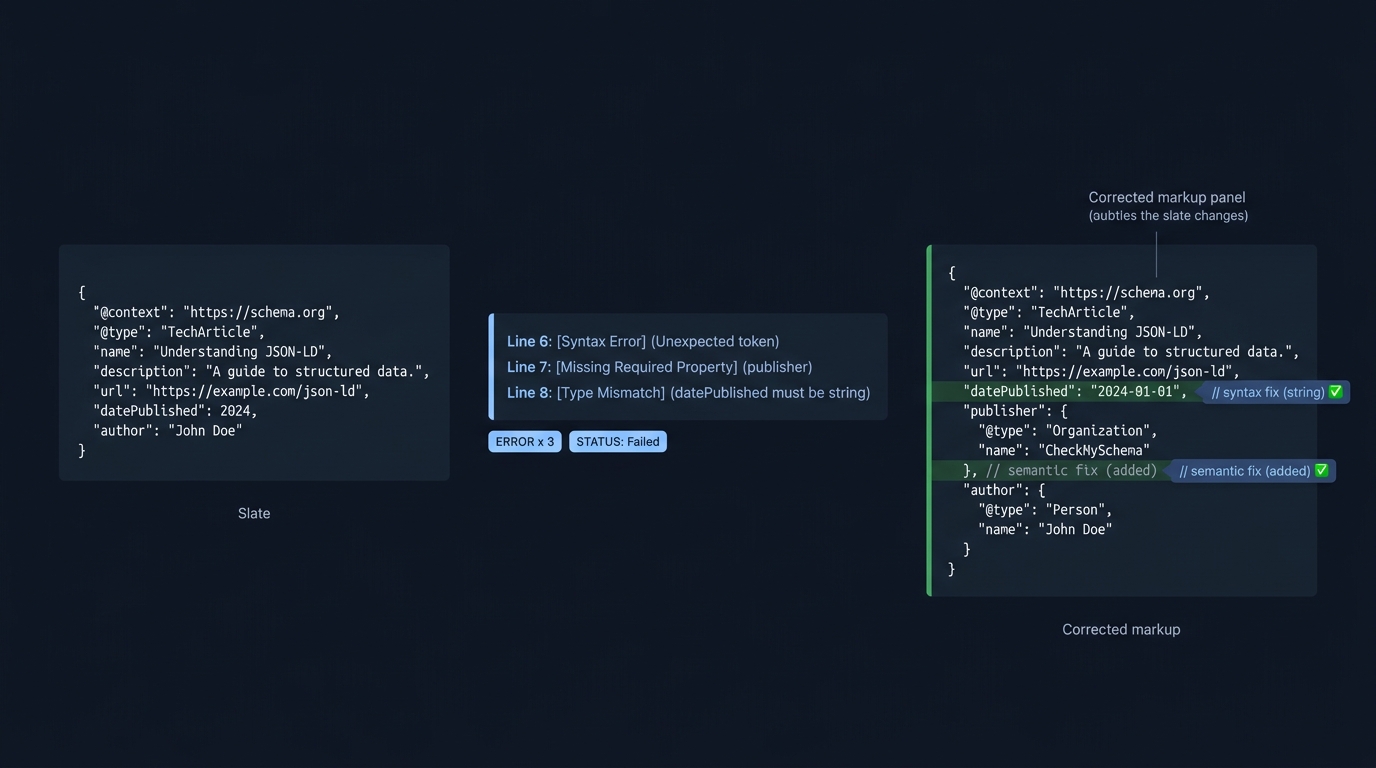
Direct answer: Schema errors are issues in your structured data that either break parsing (for example, malformed JSON) or violate schema rules such as using an unrecognized type, wrong property, missing required values, or invalid data formats. Validators flag these so you can correct the markup and re‑test for clean results (Sitebulb; see also the general definition of schema validation as checking data against expected fields, types and formats in a schema Training Camp).
What counts as a schema error?
Most tools report two broad categories:
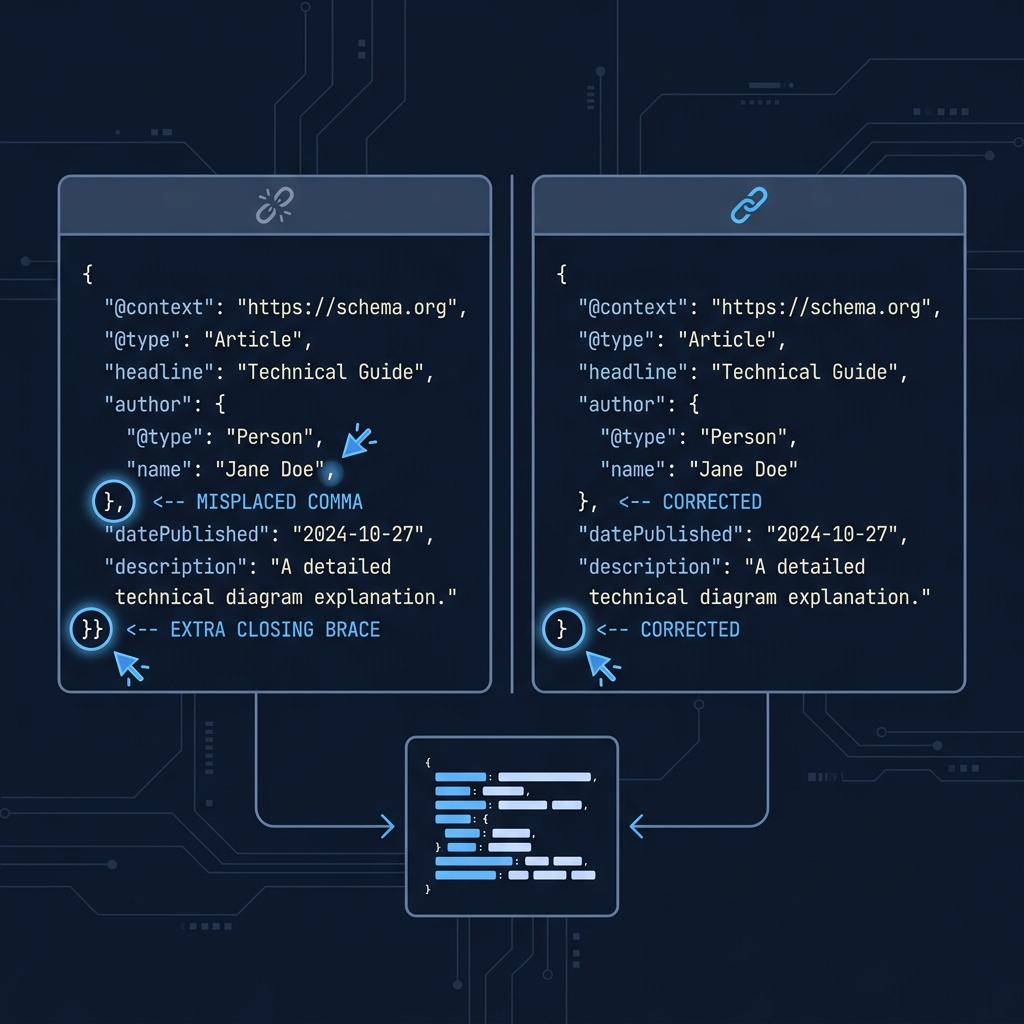
- Syntax (parsing) errors: Broken JSON (missing commas, stray braces) that prevents the validator from reading your data. Example: a "JSON script broken" error means the JSON must be repaired before anything else can be checked (Sitebulb).
- Schema-rule (semantic) errors: Valid JSON that does not comply with the schema vocabulary or its expectations. Examples include an unrecognized or missing
@type, a property that is not valid for that type, empty values, wrong data types, invalid formats (like non‑ISO dates), incorrect enumerations, or using superseded properties (Sitebulb).
Why schema errors matter
- When required properties are missing or invalid, search tools can report errors and the page may be ineligible for certain structured-data features. Missing recommended properties often show as warnings; the page can remain eligible, but is not fully optimized (Mediavine).
- Even with perfect validation, rich results are not guaranteed and markup does not directly determine your ranking position (Mediavine).
A simple workflow to find and fix schema errors
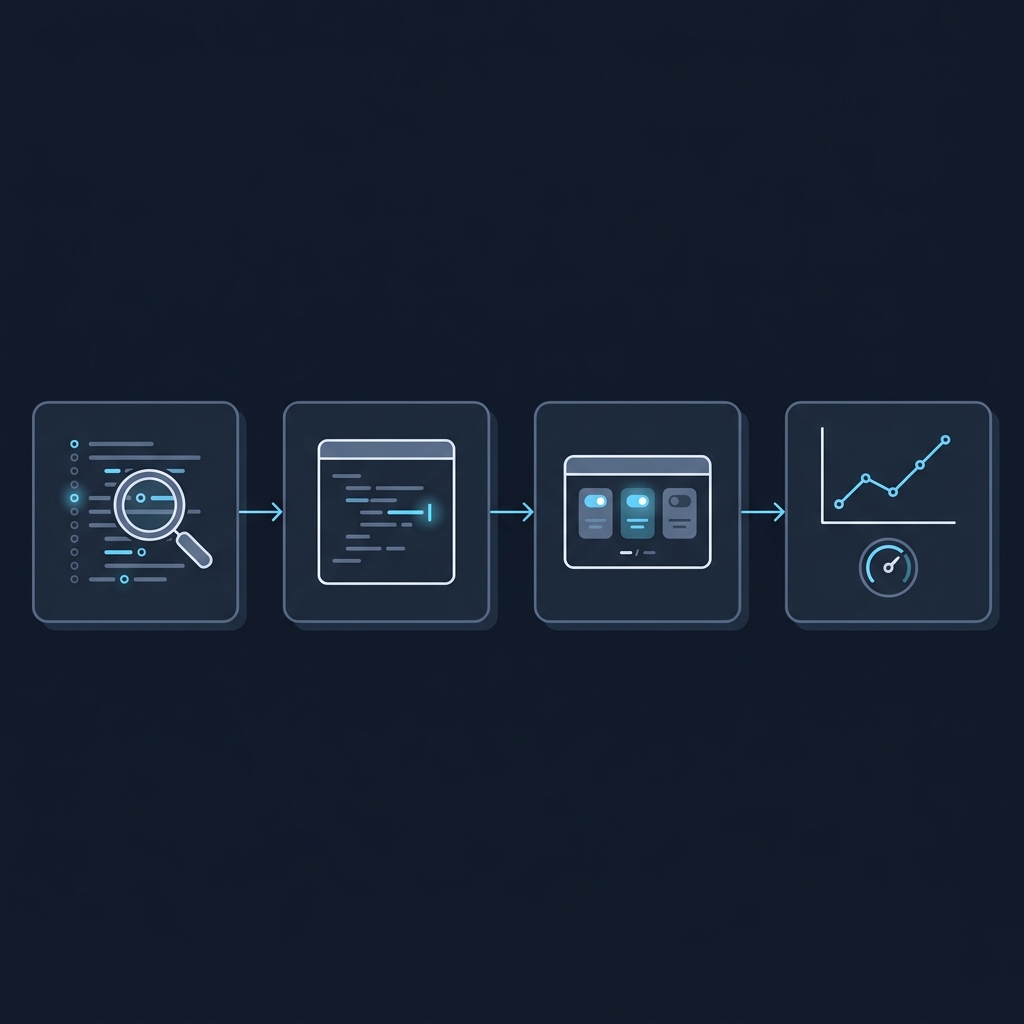
1) Run a validator and copy the exact message
Test the URL or code snippet and capture the precise error text and location. This tells you whether you are dealing with parsing or schema compliance and points to the failing node/property (Sitebulb; seoClarity).
2) Map the error to your JSON‑LD and on‑page content
Open the JSON‑LD block and locate the exact object or property the tool highlights. Confirm that values exist on the page and that the markup reflects the visible content where required (seoClarity).
3) Apply the smallest safe fix and re‑validate
Fix only what is necessary to clear the message, then re‑test. Repeat until clean. Keep notes on the types and properties you used so later reviews are faster (Sitebulb).
Common schema errors and how to fix them
- JSON script broken: Repair malformed JSON (commas, quotes, braces) so the script parses (Sitebulb).
- Missing or unrecognized @type: Every entity must have a valid schema.org type with correct case; set a recognized type (for example, Product, Article) exactly as documented (Sitebulb).
- Not a valid property for this type: Remove or move the property to the correct entity where it is allowed (Sitebulb).
- Empty property value: Provide a real value that matches on‑page content; avoid blank strings (Sitebulb).
- Invalid data type or format: Match the expected data type (Text, URL, Date, Boolean, etc.) and use valid formats, such as ISO‑8601 for dates/datetimes and valid URLs (Sitebulb).
- Incorrect enumeration: Use one of the allowed values for enumerated properties (for example, itemCondition values) as documented (Sitebulb).
- Property has been superseded: Replace deprecated properties with their current equivalents before re‑testing (Sitebulb).
Quick pre‑deployment checks for structured data
When to re‑validate and monitor
- After template or CMS updates, new content types, or plugin/theme changes.
- When you see messages about superseded or unrecognized properties in reports (Sitebulb).
- On a schedule via crawlers to catch regressions at scale (seoClarity).
For deeper how‑tos, see: How to validate schema markup: a practical checklist and What is an example of schema markup? Practical JSON‑LD @id examples.
Frequently asked questions
What is the difference between an error and a warning?
Errors usually indicate missing or invalid required data, which can make a page ineligible for certain features. Warnings typically mean recommended fields are missing; eligibility may remain but is not fully optimized (Mediavine).
Do schema errors affect rankings?
Validation fixes make your markup eligible for features but do not directly set rankings; clean schema also does not guarantee rich results (Mediavine).
Which tools can help find schema errors at scale?
Use validators for single URLs/snippets and run periodic crawls to surface issues across templates and page types (seoClarity).
