Structured data explained
Is JSON-LD valid JSON for breadcrumbs?
Yes. JSON-LD is regular JSON. Your breadcrumb markup must be valid JSON and can be checked with a JSON parser and the JSON-LD Playground. See a minimal example and a quick checklist.
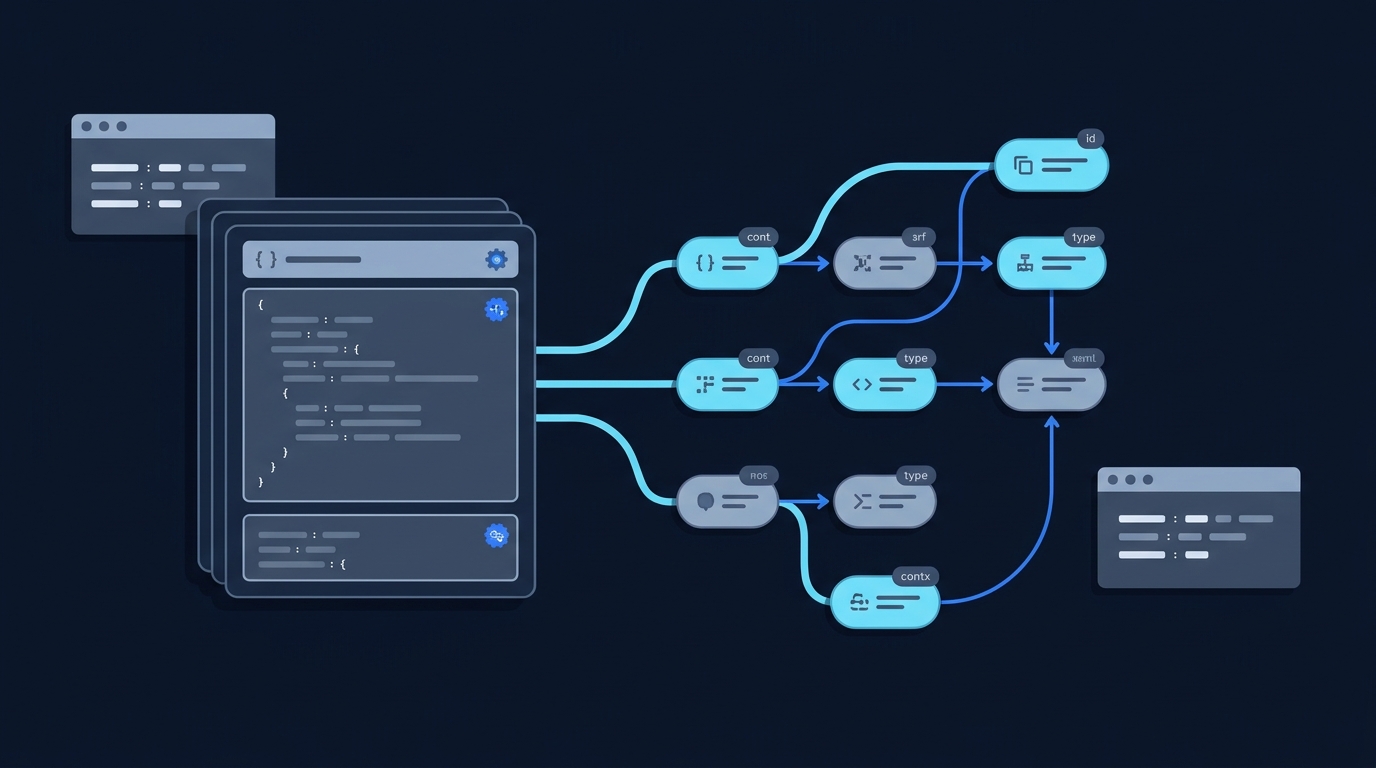
Yes. JSON-LD uses JSON syntax to represent linked data. Its keywords, including @context and @type, are JSON property names with additional defined meaning. See the W3C JSON-LD 1.1 specification. Passing a JSON parser is the first check, not proof that the linked-data model or a search feature is correct.
What this means for breadcrumb JSON-LD
Because JSON-LD is ordinary JSON, your BreadcrumbList script must pass two checks:
- JSON syntax: it must parse as valid JSON (proper quoting, commas, braces). JSON-LD strings are JSON strings, which the spec describes as wrapped in double quotes (W3C JSON-LD 1.1).
- JSON-LD meaning: it should expand and compact correctly using a JSON-LD processor, with JSON-LD keywords (for example
@context) and terms resolving as expected (W3C JSON-LD 1.1).
If it fails to parse as JSON, it cannot be valid JSON-LD. If it parses but uses terms incorrectly, it’s still JSON, but the JSON-LD meaning will be wrong when processed.

A minimal valid breadcrumb JSON-LD example
Here is a concise, valid JSON document that also encodes linked data for a breadcrumb trail using JSON-LD:
{
  "@context": "https://schema.org",
  "@type": "BreadcrumbList",
  "itemListElement": [
    {
      "@type": "ListItem",
      "position": 1,
      "name": "Home",
      "item": "https://example.com/"
    },
    {
      "@type": "ListItem",
      "position": 2,
      "name": "Articles",
      "item": "https://example.com/articles/"
    }
  ]
}
Note what makes it valid JSON: double-quoted keys and strings, commas only between items, and balanced brackets. The JSON-LD parts (@context, @type) are plain JSON keys that a JSON-LD processor interprets according to the JSON-LD 1.1 spec (W3C JSON-LD 1.1).
Common mistakes that make breadcrumb JSON-LD invalid
- Using single quotes instead of double quotes for strings.
- Adding a trailing comma after the last item in an object or array.
- Including JavaScript-style comments inside the JSON.
- Leaving keys unquoted or mismatched braces/brackets.
- Typo in JSON-LD keywords such as
@contextor@type(these can change the graph or leave intended terms unresolved even when the JSON parses).
Strings in JSON must be wrapped in double quotes, and the document must conform to JSON syntax defined by RFC 8259, which JSON-LD relies on (W3C JSON-LD 1.1).
How to check syntax and meaning in minutes
- Parse the JSON: Paste your snippet into your IDE’s JSON formatter or any JSON parser. If it doesn’t parse, fix syntax first.
- Process as JSON-LD: Load the snippet in the JSON-LD Playground and try “Expand” and “Compact.” Successful expansion helps inspect the context and resulting graph. It does not prove that the properties suit their Schema.org types, meet a search feature’s requirements, or match the visible page.
- Cross-check the model: Compare your fields to our short guide to the schema for a breadcrumb list to avoid common modelling slips.
- Need a refresher? If you’re unsure how JSON and JSON-LD differ conceptually, read JSON vs JSON-LD: the key difference.
Put this into practice
Run syntax, linked-data processing and the applicable vocabulary or search-feature check separately. Successful expansion alone does not show that the chosen terms describe the visible page correctly.
Publish-ready breadcrumb JSON-LD checklist
FAQ
Does JSON-LD require an external @context URL?
No. You may provide @context as a URL, an embedded map, or an array combining them, as defined in the JSON-LD 1.1 spec’s context definitions (W3C JSON-LD 1.1).
Can I use single quotes in JSON-LD?
No. JSON strings are wrapped in double quotes. The JSON-LD spec’s terminology section describes strings accordingly and references JSON (RFC 8259) (W3C JSON-LD 1.1).
