Structured data explained
Should breadcrumbs be in a nav element?
Use a labelled nav landmark for breadcrumbs, a meaningful ordered trail and correct current-page semantics. Validate the separate structured data too.
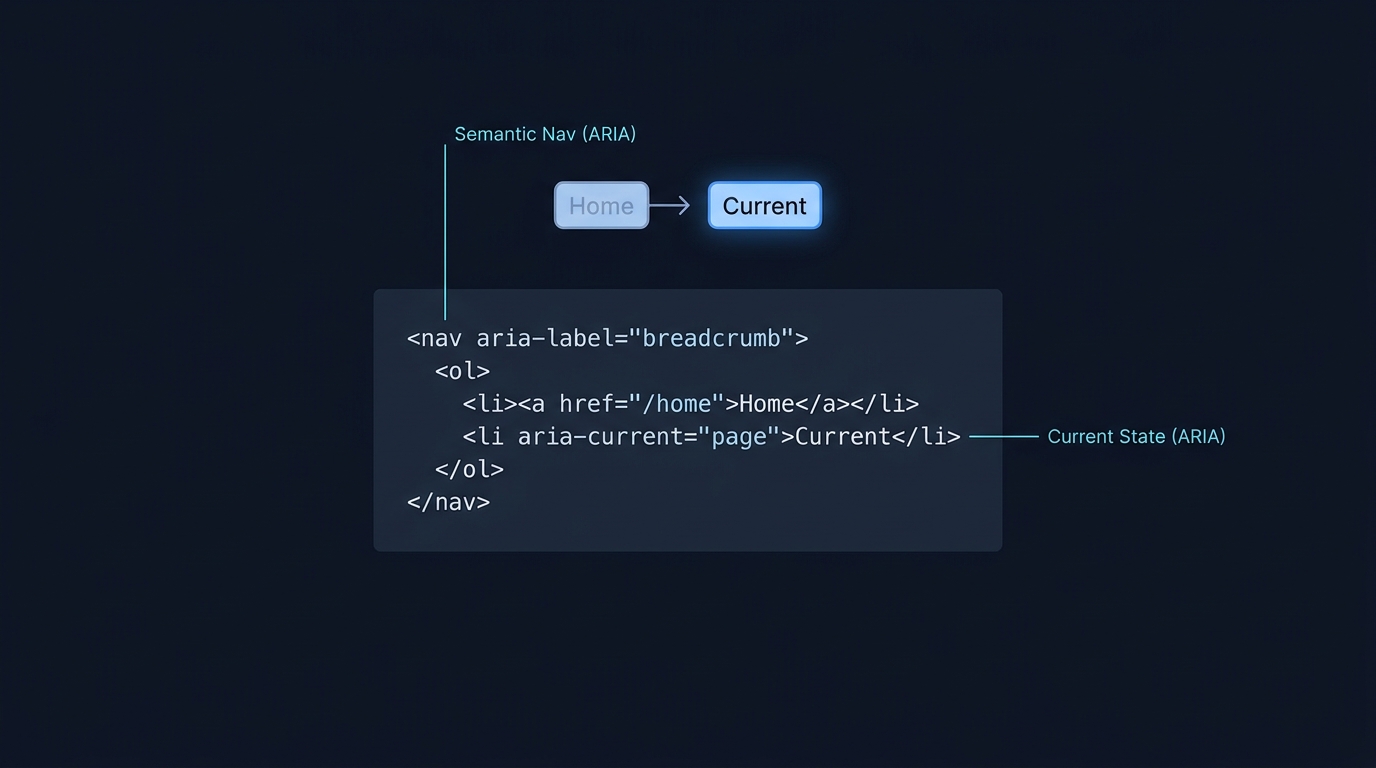
Yes. Put a breadcrumb trail inside a labelled navigation landmark so assistive technology can identify its purpose. A native <nav> element with aria-label="Breadcrumb" is a straightforward way to do that. The W3C breadcrumb pattern also allows the current page to be a link or plain text; it does not require you to remove that link.
Give the trail a clear purpose
A breadcrumb represents the page’s place in a hierarchy, rather than the visitor’s entire browsing history. Keep parent labels meaningful and link to real parent destinations. It should supplement the main menu, not become the only route to important content.
Use an ordered list for the sequence. Give this navigation region a distinct label if the page contains other navigation regions. The label describes the region; it does not need to repeat every breadcrumb item. Avoid adding a redundant role="navigation" to a native nav element.
<nav aria-label="Breadcrumb">
  <ol>
    <li><a href="/">Home</a></li>
    <li><a href="/articles/">Articles</a></li>
    <li aria-current="page">Breadcrumb navigation</li>
  </ol>
</nav>
This illustrative HTML leaves the current page unlinked and marks it with aria-current="page". W3C says that attribute is optional when the current item is not a link. If you keep a current-page link, set the attribute on that link instead. Neither approach calls for a disabled-looking, nonfunctional button.
Check the actual user experience
Tab through the parent links and make sure focus is visible. Keep labels readable when a title is long. At narrow widths, allow the trail to wrap or use another understandable responsive treatment without creating horizontal page scrolling. Test with a screen reader’s landmarks and link navigation as well as a mouse.
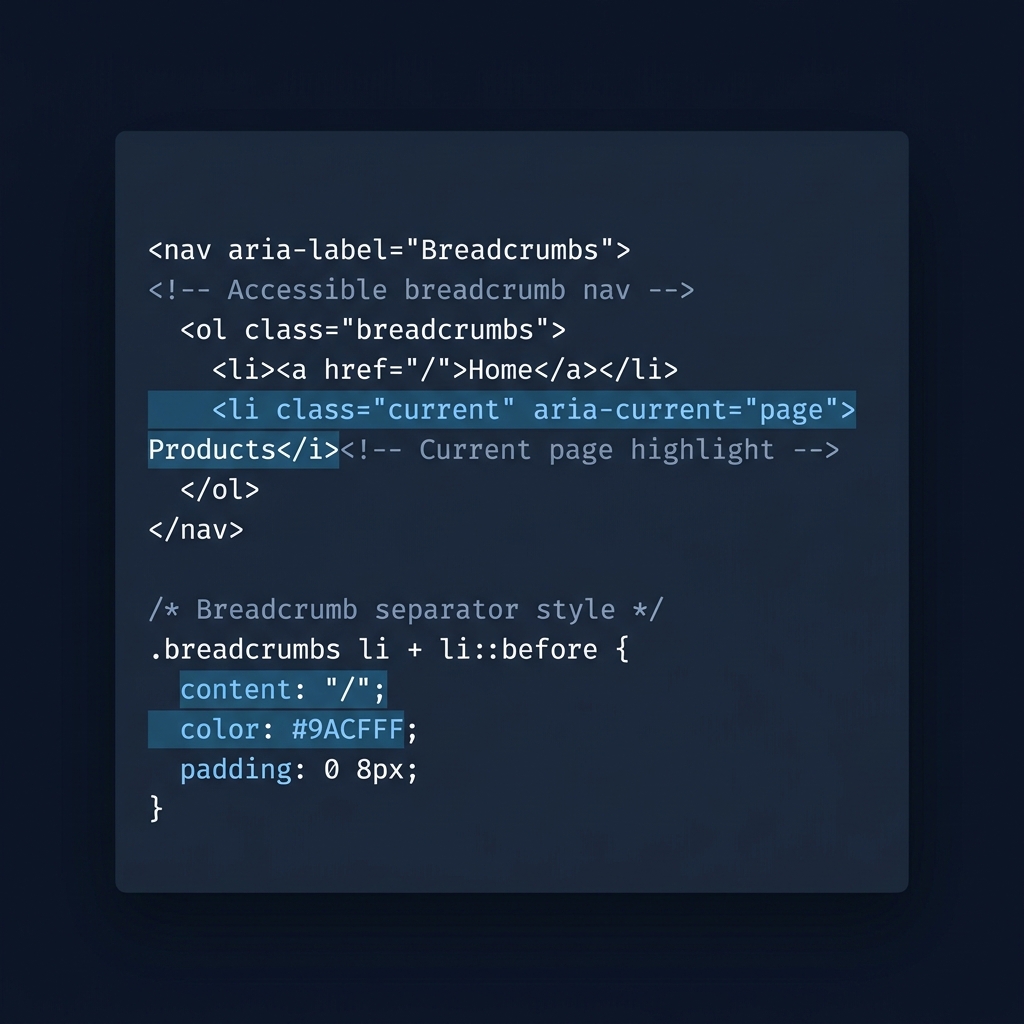
Decorative separators should not become extra spoken breadcrumb names. If separators are created in markup, keep them out of the accessibility tree appropriately. They express visual sequence; the list and navigation semantics carry the structure.
Add structured data separately
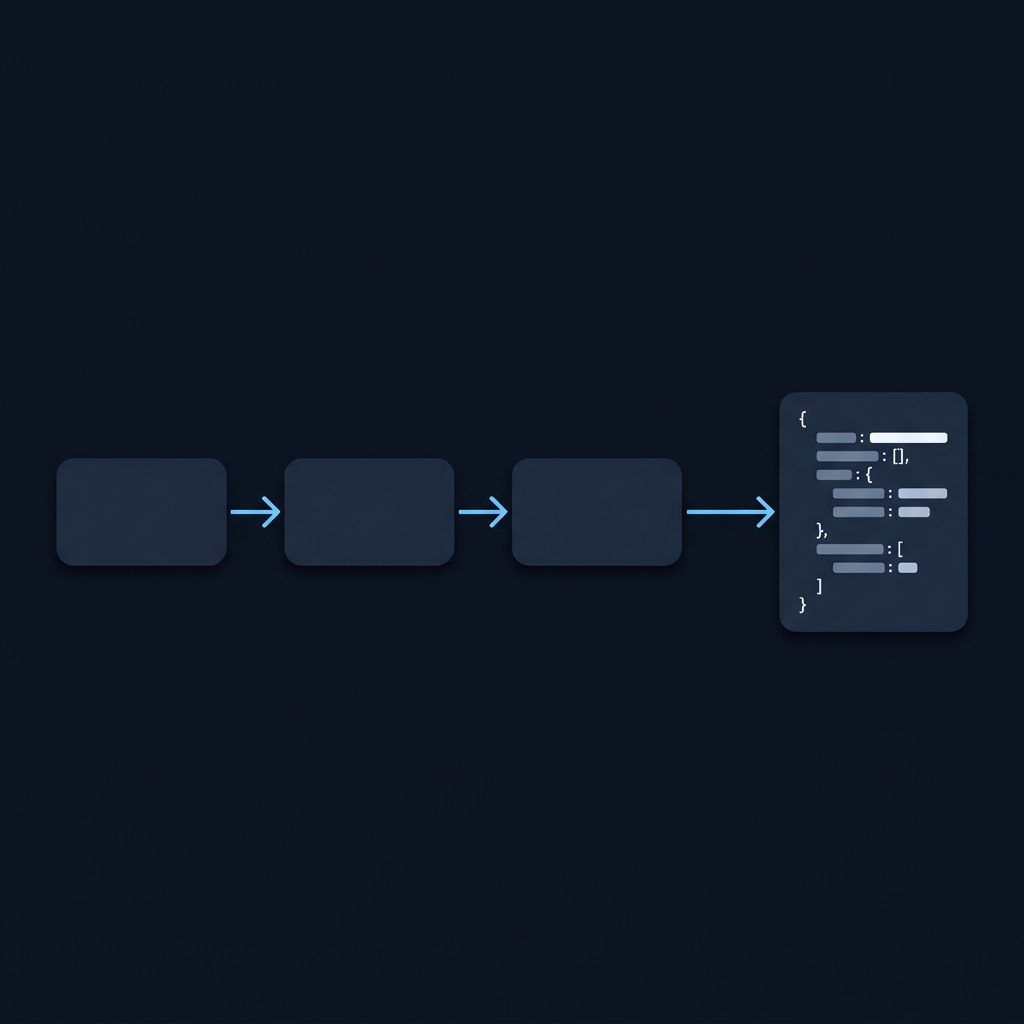
A nav element does not automatically create BreadcrumbList structured data. Likewise, JSON-LD does not create a visible navigation trail. If you publish breadcrumb markup, use names and destinations that represent a sensible route to the page and keep them aligned when the site hierarchy changes.
Google’s breadcrumb documentation describes required properties and testing. Breadcrumb rich-result availability is currently for desktop; do not promise an identical mobile search display. Valid markup is eligibility information, not a guarantee of a particular result or ranking.
Retest the template, not just one screenshot
Check a short article title, a long one and a page several levels deep. Confirm that every parent URL loads the intended page and that the current item matches the heading. Run the deployed URL through the appropriate structured-data test after release, then repeat these checks when navigation or templates change.
Put this into practice
Test the trail with a keyboard and inspect its navigation label as well as its appearance. Include a long title at a narrow width so the final item does not become unreadable or force the whole page sideways.
Check before publishing
Related guides
