Structured data explained
What is JSON metadata?
JSON metadata is descriptive information stored in JSON, with meanings set by its consumer. JSON Schema annotations document fields without replacing validation rules.
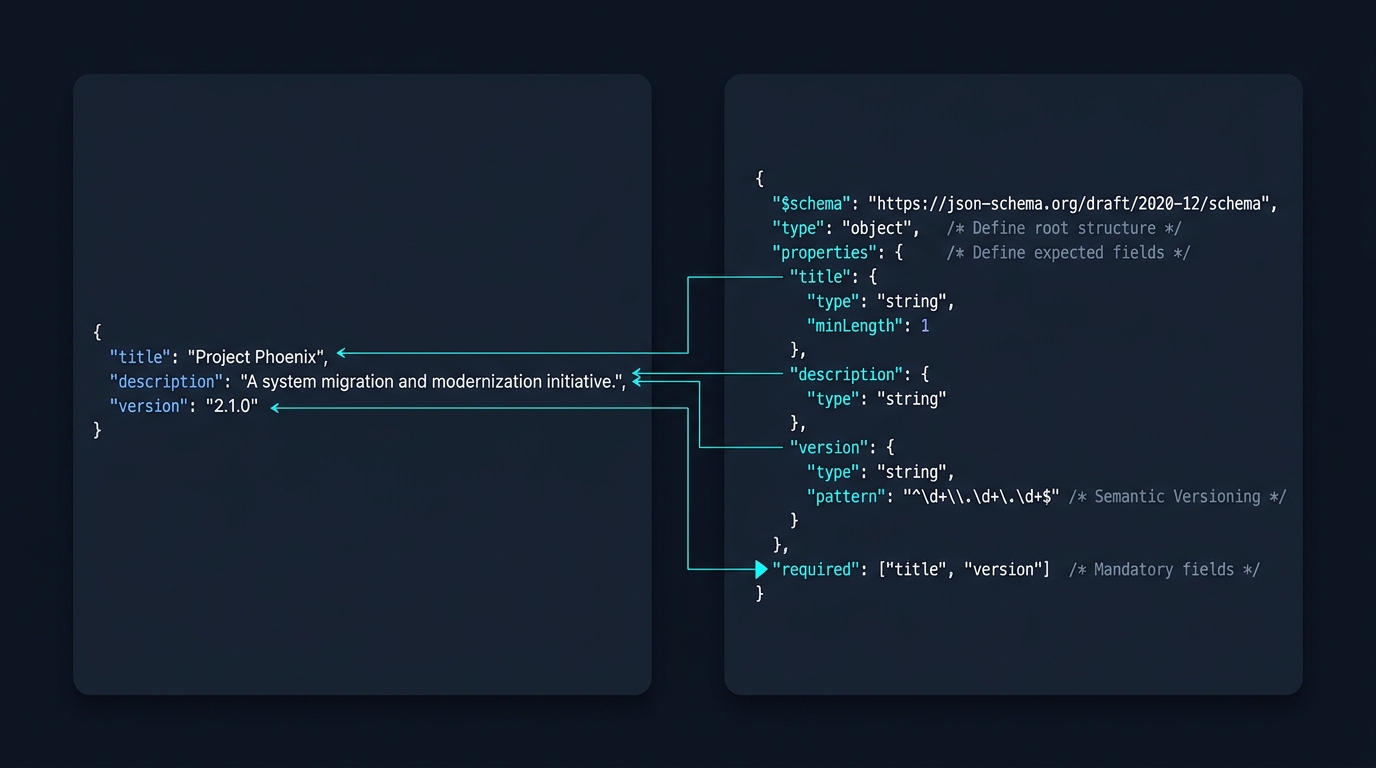
JSON metadata means descriptive information stored in JSON. It is not one special JSON data type or a universal set of keys. A file might describe an export’s version and creation time, an application package or a content record. In JSON Schema, the same word often refers more narrowly to annotation keywords such as title and description.
Start with the receiving system’s contract
JSON defines values and syntax, not the meaning of arbitrary field names. RFC 8259 describes objects, arrays, strings, numbers, booleans and null. A field called version has no automatic behaviour merely because it is written in JSON. Your application or published format decides what it means.
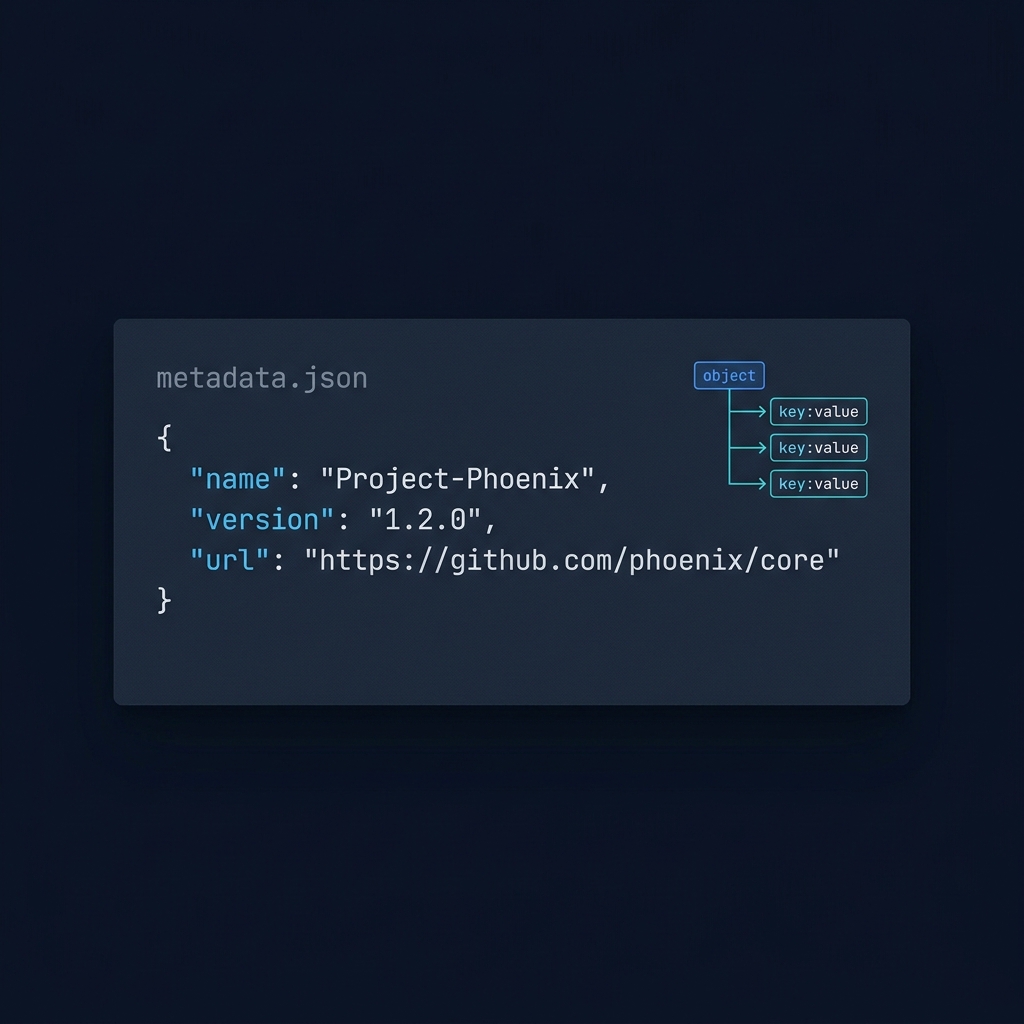
For an export you control, keep descriptive fields separate from the record collection when that helps the consumer. This fictional example includes information about the export alongside its records. Its keys are a design choice, not a standard metadata vocabulary.
{
  "name": "Guide export",
  "version": "1.0",
  "generatedAt": "2026-10-31T12:00:00Z",
  "records": [
    {
      "id": "guide-1",
      "title": "Breadcrumb basics"
    }
  ]
}
The timestamp and record are illustrative. Do not copy a sample creation time into every real export. Document which fields are required, what a version change means and whether a timestamp records creation, publication or the last update.
Understand JSON Schema annotations
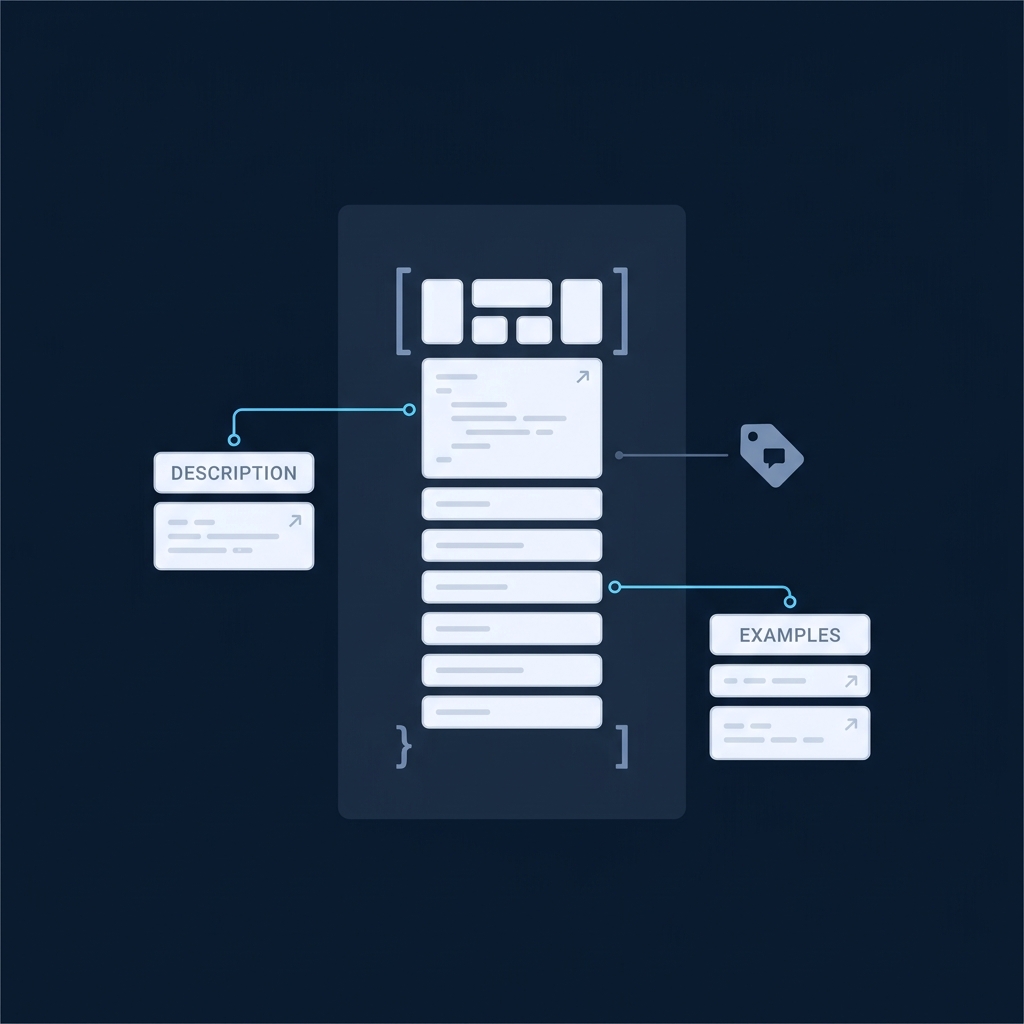
JSON Schema’s annotation reference describes keywords that explain a schema without imposing the same kind of constraints as type or required. Use descriptions to explain intent and examples to illustrate expected values. Keep validation rules separate so readers can see what actually makes an instance pass or fail.
{
  "$schema": "https://json-schema.org/draft/2020-12/schema",
  "title": "Guide record",
  "description": "A record in a publication export.",
  "type": "object",
  "properties": {
    "title": {
      "type": "string",
      "description": "The visible guide heading.",
      "examples": [
        "Breadcrumb basics"
      ]
    }
  },
  "required": [
    "title"
  ]
}
Here required makes the title property necessary and type requires a string. The description explains the field and the example illustrates it; neither replaces those constraints. The instance to validate is a guide record, not the schema document itself.
A default does not fill a missing field
The default keyword is an annotation. Standard JSON Schema validation does not automatically insert that value into a missing property. Some tools offer optional data mutation or form defaults, but that is application behaviour to configure and test separately.
readOnly, writeOnly and deprecated also communicate intended use. They are not access controls. A server still needs to enforce what a client may read or submit; marking a field write-only does not protect a leaked response.
Keep metadata accurate and useful
Prefer a few fields with documented meanings over a large set of ambiguous labels. Preserve stable identifiers when consumers rely on them. Do not store secrets in a public metadata export simply because the fields are described as internal. Test a small example with the real consumer and validate the record against the intended schema dialect.
JSON metadata is also distinct from JSON-LD website structured data. A descriptive JSON file is not automatically Schema.org markup, and a field named title does not by itself create a search feature.
Put this into practice
Identify who consumes the metadata and write down each required field’s meaning. Validate a realistic record, then omit a field deliberately to check that a description or default has not been mistaken for a constraint.
Check before publishing
Related guides
- How do I write a JSON Schema? Practical steps with readOnly and writeOnly
- What does additionalProperties mean in JSON Schema?

For a business-data example, Orvus explains how product-feed fields, mappings and checks fit into an ongoing publishing process. What is product feed management?.