Structured data explained
What is recipe schema? A practical explanation
A clear, practical guide to recipe schema: what it is, the core properties that matter, how to add JSON-LD, model multi-part recipes, avoid common mistakes, and validate your markup.
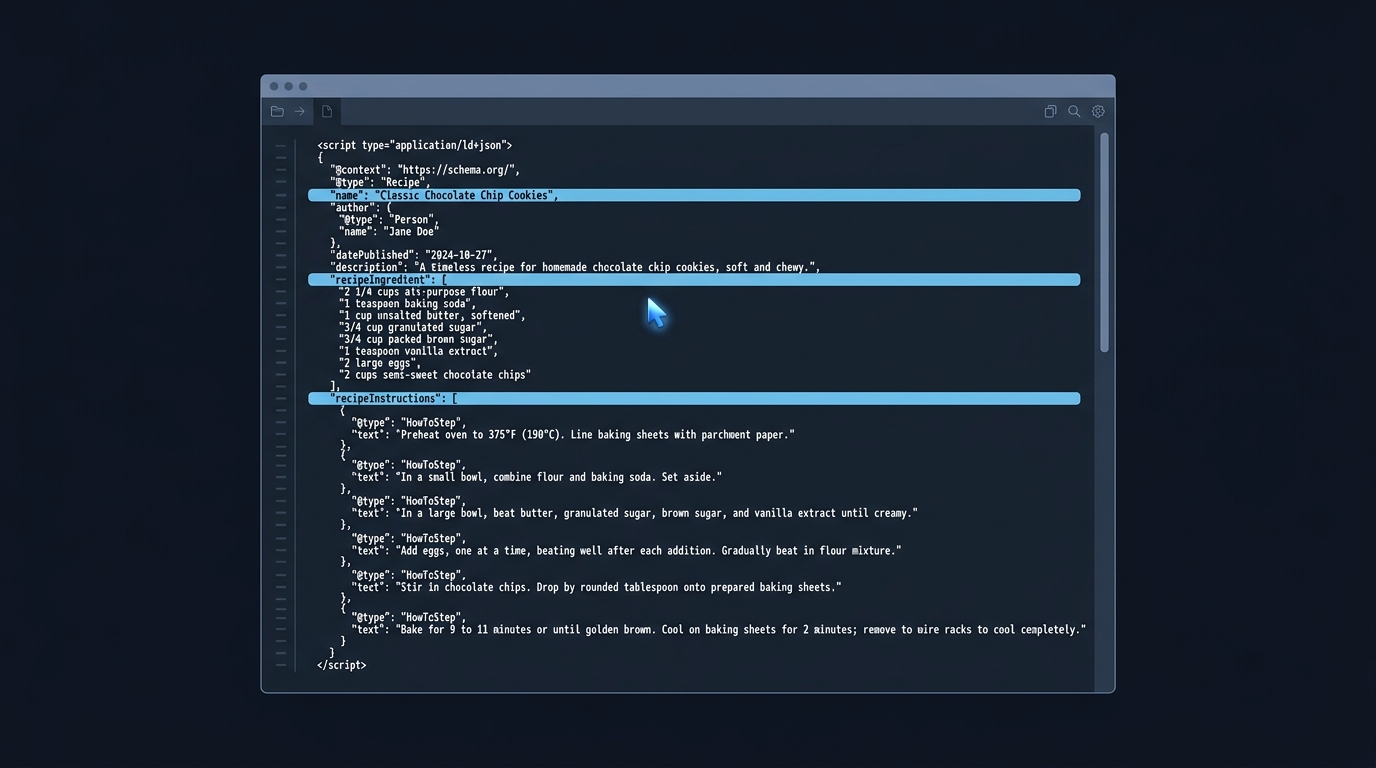
Recipe schema is structured data that labels the parts of a recipe page so machines can understand them (like ingredients, steps, time, yield). When implemented correctly, your pages can be eligible for rich results in Google Search and Images, though display is never guaranteed (https://developers.google.com/search/docs/appearance/structured-data/recipe).
What “recipe schema” means
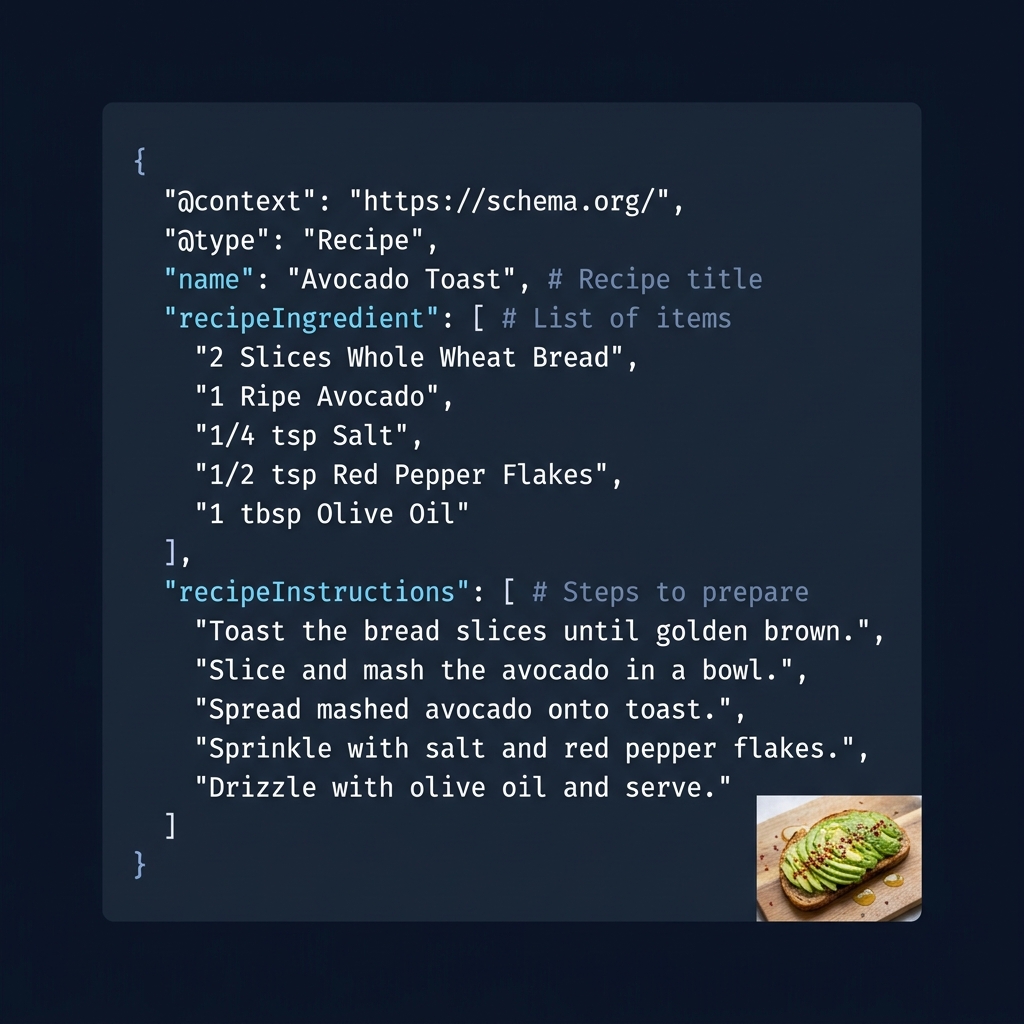
Recipe schema uses the schema.org Recipe type to describe a dish and its properties such as recipeIngredient, recipeInstructions, prepTime, cookTime and more (https://schema.org/Recipe). Google supports a defined subset and adds guidelines for eligibility, testing and monitoring (https://developers.google.com/search/docs/appearance/structured-data/recipe).
Core properties to include
Eligibility basics for Google
- Required: name and image (https://developers.google.com/search/docs/appearance/structured-data/recipe).
- Recommended: recipeIngredient, recipeInstructions (prefer HowToStep and optionally HowToSection for grouping), recipeYield, prepTime, cookTime and/or totalTime, nutrition.calories, author, datePublished (https://developers.google.com/search/docs/appearance/structured-data/recipe).
Use ISO 8601 duration formatting for times (for example, PT30M, PT1H15M). If you provide nutrition.calories per serving, include a numeric recipeYield so servings are clear (https://developers.google.com/search/docs/appearance/structured-data/recipe).
When to use Recipe vs other types
Use Recipe only on pages where the primary element is an actual recipe. If a page is a roundup, an article, or something else, choose the type that best matches the primary content. Relevance between the schema and the main content is a key principle (https://foodiedigital.com/schema-basics-for-food-blogs/).
How to add recipe schema (JSON-LD workflow)
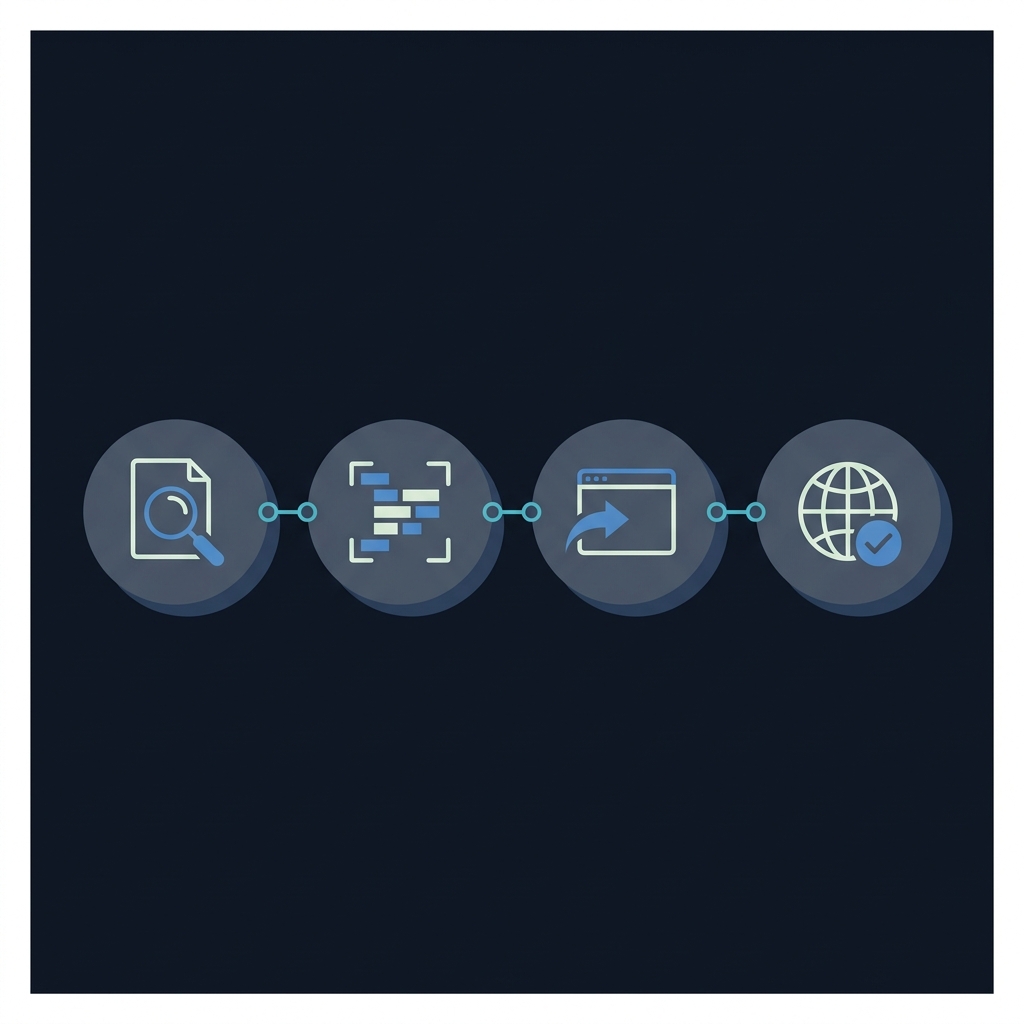
- Audit the page: Ensure the visible page contains a clear title, ingredient list, and step-by-step instructions.
- Create JSON-LD: Add a script tag with @type Recipe including name and image, then recipeIngredient and recipeInstructions (HowToStep and optional HowToSection) plus timing, yield and any nutrition you have. Google’s examples show JSON-LD you can follow (https://developers.google.com/search/docs/appearance/structured-data/recipe).
- Embed: Place the JSON-LD script in the head or body. Keep all values consistent with what users see on the page.
- Validate: Test with the Rich Results Test, fix errors, then publish and inspect a few URLs with Search Console. Monitor the Rich result status report over time (https://developers.google.com/search/docs/appearance/structured-data/recipe). For a step-by-step validation workflow, see our guide: How to validate schema markup: a practical checklist.
If you want a refresher on formats and why JSON-LD is usually simpler to maintain than microdata, see JSON Schema vs JSON-LD: what is the difference?
Modeling multi-part recipes
For recipes with components (for example, crust + filling), keep the structured data aligned with how users read the page:
- Single recipe with sections: Use HowToSection within recipeInstructions to group steps for each part (for example, “Make the crust,” “Prepare the filling”). This keeps one Recipe entity and is compatible with Google’s guidance (https://developers.google.com/search/docs/appearance/structured-data/recipe).
- Multiple recipes on one page: If you truly have separate recipes, list them as multiple Recipe objects. Don’t use HowToSection to define different recipes; use it to define sections of a single recipe (https://developers.google.com/search/docs/appearance/structured-data/recipe).
- Advanced patterns: Community discussions explore embedding sub-recipes within HowToStep for complex cases. If you need this, test carefully and prioritize clarity of the primary recipe (https://github.com/schemaorg/schemaorg/discussions/3554).
Common mistakes to avoid
- Marking up non-recipe pages with Recipe. Choose the schema type that matches the primary content (https://foodiedigital.com/schema-basics-for-food-blogs/).
- Missing a crawlable image in the image property, or using an image that doesn’t represent the finished dish (https://developers.google.com/search/docs/appearance/structured-data/recipe).
- Time values not in ISO 8601 format, or using only prepTime without cookTime or totalTime (https://developers.google.com/search/docs/appearance/structured-data/recipe).
- Placing non-instructional text inside recipeInstructions (for example, “Step 1” headings or meta notes). Keep only the instruction text (https://developers.google.com/search/docs/appearance/structured-data/recipe).
- Structured data contradicts the visible page (different title, ingredients, steps). Schema must reflect the canonical on-page content (https://developers.google.com/search/docs/appearance/structured-data/recipe).
Validate and monitor
Before publishing broadly, validate code with the Rich Results Test, deploy to a few pages, then use Search Console’s URL Inspection and Rich result status reports to monitor issues. Google does not guarantee rich results; eligibility and display depend on multiple factors (https://developers.google.com/search/docs/appearance/structured-data/recipe). For practical validation steps, see our validation checklist.
Pre-publish recipe schema checklist
FAQ
Does JSON-LD have to be in the head?
No. You can place the JSON-LD script in the head or body; what matters is that it loads with the page and matches visible content (https://developers.google.com/search/docs/appearance/structured-data/recipe).
Will adding recipe schema guarantee rich results?
No. Structured data helps Google understand your page, but rich results aren’t guaranteed (https://developers.google.com/search/docs/appearance/structured-data/recipe).
How should I mark up a recipe list page?
Use ItemList with ListItem elements that link to each recipe’s canonical URL to be eligible for host carousel experiences (https://developers.google.com/search/docs/appearance/structured-data/recipe).
