Structured data explained
Event schema example: copyable JSON-LD and setup steps
A practical Event schema example you can paste into an event page, with clear steps to add, validate and avoid common errors.
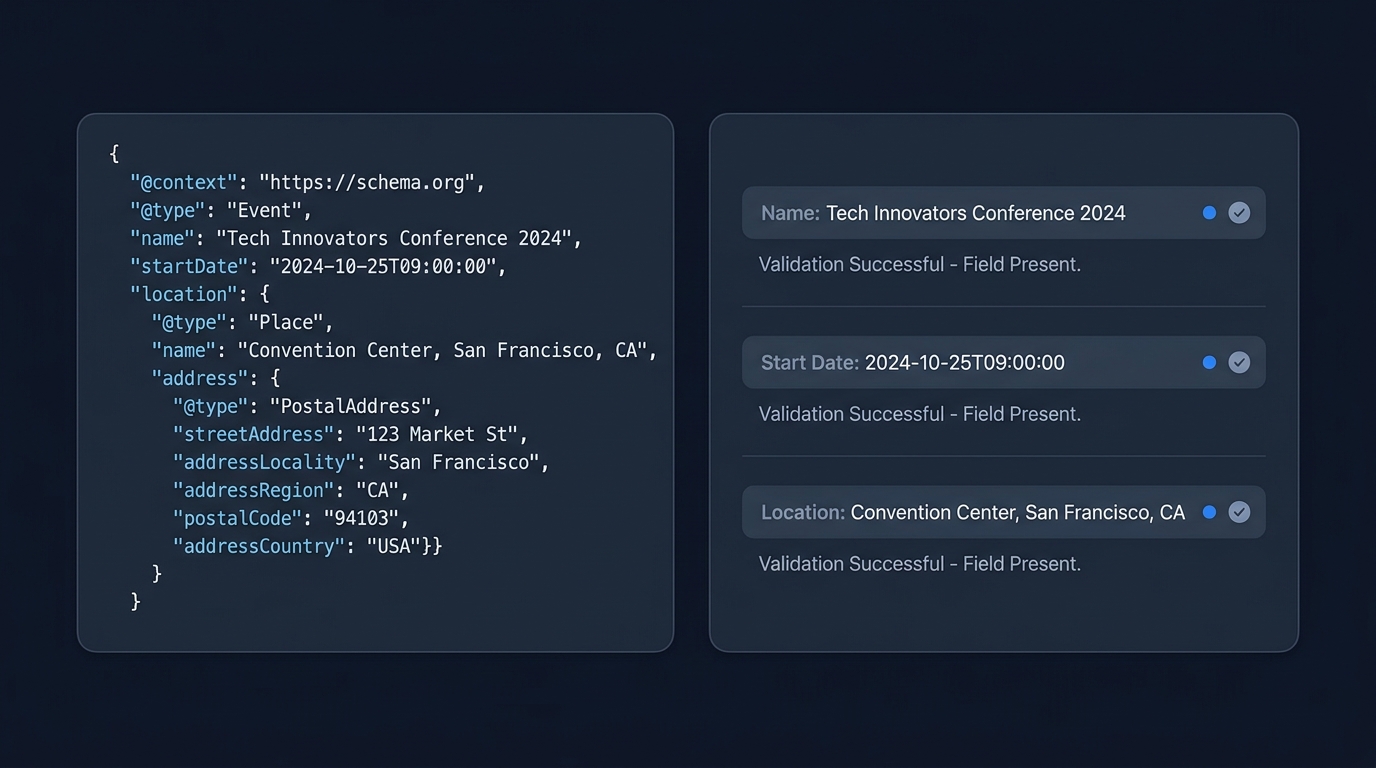
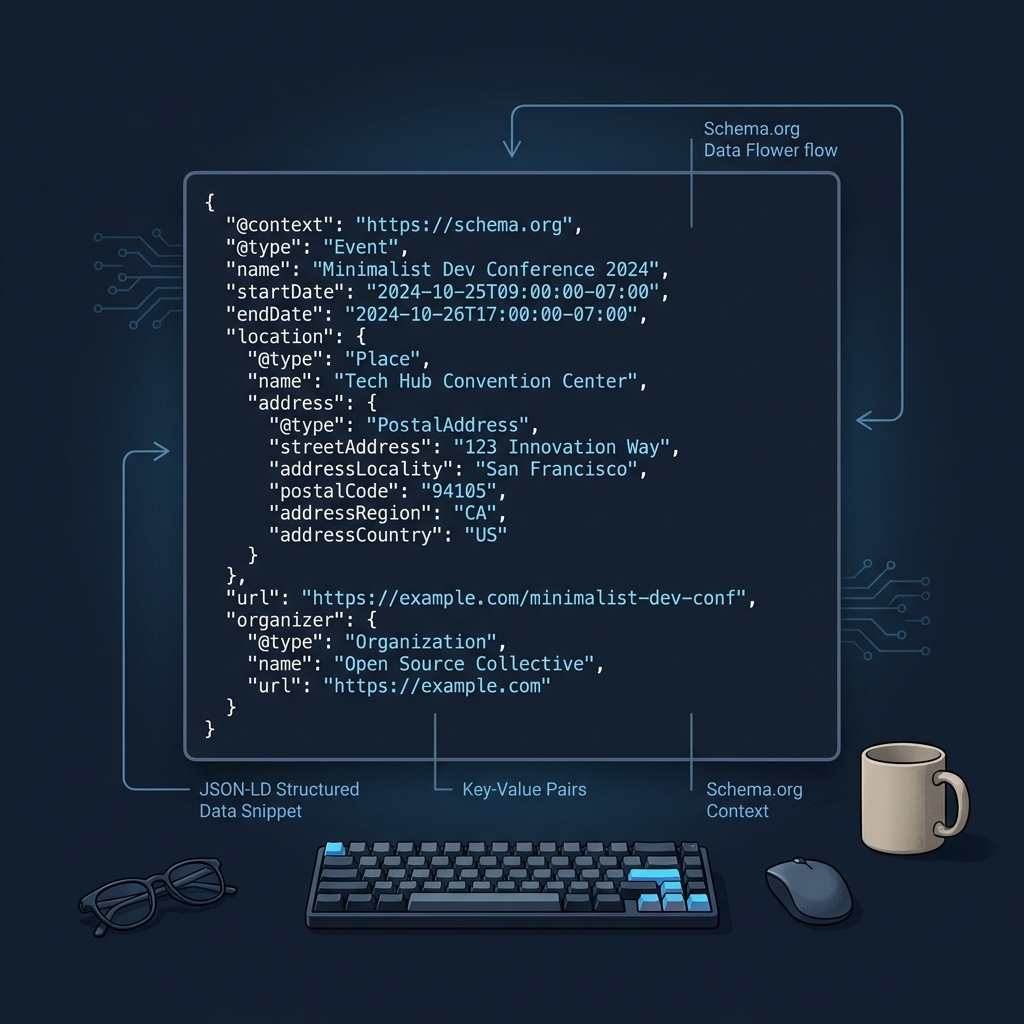
An example of event schema is a JSON-LD script that describes a schema.org Event with properties such as name, startDate and location that you place on the public page for that event.
Copyable Event JSON-LD example
Paste this into the event page HTML and replace the sample values with your details. Use ISO 8601 date-time for dates, for example 2027-07-21T19:00:00-05:00 (source).
<script type="application/ld+json">{
  "@context": "https://schema.org",
  "@type": "Event",
  "@id": "https://example.com/events/summer-coding-workshop#event",
  "name": "Summer Coding Workshop",
  "description": "A hands-on evening workshop for new developers.",
  "startDate": "2027-07-21T19:00:00-05:00",
  "endDate": "2027-07-21T23:00:00-05:00",
  "eventAttendanceMode": "https://schema.org/OfflineEventAttendanceMode",
  "eventStatus": "https://schema.org/EventScheduled",
  "location": {
    "@type": "Place",
    "name": "Snickerpark Stadium",
    "address": {
      "@type": "PostalAddress",
      "streetAddress": "100 West Snickerpark Dr",
      "addressLocality": "Snickertown",
      "addressRegion": "PA",
      "postalCode": "19019",
      "addressCountry": "US"
    }
  },
  "organizer": {
    "@type": "Organization",
    "name": "Example Dev Group",
    "url": "https://example.com"
  },
  "url": "https://example.com/events/summer-coding-workshop"
}</script>
If you want to target Google’s event search experience, ensure your event has a physical Place with a postal address and includes at least name and startDate (source).
Where and how to add it
Placement and consistency
Add the JSON-LD in a script tag on the public event page (head or body). Keep values synchronized with what users see on the page, especially dates, title and venue. For online or hybrid events, use eventAttendanceMode values such as OnlineEventAttendanceMode or MixedEventAttendanceMode; for in-person events use OfflineEventAttendanceMode (source).
- One page, one primary Event node that describes that page.
- Use a stable @id that resolves to your event URL plus a fragment (for example, #event) to make updates easier later.
- Use ISO 8601 date-time strings for startDate and endDate (source).
Need a refresher on durable @id patterns? See our quick guide: What is an example of schema markup? Practical JSON-LD @id examples.
Validate and fix common mistakes
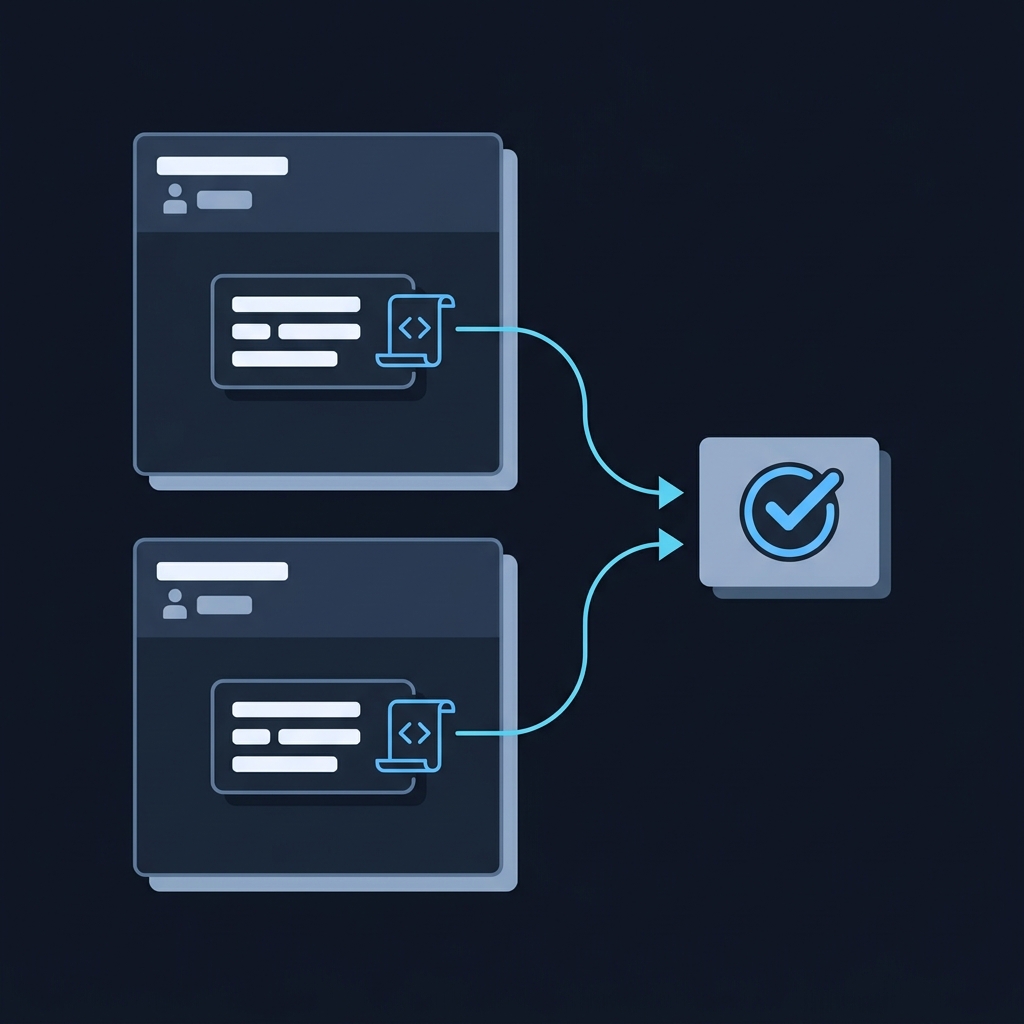
Quick validation flow
- Open the rendered page and view source to confirm the script is present once.
- Run a structured data validator and confirm it detects an Event object with the fields you set.
- Check the parsed values match the visible page: title, dates, venue name and address.
For a step-by-step testing workflow, see How to validate schema markup: a practical checklist.
Frequent errors to avoid
- Mismatched times: ensure startDate and endDate match the page text and use a timezone offset.
- Venue missing an address: for physical events include a PostalAddress with locality, region and country (source).
- Using analytics “event” fields: do not confuse web analytics event schemas with schema.org Event markup.
Schema.org Event vs analytics event schemas
Schema.org Event describes a public event as page content for search engines and other parsers. By contrast, analytics event schemas define how interaction data is structured for collection and analysis. For example, Adobe Journey Optimizer uses XDM ExperienceEvent schemas for streamed events with required class and identity settings (source). Similarly, product analytics platforms define their own event schema with event names and typed properties (source).
Publish and verify your Event JSON-LD
FAQ
Can I mark an online or hybrid event?
Yes. Use eventAttendanceMode values such as OnlineEventAttendanceMode for virtual, OfflineEventAttendanceMode for in-person, or MixedEventAttendanceMode for hybrid (source).
Does this replace analytics tracking events?
No. Schema.org Event describes page content. Analytics platforms use separate event schemas for tracking user interactions, like XDM ExperienceEvent in Adobe or platform-specific event-property models (source, source).
